
webwizardsusa / filament-resource-browser

Browse, select and create the records of one Filament resource from another, in a modal: pick an image for a post, or add a new one, without leaving the form.
Package info
github.com/webwizardsusa/filament-resource-browser
pkg:composer/webwizardsusa/filament-resource-browser
Requires
- php: ^8.3
- filament/filament: ^5.0
- spatie/laravel-package-tools: ^1.92
Requires (Dev)
- orchestra/testbench: ^11.0
- pestphp/pest: ^5.2
- pestphp/pest-plugin-laravel: ^5.0
Suggests
None
Provides
None
Conflicts
None
Replaces
None
README
Under active development. This package is still changing and may not be ready for production use yet. Until 1.0, a minor release can include breaking changes, so check the changelog before you upgrade.
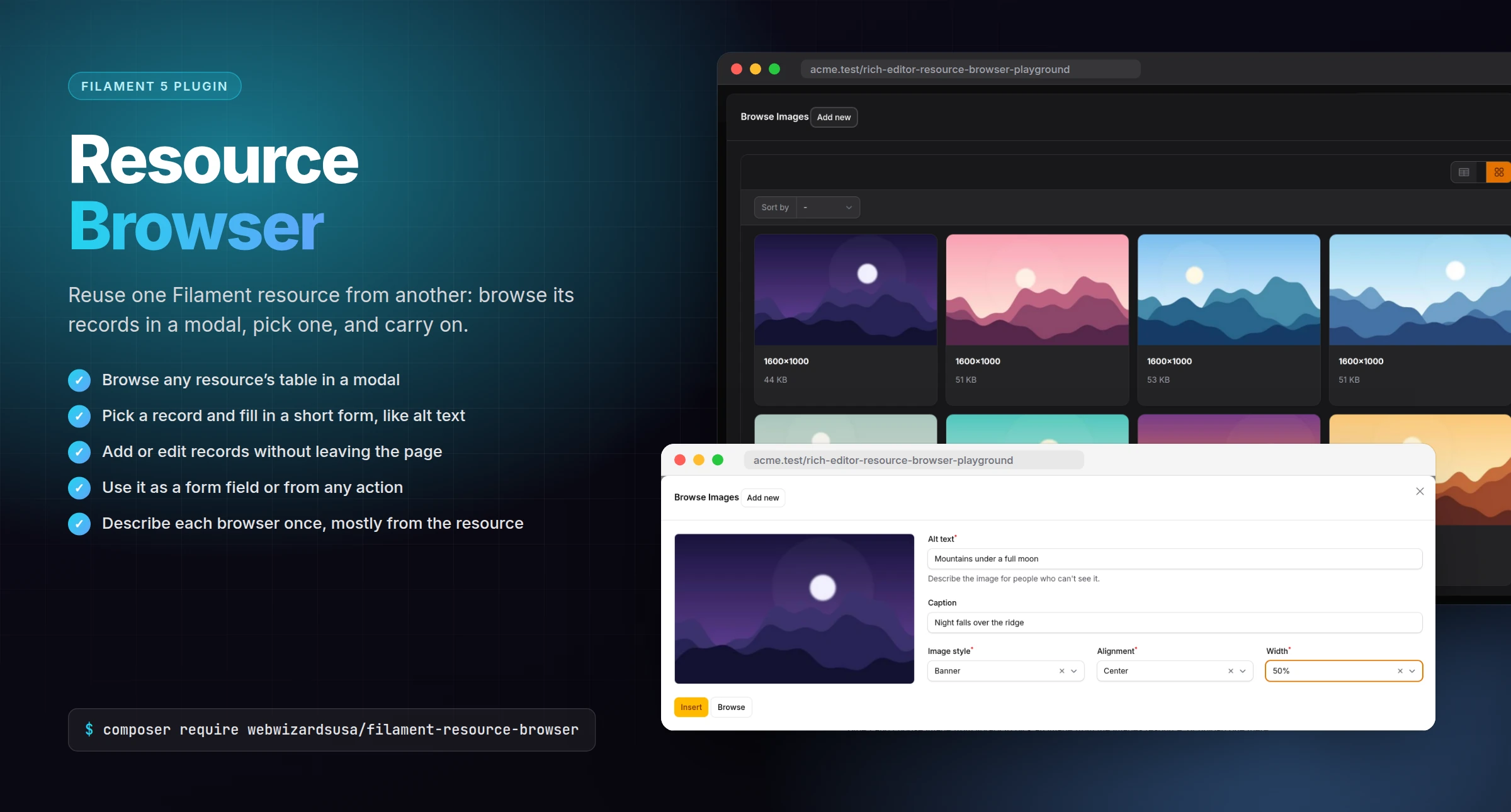

Reuse one Filament resource from another: browse its records in a modal, pick one to insert, or add or edit one without leaving the form you're in. Pick an image for a post from the images resource, for example, filling in its alt text as you insert it.
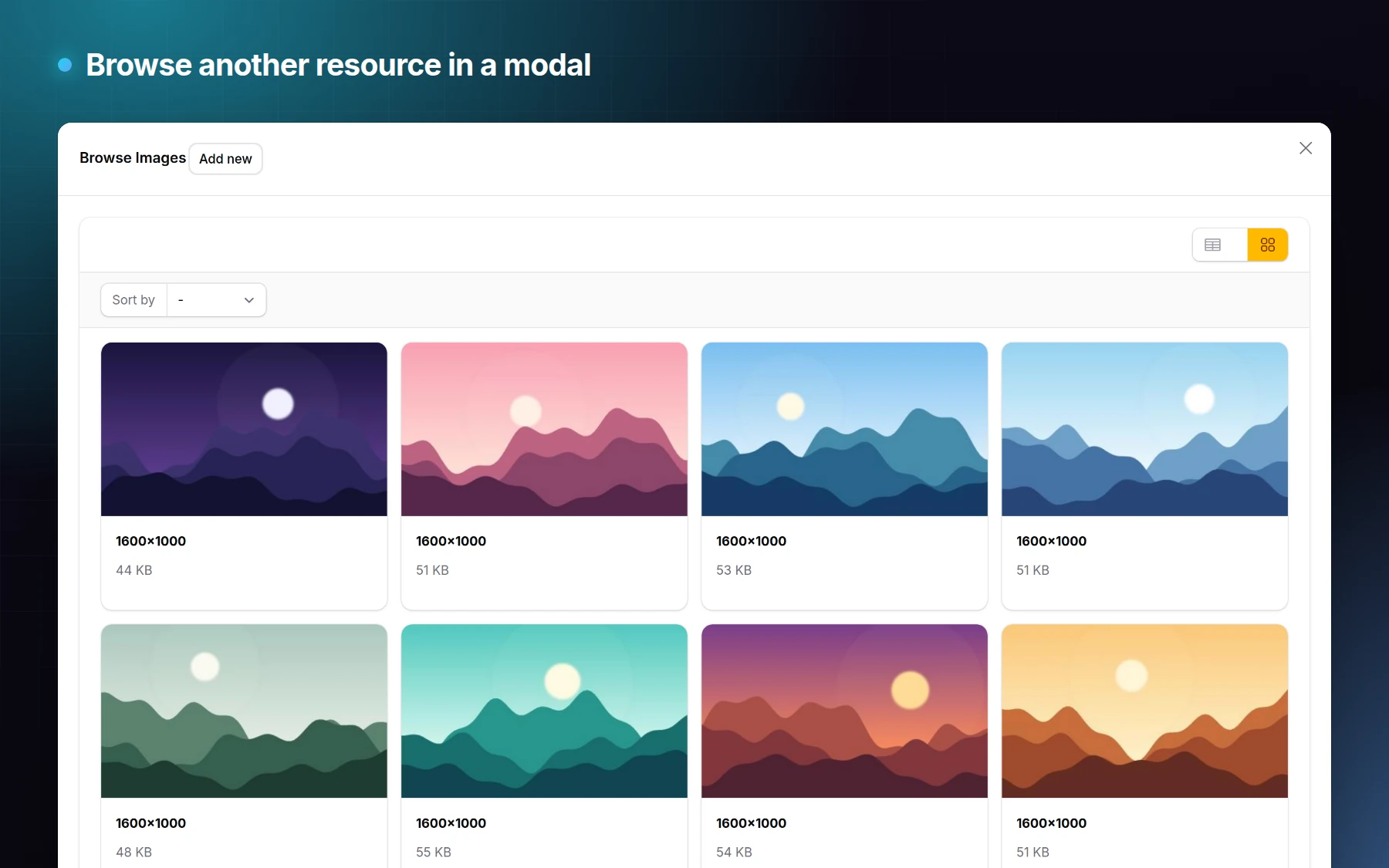
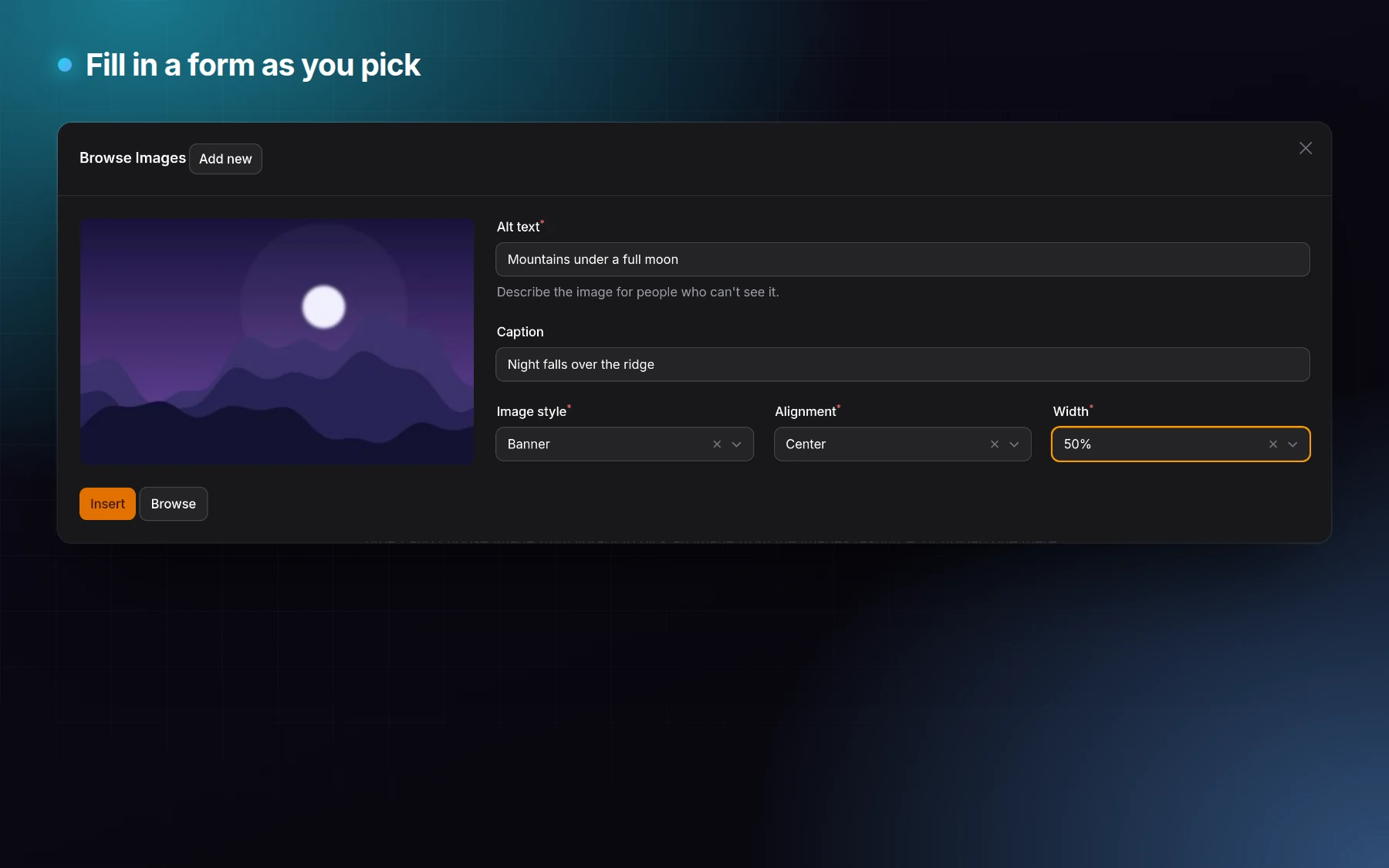
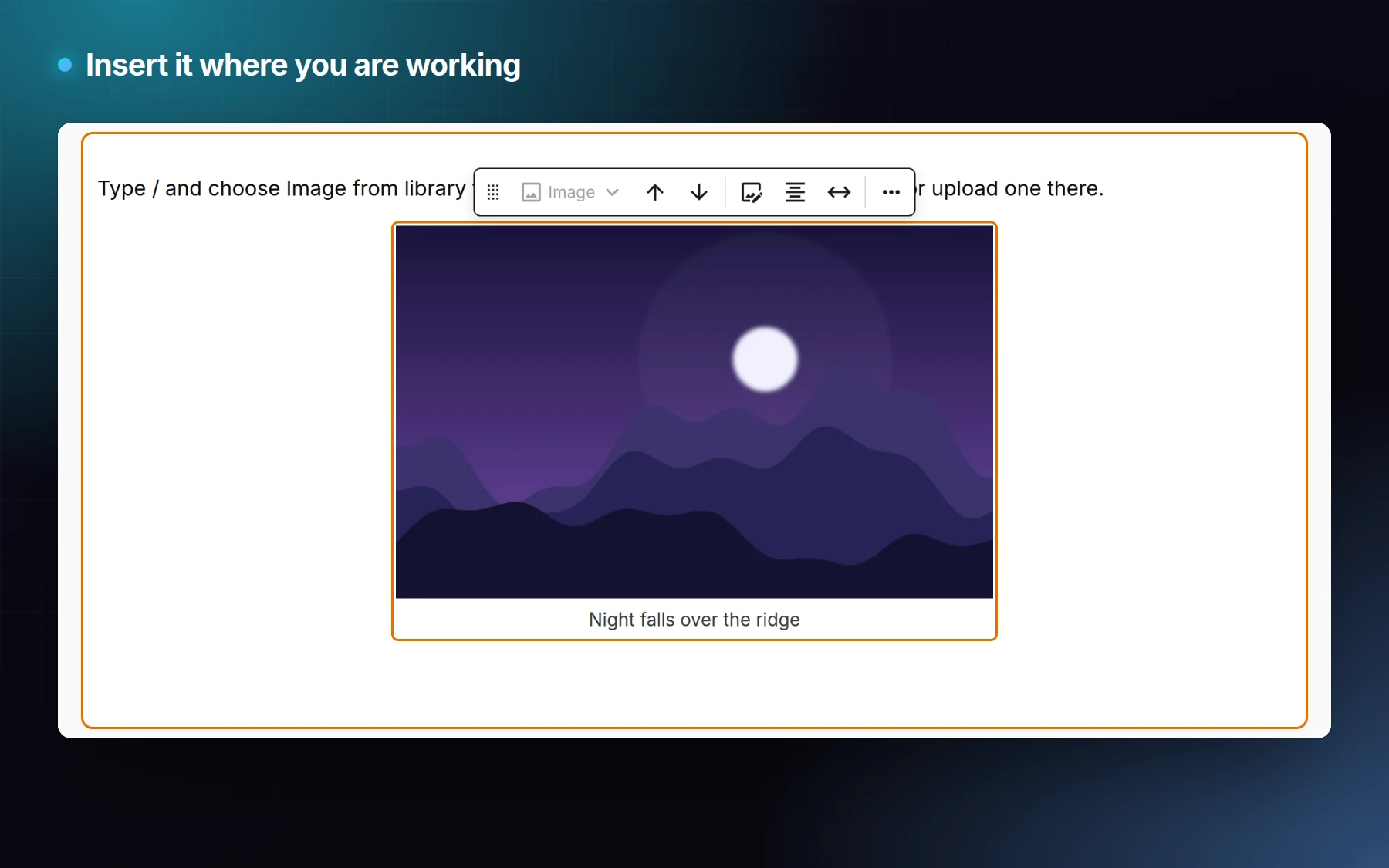
Requires PHP 8.3+ and Filament 5.
composer require webwizardsusa/filament-resource-browser
use Webwizardsusa\ResourceBrowser\BrowsableResource;
use Webwizardsusa\ResourceBrowser\Concerns\BrowsableFromResource;

class ImageBrowser extends BrowsableResource
{
    use BrowsableFromResource;

    public function resourceClass(): string
    {
        return ImageResource::class;
    }

    public function getBrowserSelectForm(Schema $schema, mixed $resource): Schema
    {
        return $schema->components([TextInput::make('alt')]);
    }

    public function fieldPreview(mixed $resource): mixed
    {
        return new HtmlString('<img src="'.e($resource?->url).'" alt="">');
    }
}
use Webwizardsusa\ResourceBrowser\Form\ResourceBrowserField;

ResourceBrowserField::make('image_id')->resourceBrowser(ImageBrowser::class);
Documentation
Read the full documentation in the
docs folder.
About Us
This package is developed and maintained by WebWizardsUSA, a top rated web development agency on Upwork.
License
The MIT License (MIT). See LICENSE.md.