
jeffersongoncalves / laravel-clarity

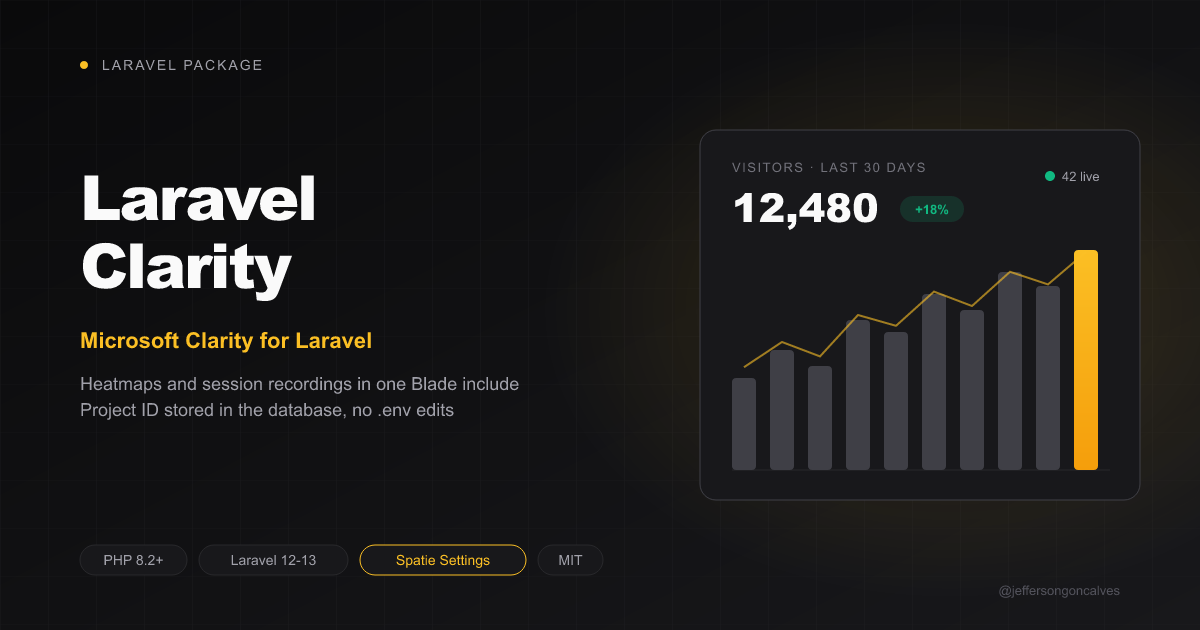
Microsoft Clarity for Laravel: inject the Clarity tracking tag (heatmaps, session recordings, insights) into your Blade layouts, with the project ID stored in the database via spatie/laravel-settings.
Package info
github.com/jeffersongoncalves/laravel-clarity
pkg:composer/jeffersongoncalves/laravel-clarity
Fund package maintenance!
Requires
- php: ^8.2|^8.3|^8.4
- laravel/framework: ^12.61.1|^13.12.0
- spatie/laravel-package-tools: ^1.14.0
- spatie/laravel-settings: ^3.0
Requires (Dev)
- larastan/larastan: ^3.0
- laravel/pint: ^1.27
- orchestra/testbench: ^10.0|^11.0
- pestphp/pest: ^3.7.4|^4.0
- pestphp/pest-plugin-laravel: ^3.0|^4.0
Suggests
None
Provides
None
Conflicts
None
Replaces
None
This package is auto-updated.
Last update: 2026-10-28 19:57:42 UTC
README
Laravel Clarity
Add Microsoft Clarity — free heatmaps, session recordings and insights — to your Laravel app. The project ID is stored in the database with spatie/laravel-settings, so you can change it at runtime (e.g. from an admin panel) instead of in .env.
For a Filament settings page, use jeffersongoncalves/filament-clarity.
Installation
composer require jeffersongoncalves/laravel-clarity
Publish and run the settings migration:
php artisan vendor:publish --tag=clarity-settings-migrations
php artisan migrate
Configuration
Copy the project ID from Clarity (Settings > Setup) and save it:
use JeffersonGoncalves\Clarity\Settings\ClaritySettings;

$settings = app(ClaritySettings::class);
$settings->project_id = 'abcd1234ef';
$settings->save();
Or with the helper or the Facade:
$settings = clarity_settings();
$settings->project_id = 'abcd1234ef';
$settings->save();

use JeffersonGoncalves\Clarity\Facades\Clarity;

$projectId = Clarity::getFacadeRoot()->project_id;
Available settings
| Setting | Type | Default | Description |
|---|---|---|---|
project_id |
?string |
null |
Your Clarity project ID. The tag only renders when it is set and alphanumeric. |
Usage
Add the tag to your Blade layout, inside <head>:
@include('clarity::script')
Nothing is rendered while the project ID is empty or invalid, so you can ship the include everywhere and enable tracking later.
Content Security Policy
When your app sets a CSP nonce through Laravel's Vite (Vite::useCspNonce(), as laravel-security-headers does), every <script> this package renders carries it, so a script-src 'self' 'nonce-{nonce}' policy works without 'unsafe-inline'. Scripts loaded afterwards from the vendor's own CDN still need that host in script-src (and its API in connect-src).
Testing
composer test
Changelog
Please see CHANGELOG for more information on what has changed recently.
Contributing
Please see CONTRIBUTING for details.
Security Vulnerabilities
Please review our security policy on how to report security vulnerabilities.
Credits
License
The MIT License (MIT). Please see License File for more information.