
jeffersongoncalves / filament-scanner-guard

Filament UI for jeffersongoncalves/laravel-scanner-guard: list, filter and unban vulnerability-scanner bans from your admin panel
Package info
github.com/jeffersongoncalves/filament-scanner-guard
pkg:composer/jeffersongoncalves/filament-scanner-guard
Requires
- php: ^8.3
- filament/filament: ^5.3
- jeffersongoncalves/filament-action-export: ^3.7
- jeffersongoncalves/laravel-scanner-guard: ^1.5
- spatie/laravel-package-tools: ^1.16
Requires (Dev)
- jeffersongoncalves/pest-plugin-database-migrations: ^1.0
- larastan/larastan: ^3.0
- laravel/pint: ^1.21
- orchestra/testbench: ^10.0|^11.0
- pestphp/pest: ^3.7.4|^4.0
- pestphp/pest-plugin-laravel: ^3.0|^4.0
Suggests
None
Provides
None
Conflicts
None
Replaces
None
README
Filament Scanner Guard
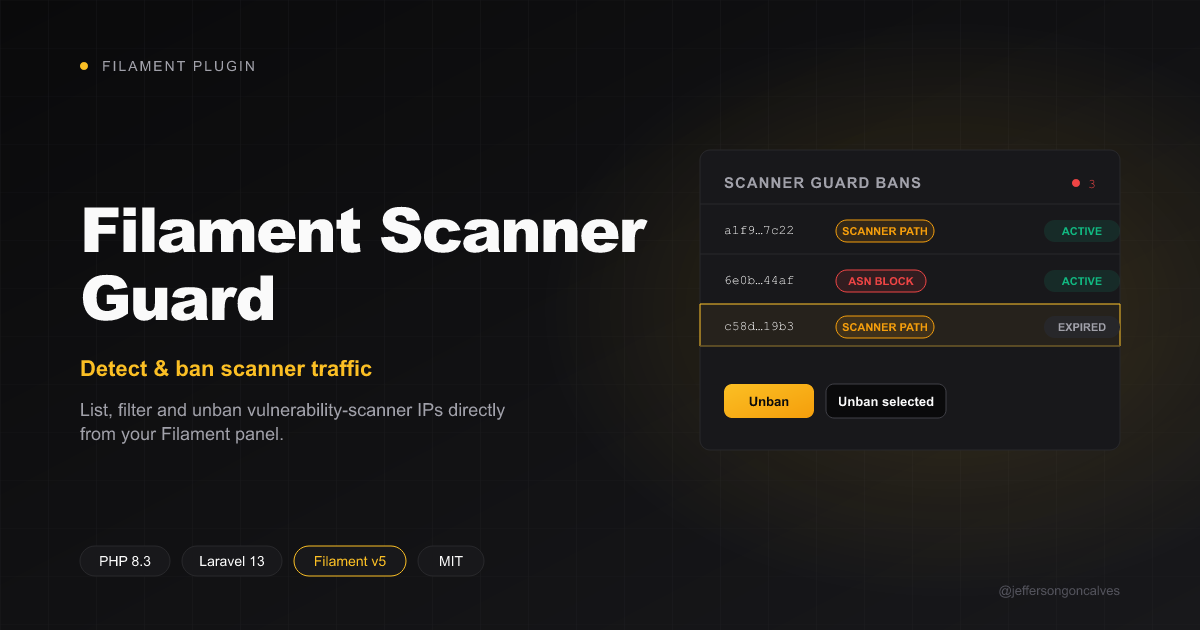
Filament UI for jeffersongoncalves/laravel-scanner-guard: list, filter and unban vulnerability-scanner IPs directly from your admin panel. This plugin ships a read-only Resource over the scanner_guard_bans table, an active/expired filter, and unban / bulk unban actions.
Version Compatibility
| Filament | Branch | Version |
|---|---|---|
| v3 | 1.x |
^1.0 |
| v4 | 2.x |
^2.0 |
| v5 | 3.x |
^3.0 |
Note: every branch requires PHP 8.3+ and Laravel 12+ because the underlying
jeffersongoncalves/laravel-scanner-guard(viajeffersongoncalves/laravel-visitor-fingerprint) only supports Laravel 12/13. Branch1.x(Filament v3) is pinned to Laravel 12 in CI — Filament v3.3.x installs against Laravel 13 but breaks at runtime ($getRecordActions/SubNavigationPositionerrors), a limitation of Filament v3 itself, not of this plugin.
Installation
You can install the package via composer:
composer require jeffersongoncalves/filament-scanner-guard
This plugin depends on jeffersongoncalves/laravel-scanner-guard, which owns the scanner_guard_bans table, config, middleware and export command. Follow its installation instructions first (publish config, run the migration, attach the scanner-guard middleware to your routes).
Usage
Register the plugin in your Panel Provider:
use JeffersonGoncalves\Filament\ScannerGuard\ScannerGuardPlugin;

public function panel(Panel $panel): Panel
{
    return $panel
        ->plugins([
            ScannerGuardPlugin::make(),
        ]);
}
This registers a Scanner Guard Bans resource (list only — rows are written by the scanner-guard middleware, not by admins) and a Metrics page, with:
- Columns:
ip_hash,reason(badge),matched_value,hit_count,offense(escalation only),banned_at,expires_at,is_active - A Status filter (active vs expired)
- An Unban row action and an Unban selected bulk action — both delete the ban row (this is an audit-trail model, not a flag on an arbitrary model)
- An Export header action and an Export bulk action (CSV, XLSX, PDF with preview) via
jeffersongoncalves/filament-action-export— synchronous, no queue or migrations needed;matched_valueis exported in full with spreadsheet formulas neutralised - A View page per ban and an Extend action (1 hour / 1 day / 1 week / 1 month, added to the current expiry)
- A Purge expired header action that reconciles the daily stats (
scanner-guard:aggregate-and-prune), then deletes every expired ban - A Metrics page with total, active, expired, hit-count and recent-bans stats, plus charts: bans per day (last 14 days), bans by reason and top matched values
The bans-per-day chart and the recent-bans stat read scanner_guard_ban_daily_stats (counted at ban time by the core package), so purging or unbanning never erases past days. Publish and run the core's daily stats migration for them to have data.
Both share one navigation group, Scanner Guard by default — override it with ->navigationGroup(), and change the chart window with ->chartDays():
ScannerGuardPlugin::make()
    ->navigationGroup('Security')
    ->chartDays(30);
Reasons shown: scanner path, ASN blocklist and 404 flood (not_found_flood, core 1.4+).
The resource and the Metrics page are only registered with the core's database driver (scanner-guard.driver). The cache and http drivers keep no ban rows, so on those apps the plugin registers nothing — install it on the central app instead.
Escalating bans
When the core's scanner-guard.escalation ladder is set (core 1.5+, run its add_offense migration), the plugin also shows:
- An Offense column (badge, sortable, toggleable) and entry on the View page —
1is a first offense, higher means repeat - A Repeat offenders filter (
offense > 1) - An Active repeat offenders stat on the Metrics page
- The Extend action pre-selects the duration the IP's next offense would get, and lists every ladder step as an option
With escalation off (the default) none of this is shown.
Using the actions standalone
If you'd rather wire the table yourself:
use JeffersonGoncalves\Filament\ScannerGuard\Actions\UnbanAction;
use JeffersonGoncalves\Filament\ScannerGuard\Actions\UnbanBulkAction;

$table
    ->recordActions([
        UnbanAction::make(),
    ])
    ->toolbarActions([
        UnbanBulkAction::make(),
    ]);
Development
# Run static analysis
composer analyse

# Run tests
composer test

# Format code
composer format
Changelog
Please see CHANGELOG for more information on what has changed recently.
Contributing
Please see CONTRIBUTING for details.
Security Vulnerabilities
Please review our security policy on how to report security vulnerabilities.
Credits
License
The MIT License (MIT). Please see License File for more information.