
jeffersongoncalves / filament-metrics-ga4

Filament plugin with Google Analytics 4 dashboard widgets (realtime visitors, visitors chart, top pages, sources, countries, browsers and devices) and a Settings Page powered by Spatie Laravel Settings.
Package info
github.com/jeffersongoncalves/filament-metrics-ga4
pkg:composer/jeffersongoncalves/filament-metrics-ga4
Requires
- php: ^8.2
- filament/filament: ^5.3
- jeffersongoncalves/filament-analytics-core: ^3.1
- jeffersongoncalves/laravel-metrics-ga4: ^1.0
- spatie/laravel-package-tools: ^1.14.0
Requires (Dev)
- larastan/larastan: ^3.0
- laravel/pint: ^1.0
- orchestra/testbench: ^9.0|^10.0|^11.0
- pestphp/pest: ^3.0|^4.0
- pestphp/pest-plugin-laravel: ^3.0|^4.0
Suggests
None
Provides
None
Conflicts
None
Replaces
None
README
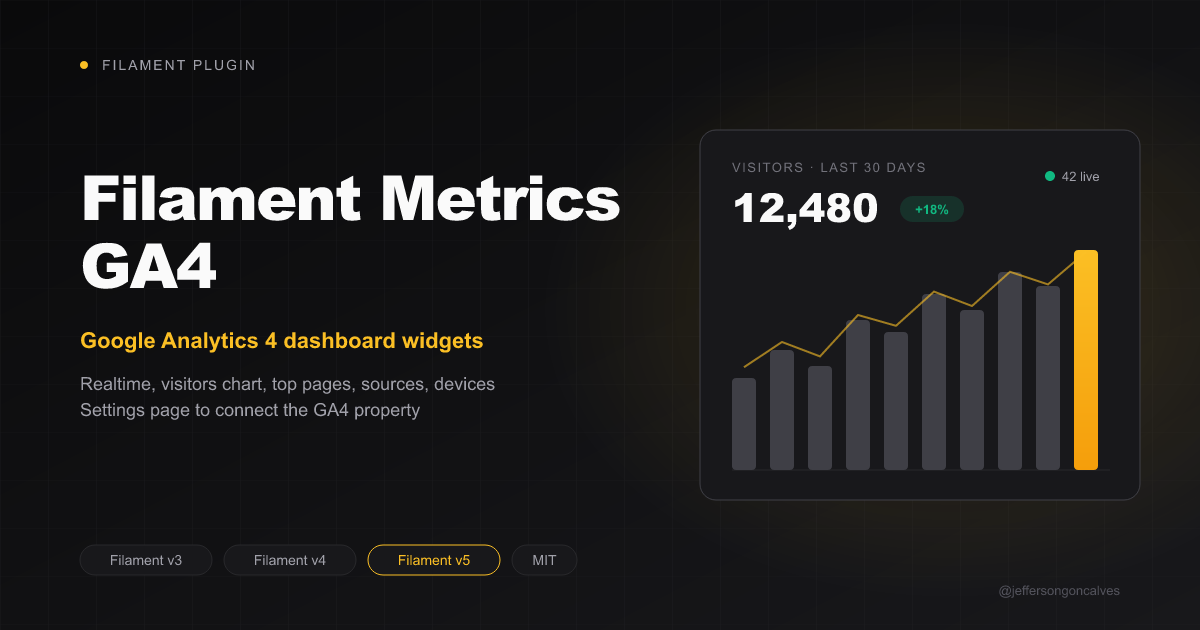
Filament Metrics GA4
Google Analytics 4 dashboard widgets for Filament, with a settings page powered by Spatie Laravel Settings to manage the GA4 property ID and service account key directly from the admin panel.
Built on top of jeffersongoncalves/laravel-metrics-ga4 (GA4 Data API, service account auth).
Compatibility
| Branch | Filament | Package version |
|---|---|---|
| 1.x | 3.x | ^1.0 |
| 2.x | 4.x | ^2.0 |
| 3.x | 5.x | ^3.0 |
Installation
You can install the package via composer:
composer require jeffersongoncalves/filament-metrics-ga4:"^3.0"
Publish the settings migrations and run them:
php artisan vendor:publish --tag=metrics-ga4-settings-migrations
php artisan migrate
Google Cloud setup
- Enable the Google Analytics Data API in a Google Cloud project.
- Create a service account and download its JSON key.
- In Google Analytics, Admin → Property access management: add the service account's
client_emailas Viewer. - Copy the numeric Property ID from Admin → Property details.
Usage
Add the plugin to your Filament panel provider:
use JeffersonGoncalves\Filament\MetricsGA4\GA4MetricsPlugin;

public function panel(Panel $panel): Panel
{
    return $panel
        ->plugins([
            GA4MetricsPlugin::make(),
        ]);
}
Then open Settings > Google Analytics in your panel, fill in the property ID and paste the service account JSON key (stored encrypted).
Widgets
All widgets cover the last 30 days and are cached (15s for realtime, 5 minutes for the rest):
| Widget | Shows |
|---|---|
RealtimeVisitorsWidget |
Active users in the last 30 minutes, users, pageviews, bounce rate and session duration |
VisitorsChartWidget |
Daily users and pageviews line chart |
TopPagesWidget |
Top 10 pages by users |
TopSourcesWidget |
Top 10 session sources with bounce rate |
TopCountriesWidget |
Top 10 countries |
TopBrowsersWidget |
Browsers doughnut chart |
TopDevicesWidget |
Device categories doughnut chart |
Customization
GA4MetricsPlugin::make()
    ->settingsPage(false) // hide the settings page
    ->widgets(false),     // don't register the dashboard widgets
With widgets(false) you can still place the widget classes on any page yourself.
Navigation group
Put the settings page in one of your panel's own navigation groups (a string or a closure):
GA4MetricsPlugin::make()
    ->navigationGroup(fn (): string => __('admin.navigation.settings')),
Requirements
- PHP 8.2 or higher (with the OpenSSL extension)
- Filament 5.x
Testing
composer test
Changelog
Please see CHANGELOG for more information on what has changed recently.
Contributing
Please see CONTRIBUTING for details.
Security Vulnerabilities
Please review our security policy on how to report security vulnerabilities.
Credits
License
The MIT License (MIT). Please see License File for more information.