
waynestate / sourdough

A starter that makes a Wayne State app with the stack already wired in.
Requires
- php: ^8.3
- justinrainbow/json-schema: ^6.0
- openai-php/client: ^0.21
- symfony/console: ^7.4
- symfony/http-client: ^7.4
Requires (Dev)
- laravel/pint: ^1.32
- phpstan/phpstan: ^2.1
- phpunit/phpunit: ^11.5
- waynestate/pinstripe: ^0.1
Suggests
None
Provides
None
Conflicts
None
Replaces
None
README
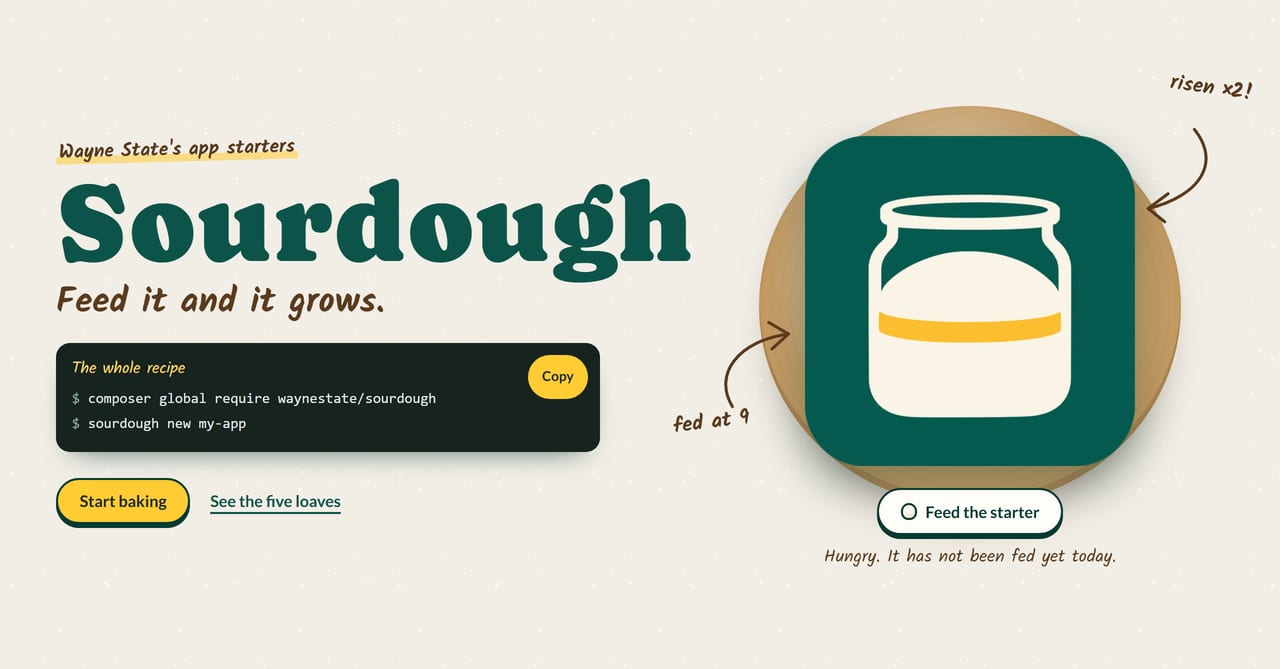
SOURDOUGH


Feed it and it grows.
A starter you feed: sourdough new makes a Wayne State app with the stack already wired in.
Checks: composer ci (the same command runs on GitLab and GitHub).
Every loaf gets proofed before it ships.
Front page: site/index.html, a static page you can open in a browser or serve from site/.
On Citadel it is served by the raw-PHP deploy layer in deploy/: a SQUIRE kit whose front controller serves site/ behind HELMET's security headers. For local development, keep serving site/ directly.
This repository is published from Wayne State University's internal GitLab and mirrored here. Changes land there first; Wayne State developers open issues and merge requests on the internal project.
Sourdough is the app starter for the WSU stack. One command scaffolds a new app with SESAME (auth), HELMET (baseline runtime), PROCTOR (checks), and the PREFLIGHT CI components already in place. It is one PHP command, so it works on Windows, macOS, and Linux.

The proofing log from the front page: what goes into the tub when you run sourdough new, and the day-to-day check that keeps it alive.
Install
composer global require waynestate/sourdough
Or scaffold without installing, with composer create-project waynestate/sourdough.
Usage
sourdough new [dir] [options]
dir is the directory to create the app in. It is required unless you use --describe.
Options:
--rawuse the raw PHP base--laraveluse the Laravel base--vueadd a Vue front end--inertiause Inertia (Laravel only)--sailuse Laravel Sail for the local runtime (Laravel paths)--dockeruse a Docker image for the local runtime (Laravel paths)--dry-runprint the plan and write nothing--nameapp name (default: the basename of<dir>)--no-inputnever prompt (Sourdough 0.1 has no prompts)--jsonwith--dry-run, print the plan as JSON--describe "<sentence>"describe what the app does; a model plans it (needs theSOURDOUGH_LLM_*env vars)--plan-onlywith--describe, print the plan as JSON and write nothing--plan <file>a ready-made plan file (JSON matchingresources/plan.schema.json)
Exit codes: 0 done, 1 refused (invalid flags, non-empty target, not available, model gave up), 2 tool error.
Permutations
| Flags | Permutation |
|---|---|
(none) or --raw |
Raw PHP with WayneUI's standalone path |
--raw --vue |
Raw PHP + Vue SPA over JSON |
--laravel |
Laravel + Blade |
--laravel --vue |
Laravel + Blade + Vue islands |
--laravel --inertia |
Laravel + Inertia/Vue |
Only --raw generates in 0.1. The other permutations print the plan and exit 1 with "not available in this release"; later steps add them.
Describe a plan
Instead of choosing flags, describe what the app does and let a model plan it:
sourdough new --describe "A blog with posts and comments"
Sourdough asks an OpenAI-compatible model for a plan, validates it against resources/plan.schema.json, and prints it. The model kneads the dough, but you decide when the loaf is ready to bake: if the answer is not valid JSON, does not match the schema, or the model gives up after one retry, Sourdough refuses with a message pointing you to --plan=<file> (exit 1). You write the plan yourself and pass it in.
To see the plan as JSON without writing anything:
sourdough new --describe "A blog with posts and comments" --plan-only
Generation from a plan is not built yet in 0.1. Save the plan to a file and pass it with --plan:
sourdough new my-app --plan plan.json
--plan reads the file, validates it against the schema, and continues the normal generation flow using the plan's permutation and name.
Model configuration
--describe needs three environment variables (no defaults, no key in code):
SOURDOUGH_LLM_BASE_URLthe OpenAI-compatible endpoint, including the API path (usually/v1)SOURDOUGH_LLM_API_KEYthe API keySOURDOUGH_LLM_MODELthe model name
Any OpenAI-compatible endpoint works: a hosted API, a local server, or WarriorGPT. Sourdough does not care about the hostname; it only needs the base URL, key, and model.
A plan is a small JSON object:
{
    "permutation": "raw",
    "parts": ["sesame", "helmet"],
    "name": "my-app",
    "models": [
        {
            "name": "Post",
            "fields": [
                { "name": "title", "type": "string" },
                { "name": "body", "type": "text" }
            ]
        }
    ],
    "pages": ["/", "/posts"]
}
permutation, parts, and name are required; models and pages are optional. parts is a subset of sesame, helmet, proctor, and preflight.
The manifest
Every app Sourdough generates carries a .sourdough/manifest.json recording what was generated: the Sourdough version, the template, the answers you chose, and a sha256 hash of every file, each marked managed (Sourdough owns it and will update it) or seeded (Sourdough wrote it once and you own it now: .env.example and README.md).
The manifest is the starter's memory: it remembers what went into the loaf, so feed knows what to refresh and what to leave to rise on its own. A later sourdough feed reads it to bring template updates into your app without clobbering what you've changed.
Until feed ships, sourdough manifest --check is the gate. Run it in your app to list the managed files that have drifted from the manifest:
sourdough manifest --check
Exit codes: 0 clean, 1 a managed file changed or is missing, 2 tool error (no manifest, or no --check). Seeded files are never reported. They're yours.
Commit the manifest. It's the record that keeps feed honest.
The deploy files in your app (build.sh, scripts/release.sh, the .squire/ config, and their friends) come from SQUIRE's exported copy, checked into this repository at templates/squire/. SQUIRE owns them; Sourdough installs them as-is and records them in the manifest, so you never edit them by hand. To refresh them, re-export the copy from a SQUIRE checkout and verify it with composer squire-copy:check.
Testing
Maintainers: how to build, test and release this project, and where its data comes from, is in MAINTAINING.md.
From the repo root:
docker run --rm -v "${PWD}:/app" -w /app composer:2 composer install --no-interaction
docker run --rm -v "${PWD}:/app" -w /app php:8.3-cli vendor/bin/phpunit
docker run --rm -v "${PWD}:/app" -w /app php:8.4-cli vendor/bin/phpunit
docker run --rm -v "${PWD}:/app" -w /app composer:2 composer validate --strict
docker run --rm -v "${PWD}:/app" -w /app php:8.4-cli php bin/sourdough new /tmp/demo --dry-run
CI
Strongly recommended: a git.wayne.edu instance runner.
On the bench: the five loaves and the feeding schedule

The recipe card: Sourdough's brand board

Same kitchen, many ovens


Sourdough is one of the parts. Feed it, and it grows; just do not leave it on the counter over a long weekend.