
tomatophp / filament-workflows

Build workflows in FilamentPHP: model, event and webhook triggers that run registered actions and log every run
Fund package maintenance!
Requires
- php: ^8.2
- filament/filament: ^5.0
- tomatophp/console-helpers: ^1.1
- tomatophp/filament-icons: ^5.0
Requires (Dev)
- larastan/larastan: ^3.0
- laravel/pint: ^1.24
- orchestra/testbench: ^10.0|^11.0
- pestphp/pest: ^4.0|^5.0
- pestphp/pest-plugin-laravel: ^4.0|^5.0
- pestphp/pest-plugin-livewire: ^4.0|^5.0
- phpstan/extension-installer: ^1.4
- phpstan/phpstan-deprecation-rules: ^2.0
- phpstan/phpstan-phpunit: ^2.0
Suggests
None
Provides
None
Conflicts
None
Replaces
None
This package is auto-updated.
Last update: 2026-10-15 17:16:42 UTC
README
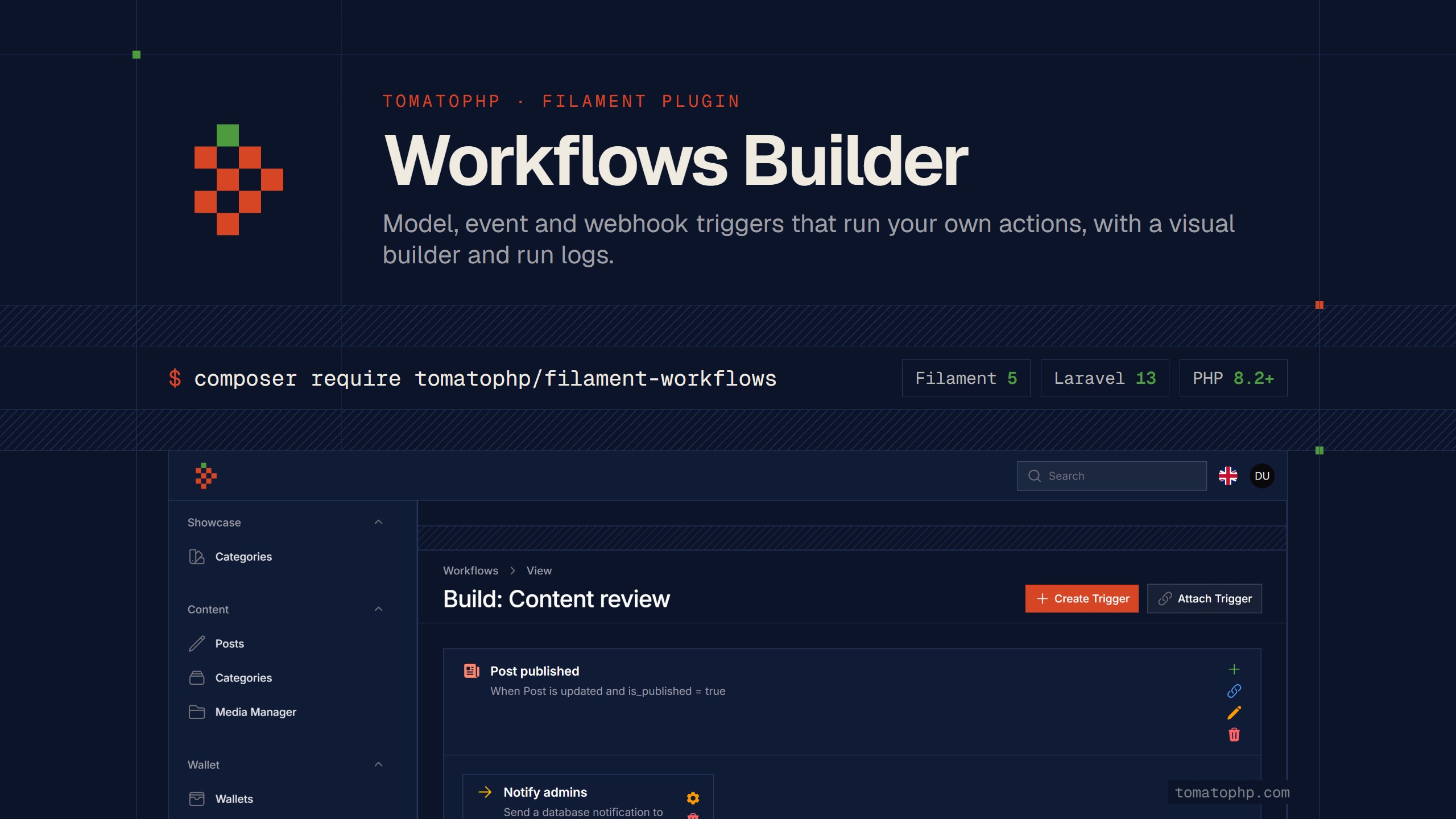
Filament Workflows Builder
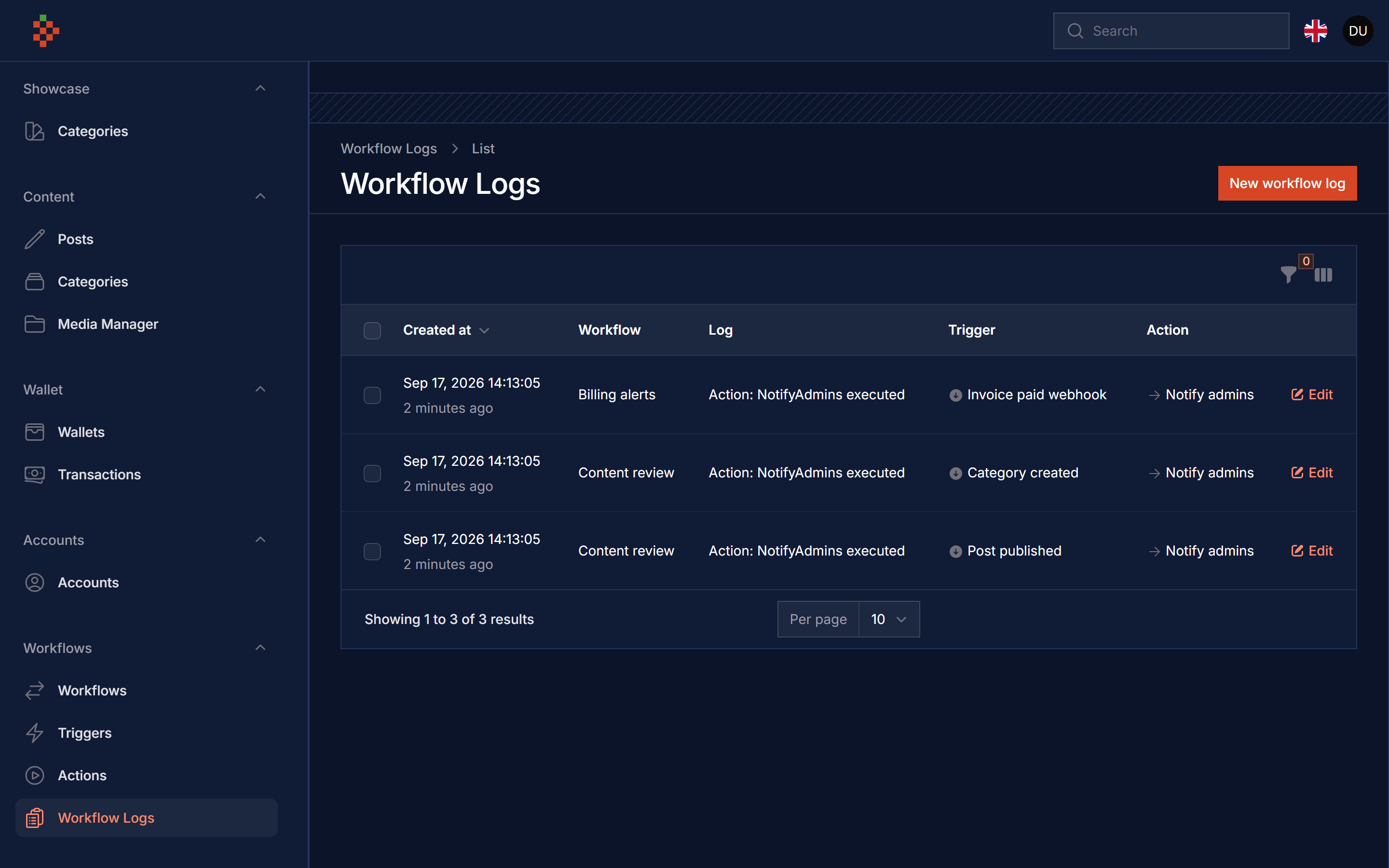
Build automation workflows from your Filament panel. A workflow is made of triggers: a model being created, updated or deleted, an application event being dispatched, or a webhook being called. Each trigger runs the actions you attach to it (PHP classes you register), and every run is written to the workflow logs.
Screenshots
Features
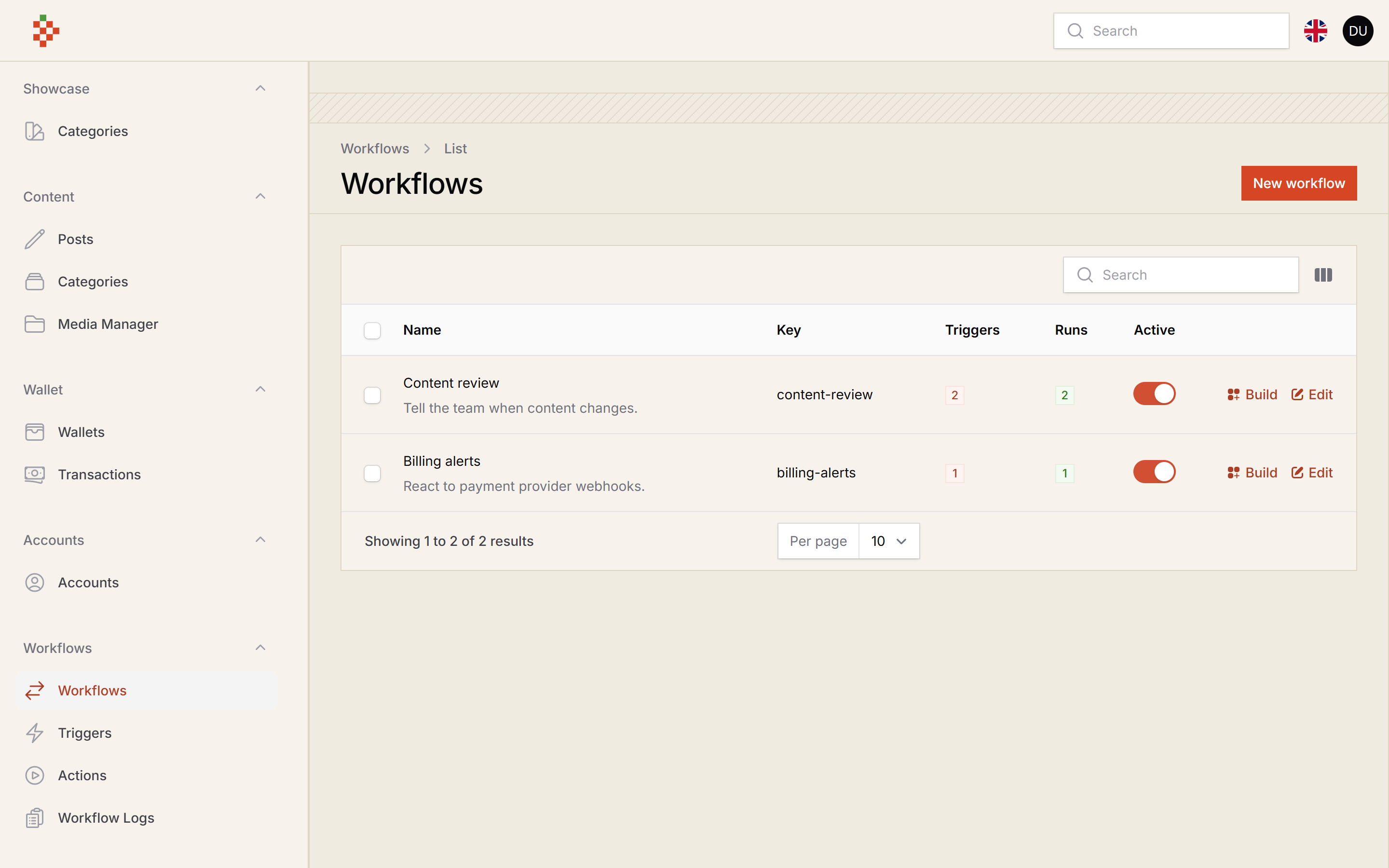
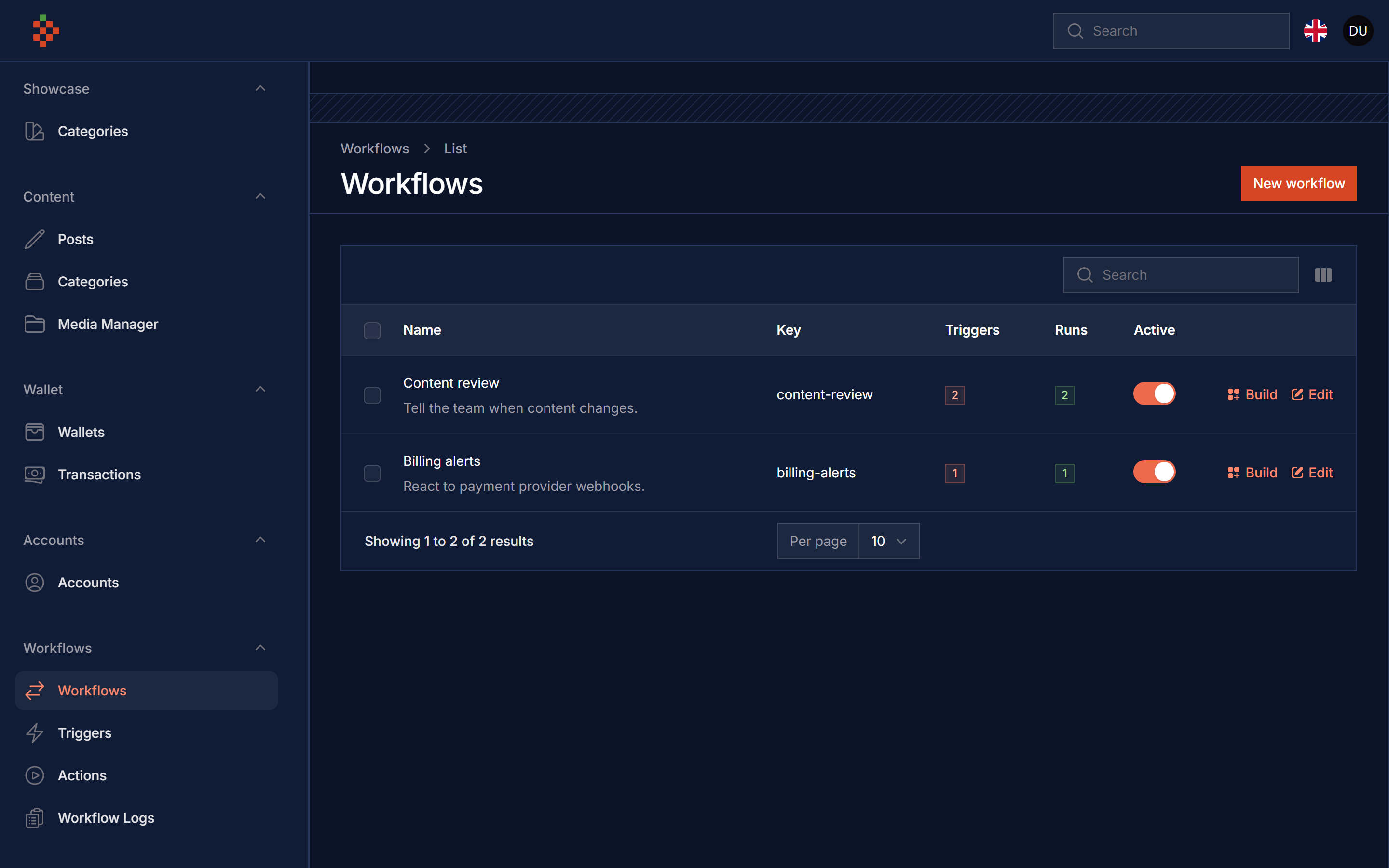
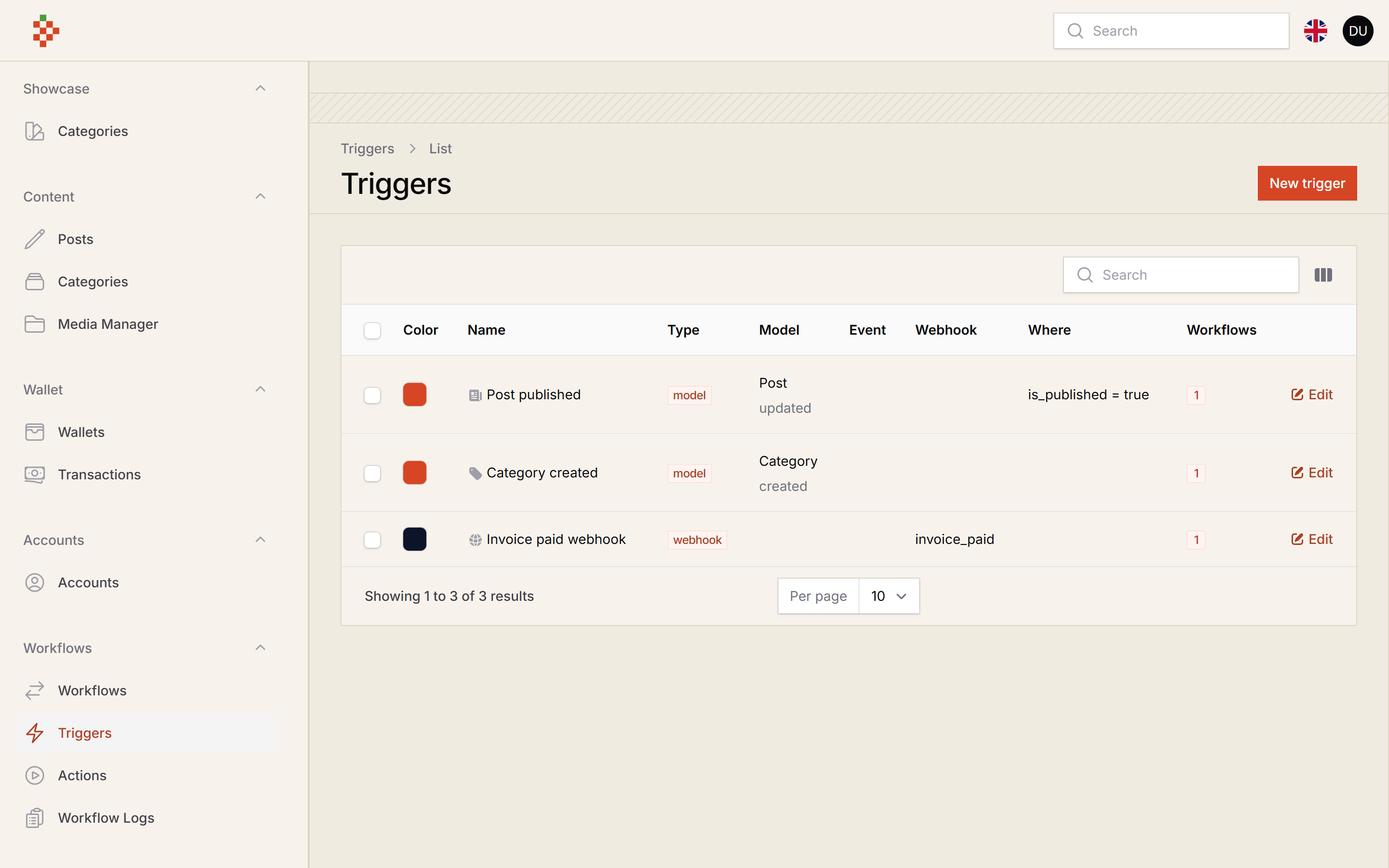
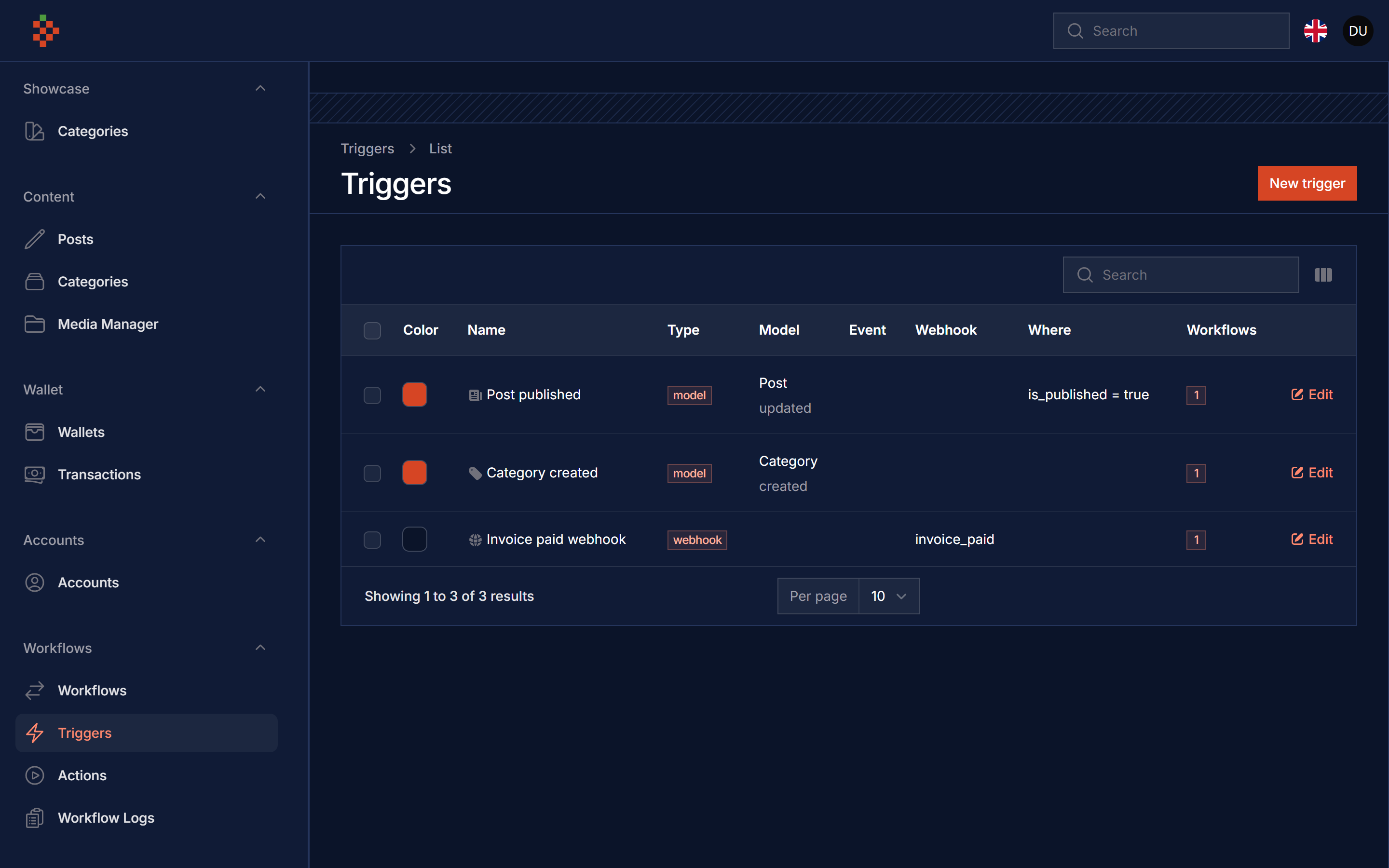
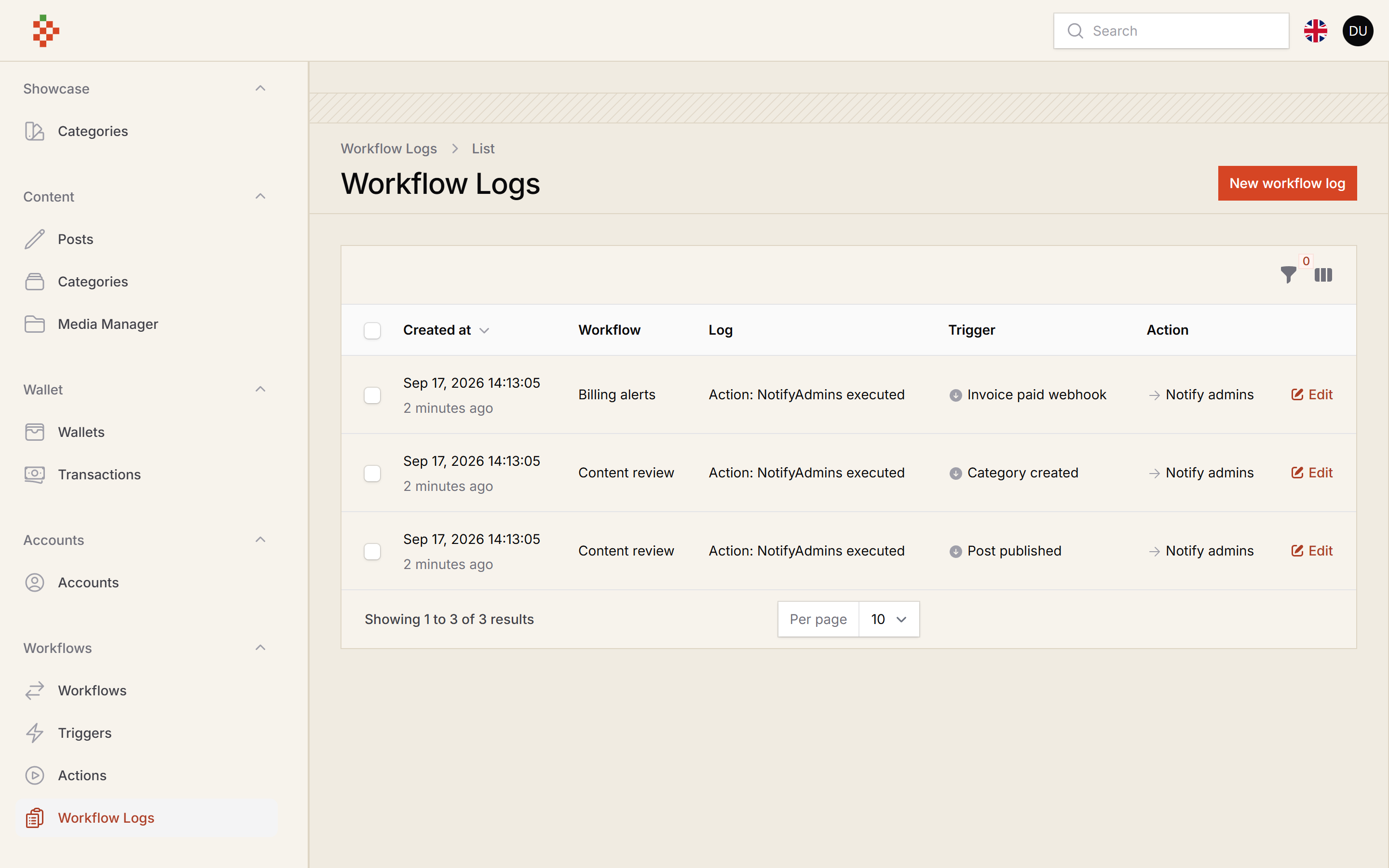
- Workflows, Triggers, Actions and Workflow Logs resources
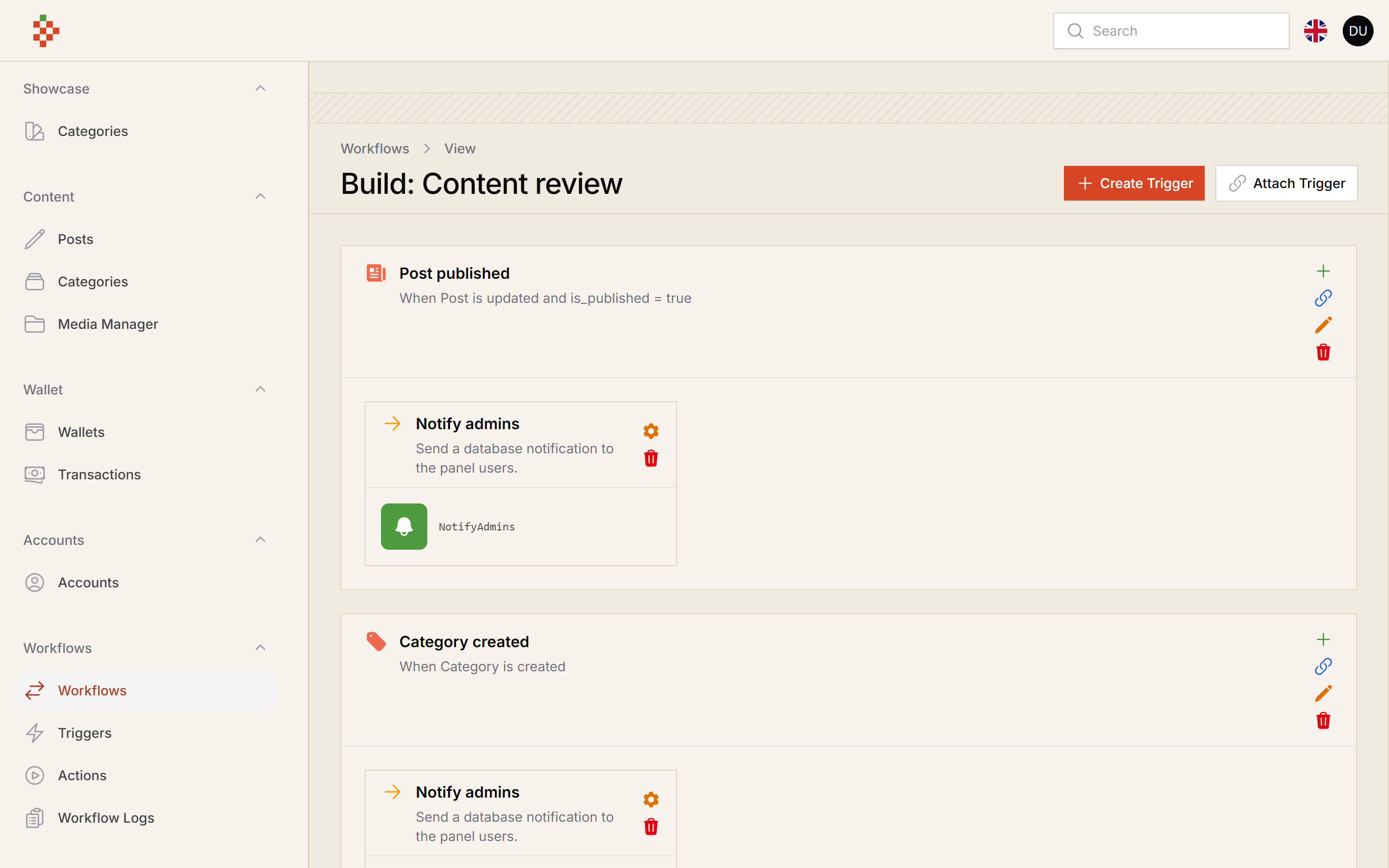
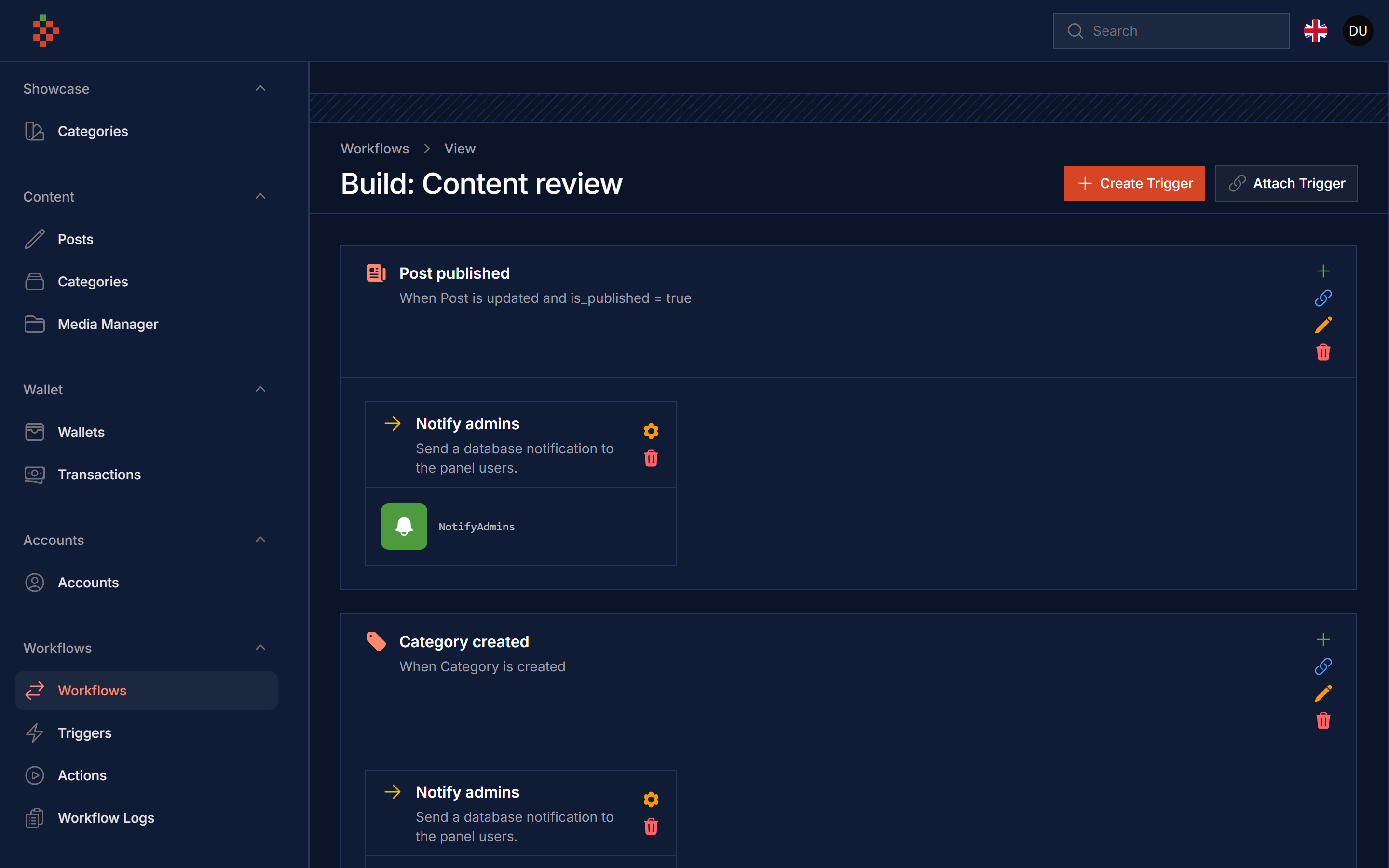
- A visual builder page per workflow: create / attach triggers, create / attach actions, configure each action
- Model triggers (created / updated / deleted), optionally for a single record
- Event triggers for any event class you register
- Webhook triggers through a token protected endpoint
- An optional
where <field> <is> <value>condition on every trigger - A log row for every executed, failed or skipped action
Compatibility
| Package | Filament | Laravel | PHP |
|---|---|---|---|
| 5.x | 5.x | 12 / 13 | 8.2+ |
| 1.x | 3.x | 10 / 11 | 8.1+ |
Installation
composer require tomatophp/filament-workflows
After installing the package run the install command (it runs the migrations):
php artisan filament-workflows:install
Finally register the plugin in /app/Providers/Filament/AdminPanelProvider.php:
->plugin(\TomatoPHP\FilamentWorkflows\FilamentWorkflowsPlugin::make())
Usage
Everything is registered from a service provider, for example in AppServiceProvider::boot().
Register models
Add the InteractsWithWorkflow trait to every model that can trigger a workflow:
use TomatoPHP\FilamentWorkflows\Traits\InteractsWithWorkflow;

class Order extends Model
{
    use InteractsWithWorkflow;
}
The trait fires the model triggers on created, updated and deleted. It also adds the model to the trigger "Model" list, but only once the model class has been used in the request, so register it explicitly as well to always see it in the builder:
use TomatoPHP\FilamentWorkflows\Facades\FilamentWorkflows;
use TomatoPHP\FilamentWorkflows\Services\Contracts\WorkflowModel;

FilamentWorkflows::model([
    WorkflowModel::make('Orders')->model(\App\Models\Order::class),
]);
Register events
Any event class can be used as a trigger. Registered events are listened to automatically; the event public properties are the trigger payload (used by the where condition and stored in the log):
use TomatoPHP\FilamentWorkflows\Services\Contracts\WorkflowEvent;

FilamentWorkflows::event([
    WorkflowEvent::make('Order shipped')->event(\App\Events\OrderShipped::class),
]);
Create actions
An action is a class that extends TomatoPHP\FilamentWorkflows\Services\Abstracts\Action. run() receives the event that fired the trigger and the TriggerHasAction row, whose payload holds the settings filled in the form() fields on the builder page. Return an empty array from form() when the action has no settings.
namespace App\Workflows;

use Filament\Forms\Components\TextInput;
use Illuminate\Support\Facades\Log;
use TomatoPHP\FilamentWorkflows\Events\Models\ModelCreated;
use TomatoPHP\FilamentWorkflows\Models\TriggerHasAction;
use TomatoPHP\FilamentWorkflows\Services\Abstracts\Action;

class WriteToLog extends Action
{
    public static function run(mixed $event, TriggerHasAction $action): void
    {
        $record = $event instanceof ModelCreated ? $event->data : null;

        Log::info($action->payload['message'] ?? 'Workflow ran', ['record' => $record?->getKey()]);
    }

    public static function form(): array
    {
        return [
            TextInput::make('message')->required(),
        ];
    }
}
Register it so it shows up in the action "Runs" list:
use TomatoPHP\FilamentWorkflows\Services\Contracts\WorkflowAction;

FilamentWorkflows::action([
    WorkflowAction::make('Write to log')->action(\App\Workflows\WriteToLog::class),
]);
The event passed to run() is Events\Models\ModelCreated, ModelUpdated or ModelDeleted for model triggers ($event->data is the model, $event->trigger the trigger), Events\Webhook\WebhookEvent for webhooks ($event->data is the request input) and your own event object for event triggers.
Actions run synchronously while the trigger fires. Dispatch a queued job from run() for slow work. Only classes extending Services\Abstracts\Action are executed, and an exception thrown by an action is reported and logged without stopping the other actions.
Build a workflow
- Create a workflow and switch it to Active (inactive workflows never run).
- Click Build on the workflow row.
- Create Trigger (or attach an existing one), choose the type and, optionally, a
where/is/valuecondition (for examplestatus=paid). - On the trigger, Create Action (or attach an existing one) and pick the class it runs. Use the gear button to fill the action settings.
Every run shows up in the Workflow Logs resource and under the workflow on the builder page.
Webhooks
Set a token in your .env. While it is empty the webhook endpoint answers 403 to every request:
FILAMENT_WORKFLOWS_WEBHOOK_TOKEN=a-long-random-string
Then call GET or POST /workflows/webhook (route name workflows.webhook) with the token as the token parameter or the X-Workflow-Token header. A webhook trigger runs when the request input contains the key saved in the trigger "Webhook key" field:
curl -X POST https://your-app.test/workflows/webhook \
  -H "X-Workflow-Token: a-long-random-string" \
  -d invoice_paid=in_123 -d amount=150
The token is compared in constant time, removed from the payload before it is logged, and the route is throttled to 60 requests per minute. The endpoint does not use the web middleware group, so no session or CSRF token is needed.
Publish Assets
You can publish the config file with:
php artisan vendor:publish --tag="filament-workflows-config"
You can publish the views with:
php artisan vendor:publish --tag="filament-workflows-views"
You can publish the language files with:
php artisan vendor:publish --tag="filament-workflows-lang"
You can publish the migrations with:
php artisan vendor:publish --tag="filament-workflows-migrations"
Testing
composer test
Changelog
Please see CHANGELOG for more information on what has changed recently.
Security
Please see SECURITY for more information about security.
Credits
License
The MIT License (MIT). Please see License File for more information.