
rarq / filament-whatsapp-message-preview

A FilamentPHP field plugin that renders a real-time WhatsApp-style message preview with support for formatting, lists, quotes and message direction.
Package info
github.com/rodrigoarq14/filament-whatsapp-message-preview
pkg:composer/rarq/filament-whatsapp-message-preview
Requires
- php: ^8.1
- filament/forms: ^3.0|^4.0|^5.0
- illuminate/contracts: ^10.0|^11.0|^12.0
- spatie/laravel-package-tools: ^1.15.0
Requires (Dev)
None
Suggests
None
Provides
None
Conflicts
None
Replaces
None
README
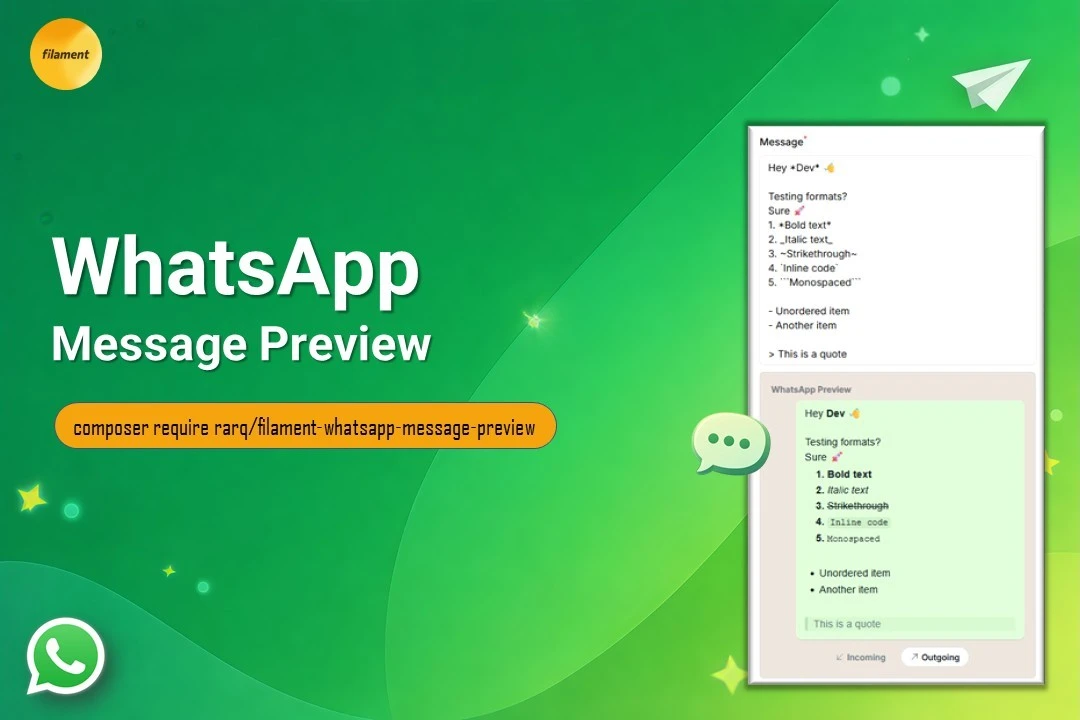
A FilamentPHP field plugin that renders a real-time WhatsApp-style message preview with support for formatting, lists, quotes and message direction.
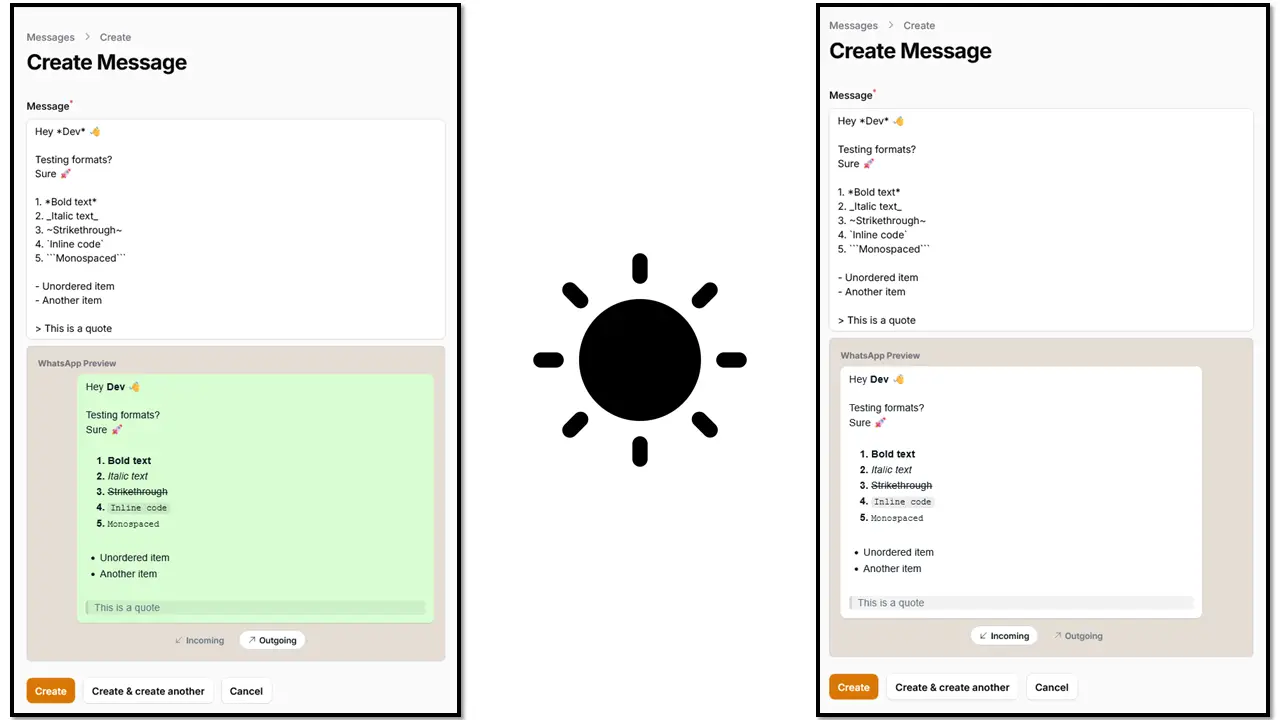
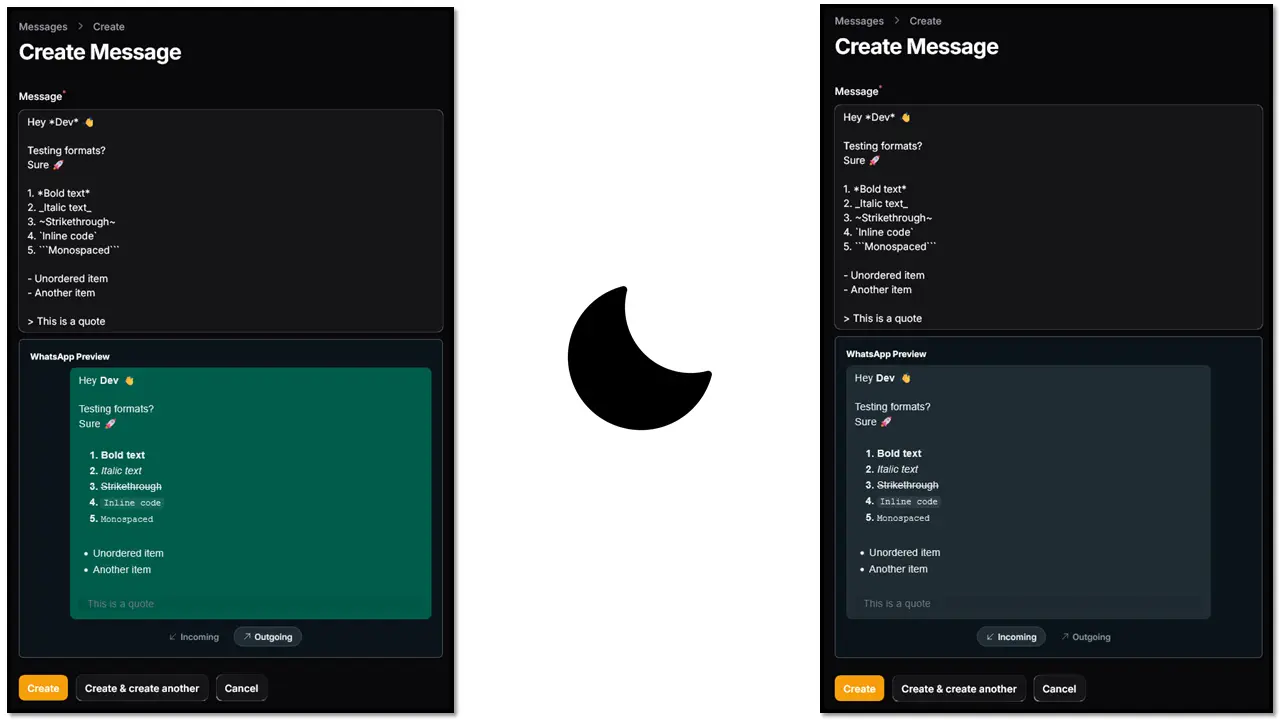
Preview
Features
- 📱 Real-time WhatsApp-style preview
- ↔️ Incoming & outgoing message direction
- ✏️ Supports formatting (bold, italic, lists, quotes)
- 🧩 Seamless integration with Filament Forms
- 🎨 Tailwind-powered styling
Compatibility
| Filament Version | Laravel Version | PHP Version | Tailwind Version |
|---|---|---|---|
| v3.x | Laravel 10 | 8.1 – 8.3 | Tailwind CSS v3 |
| v4.x | Laravel 11 | 8.2 – 8.4 | Tailwind CSS v4 |
| v5.x | Laravel 11–12 | 8.2 – 8.5 | Tailwind CSS v4 |
PHP compatibility is determined by the supported Laravel version.
Installation
You can install the package via composer:
composer require rarq/filament-whatsapp-message-preview
Assets
This package includes Blade views that must be scanned by Tailwind CSS to properly generate the component styles.
The configuration differs depending on your Filament version.
FilamentPHP v3
If you are using Filament v3, you must create a custom theme and register the package views inside your tailwind.config.js.
📖 Click here to follow the official guide for creating a custom theme.
Then, add the plugin views to the content array of your tailwind.config.js:
content: [
    // ...
    './vendor/rarq/filament-whatsapp-message-preview/resources/views/**/*.blade.php',
]
After that, rebuild your assets:
npm run build
FilamentPHP v4 & v5
If you are using Filament v4 or v5, you must also create a custom theme.
📖 Official documentation:
- Filament v4: Click here
- Filament v5: Click here
Instead of modifying your tailwind.config.js, register the package views using the @source directive inside your custom theme CSS file (usually located at resources/css/filament/admin/theme.css):
@source '../../../../vendor/rarq/filament-whatsapp-message-preview/resources/views';
Then rebuild your assets:
npm run build
⚠️ Important:
If you do not configure these assets correctly, Tailwind may purge the component styles and the WhatsApp preview UI may not render properly.
Usage
use Rarq\FilamentWhatsappMessagePreview\Enums\MessageDirection;
use Rarq\FilamentWhatsappMessagePreview\Forms\Components\WhatsappMessagePreview;

public static function form(Form $form): Form
    {
        return $form
            ->schema([
                WhatsappMessagePreview::make('message_body')
                    ->label('Message')
                    ->required()
                    ->rows(5)
                    ->autosize()
                    ->hideMessageDirectionTabs(false)
                    ->messageDirection(MessageDirection::OUTGOING)
                    ->incomingDirectionLabel('Incoming')
                    ->outgoingDirectionLabel('Outgoing')
                    ->previewLabel('WhatsApp Preview')
                    ->hiddenPreview(false),
            ]);
    }
Available Methods
| Method | Description |
|---|---|
hideMessageDirectionTabs() |
Hide the direction selector tabs |
messageDirection() |
Set default message direction |
incomingDirectionLabel() |
Customize incoming label |
outgoingDirectionLabel() |
Customize outgoing label |
previewLabel() |
Customize preview title |
hiddenPreview() |
Hide the preview panel |
Troubleshooting
Styles not applied?
Make sure:
- You created a custom Filament theme
- You registered the package views in Tailwind
- You rebuilt your assets (
npm run build)
Contributing
Contributions are welcome!
Please open an issue before submitting a pull request.
Credits
License
The MIT License (MIT). Please see License File for more information.