
johnrivera7 / filament-transbank-webpay

Filament plugin for Transbank Webpay Plus (Chile) — credentials UI, logos, create/commit/refund helpers.
Package info
github.com/Johnrivera7/filament-transbank-webpay
pkg:composer/johnrivera7/filament-transbank-webpay
Requires
- php: ^8.2
- filament/filament: ^4.0|^5.0
- illuminate/contracts: ^11.28|^12.0|^13.0
- spatie/laravel-package-tools: ^1.16
- transbank/transbank-sdk: ^5.1
Requires (Dev)
- laravel/pint: ^1.18
- phpunit/phpunit: ^11.0
Suggests
None
Provides
None
Conflicts
None
Replaces
None
README
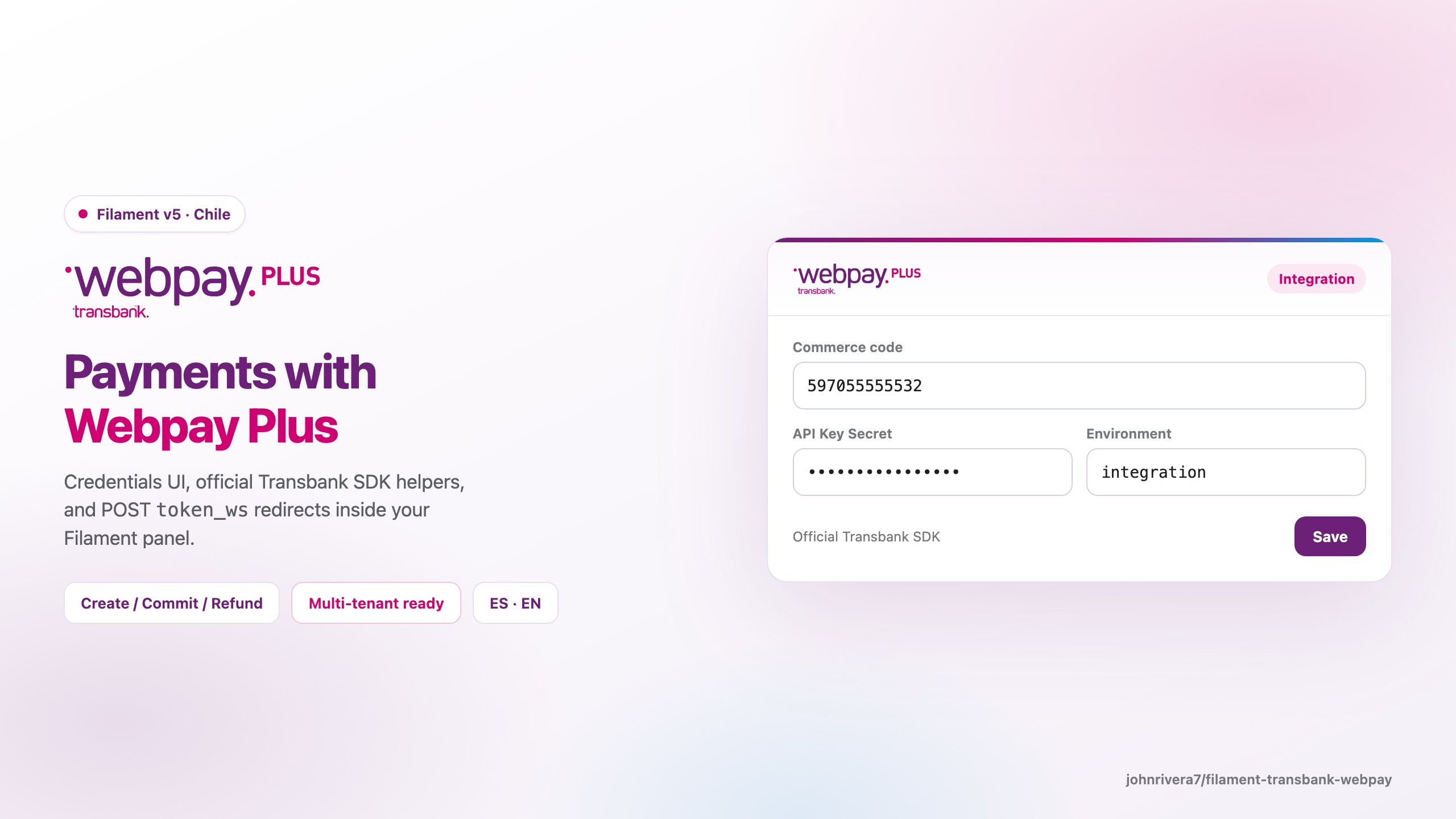
A Filament plugin that integrates Transbank Webpay Plus (Chile) into your Laravel application: credentials UI, logos, POST token_ws redirects, and create / commit / status / refund helpers on the official Transbank SDK.
Open source (MIT). Badges like Buy license / Private Composer package / Proprietary documentation apply to paid Filament plugins only — this package is free on Packagist.
Requirements
| Stack | Versions |
|---|---|
| PHP | 8.2+ |
| Laravel | 11.28+ / 12+ / 13+ |
| Filament | 4.x or 5.x |
| Livewire | 3.x (with Filament 4) / 4.x (with Filament 5) |
Installation
composer require johnrivera7/filament-transbank-webpay:^1.0
Optional publishes:
php artisan vendor:publish --tag=filament-transbank-webpay-config
php artisan vendor:publish --tag=filament-transbank-webpay-assets
Register the plugin in your PanelProvider:
use JohnRivera7\FilamentTransbankWebpay\FilamentTransbankWebpayPlugin;

public function panel(Panel $panel): Panel
{
    return $panel
        ->plugin(
            FilamentTransbankWebpayPlugin::make()
                ->navigationGroup('Pagos')
                ->navigationSort(40)
        );
}
Multi-tenant (recommended)
use JohnRivera7\FilamentTransbankWebpay\Support\TransbankCredentials;

->plugin(
    FilamentTransbankWebpayPlugin::make()
        ->credentialsUsing(function (): TransbankCredentials {
            $cfg = /* read from your DB */;

            return TransbankCredentials::fromArray($cfg);
        })
        ->persistCredentialsUsing(function (TransbankCredentials $credentials): void {
            /* persist $credentials->toArray() */
        })
)
Single-tenant (.env)
TRANSBANK_ENABLED=true
TRANSBANK_COMMERCE_CODE=597055555532
TRANSBANK_API_KEY=...
TRANSBANK_ENVIRONMENT=integration
Without persistCredentialsUsing(), the settings page does not write credentials to disk—wire persistence via the callbacks above (or manage .env yourself).
Gateway usage
use JohnRivera7\FilamentTransbankWebpay\FilamentTransbankWebpayPlugin;
use JohnRivera7\FilamentTransbankWebpay\Services\WebpayPlusGateway;

$gateway = FilamentTransbankWebpayPlugin::get()->gateway();

$payment = $gateway->create(
    buyOrder: 'ORD123',
    sessionId: 'sess-1',
    amountClp: 15990,
    returnUrl: route('payments.transbank.return'),
);

return response()->view('filament-transbank-webpay::payment-redirect', [
    'url' => $payment['redirect_url'],
    'fields' => $payment['redirect_fields'], // ['token_ws' => ...]
]);
On the return URL:
if (WebpayPlusGateway::isAbortReturn($request->all())) {
    $reason = WebpayPlusGateway::abortReason($request->all()); // aborted|timeout
}

// If token_ws is present (even alongside TBK_*), call commit:
$result = $gateway->commit($request->all());
Reusable form schema
use JohnRivera7\FilamentTransbankWebpay\Forms\Components\TransbankCredentialsSchema;

$schema->components([
    ...TransbankCredentialsSchema::make('payments.transbank'),
]);
Integration notes
- Webpay Plus requires a POST redirect with
token_ws(not a GET query string). - Integration sandbox: commerce
597055555532+ Transbank’s public integration API key. - Production: real commerce code + API Key Secret after Transbank validation.
- Abort/timeout returns send
TBK_*withouttoken_ws. If both arrive,token_wswins—runcommit.
Testing
composer install
composer test
Security
See SECURITY.md.
Changelog
See CHANGELOG.md.
License
MIT