
johnrivera7 / filament-issabel-click-to-call

Filament plugin for Issabel PBX click-to-call via Asterisk AMI — originate from tables, forms, and a credentials UI.
Package info
github.com/Johnrivera7/filament-issabel-click-to-call
pkg:composer/johnrivera7/filament-issabel-click-to-call
Requires
- php: ^8.2
- filament/filament: ^4.0|^5.0
- illuminate/contracts: ^11.28|^12.0|^13.0
- illuminate/support: ^11.28|^12.0|^13.0
- spatie/laravel-package-tools: ^1.16
Requires (Dev)
- laravel/pint: ^1.18
- phpunit/phpunit: ^11.0
Suggests
None
Provides
None
Conflicts
None
Replaces
None
README
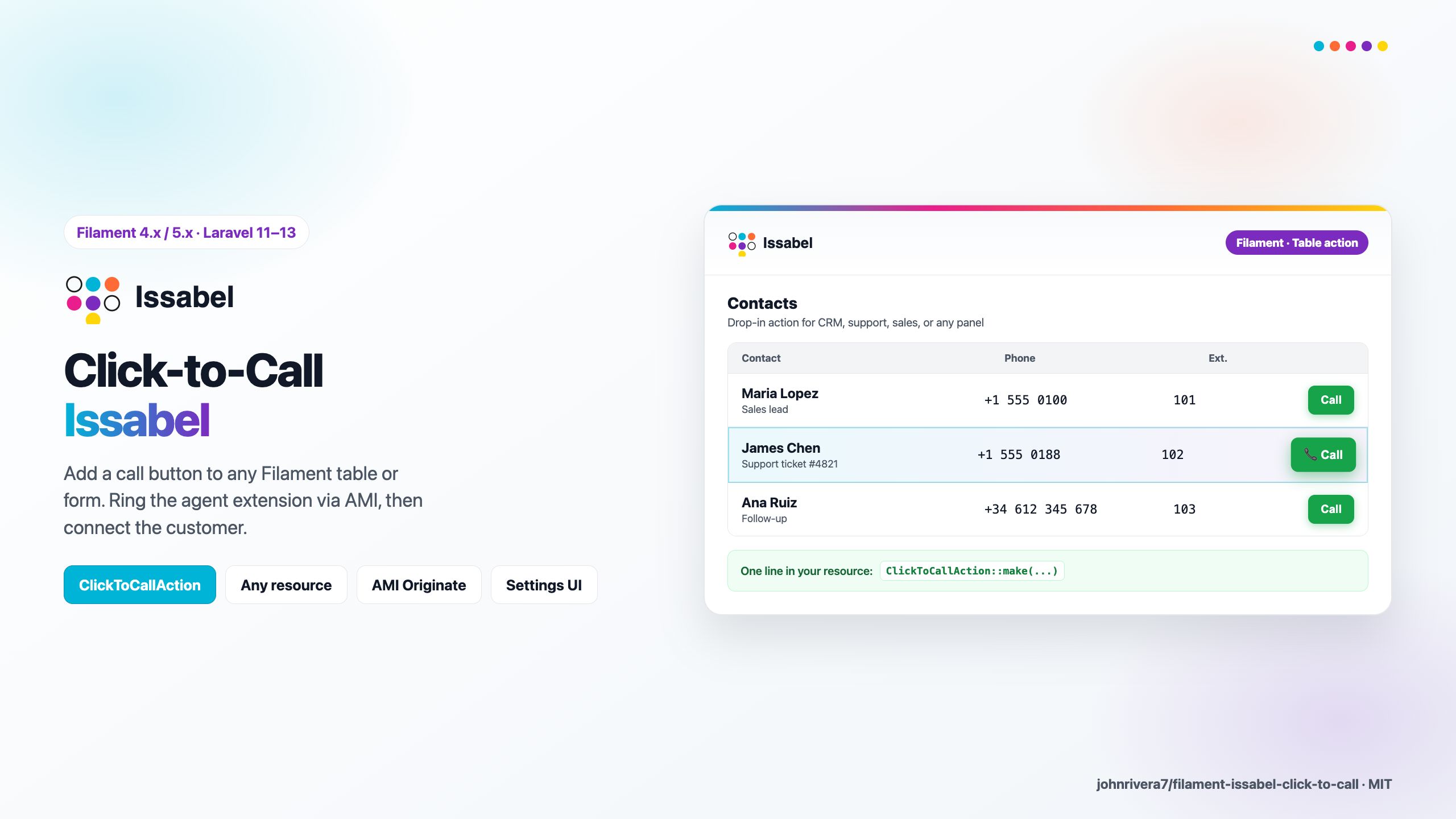
Filament plugin for Issabel PBX click-to-call via Asterisk AMI: ring the agent extension first, then dial the customer number from tables or forms.
Open source (MIT). Works with Issabel and other Asterisk/FreePBX deployments that expose AMI on port 5038.
Requirements
| Stack | Versions |
|---|---|
| PHP | 8.2+ |
| Laravel | 11.28+ / 12+ / 13+ |
| Filament | 4.x or 5.x |
| Issabel | AMI enabled; agent softphone registered on extension |
How click-to-call works
- User clicks Llamar / Call in Filament.
- Laravel connects to Issabel AMI (TCP 5038).
- Sends
Originate: channelPJSIP/{anexo}→ when answered, dials destination infrom-internal. - Agent answers on their softphone/IP phone; Issabel connects the customer.
Filament does not carry audio — the PBX does.
Agent phone display (required Issabel dialplan)
Issabel/FreePBX stores a CNAM per extension (e.g. Mariela Lopez on 2150). If you originate directly to SIP/2150, the agent phone shows the extension identity, not the customer number — AMI CallerID variables alone cannot override this on stock Issabel.
We added strategy custom_agent: originate to Local/{anexo}@filament-click-to-call, set display from CTC_DEST in dialplan, then dial outbound via from-internal/{destino}.
Why we need [filament-click-to-call] on the PBX
| Approach | Agent display | Outbound dial |
|---|---|---|
Direct SIP/anexo + AMI CallerID |
Extension CNAM (wrong) | May work |
Force CALLERID(num) = cell in AMI |
Cell on display | Often bad-number / wrong route |
custom_agent + custom context |
Cell on display | Normal outbound route |
One-time setup on Issabel
Add to /etc/asterisk/extensions_custom.conf:
[filament-click-to-call]
exten => _X.,1,NoOp(Filament click-to-call anexo ${EXTEN} destino ${CTC_DEST})
 same => n,Set(CALLERID(name)=${IF($["${CTC_NAME}"=""]?${CTC_DEST}:${CTC_NAME})})
 same => n,Set(CALLERID(num)=${IF($["${CTC_NUM}"=""]?${CTC_DEST}:${CTC_NUM})})
 same => n,Set(CALLERID(name-pres)=allowed_not_screened)
 same => n,Set(CALLERID(num-pres)=allowed_not_screened)
 same => n,Dial(SIP/${EXTEN},30,m)
 same => n,Hangup()
Use PJSIP instead of SIP in Dial() if your extensions are PJSIP. Then:
asterisk -rx "dialplan reload"
Publish the snippet from Laravel:
php artisan vendor:publish --tag=filament-issabel-click-to-call-dialplan
Full Spanish guide: docs/ISSABEL_VISOR_DESTINO.md
.env for correct display
ISSABEL_PBX_ORIGINATE_STRATEGY=custom_agent
ISSABEL_PBX_AGENT_DIAL_CONTEXT=filament-click-to-call
ISSABEL_PBX_CALLER_ID_DISPLAY=destination
Fallback without PBX dialplan (display stays extension CNAM):
ISSABEL_PBX_ORIGINATE_STRATEGY=application_dial
Where to create AMI credentials (Issabel)
Option A — Issabel web UI
- Log in to Issabel as admin.
- Open Settings → Advanced Settings → Asterisk Manager Users (wording may vary by Issabel version).
- Add user e.g.
kitinicio_originatewith a strong secret. - Restrict permit to the private IP of your Laravel server only (not
0.0.0.0/0). - Grant at least write = originate (and minimal read permissions).
- Apply config / reload Asterisk.
Option B — /etc/asterisk/manager.conf
[kitinicio_originate]
secret = YOUR_STRONG_SECRET
deny=0.0.0.0/0.0.0.0
permit=172.16.10.20/255.255.255.255
read = system,call,log,verbose,command,agent,user,config,dtmf,reporting,cdr,dialplan
write = originate
Then: asterisk -rx "manager reload" (or restart Asterisk from Issabel).
.env in Laravel
ISSABEL_CLICK_TO_CALL_ENABLED=true
ISSABEL_PBX_HOST=172.16.10.50
ISSABEL_PBX_AMI_PORT=5038
ISSABEL_PBX_AMI_USER=kitinicio_originate
ISSABEL_PBX_AMI_SECRET=YOUR_STRONG_SECRET
ISSABEL_PBX_CHANNEL_DRIVER=PJSIP
ISSABEL_PBX_DIAL_CONTEXT=from-internal
ISSABEL_PBX_ORIGINATE_STRATEGY=custom_agent
ISSABEL_PBX_AGENT_DIAL_CONTEXT=filament-click-to-call
ISSABEL_PBX_CALLER_ID_DISPLAY=destination
Network / Huawei Cloud
You do not need to expose port 5038 to the public internet.
| Scenario | Recommendation |
|---|---|
| Laravel + Issabel same VPC / LAN | Security group: inbound TCP 5038 only from Laravel VM private IP → Issabel private IP |
| Laravel outside, Issabel inside | VPN or private peering; avoid public AMI |
| Public AMI | Not recommended — AMI has full call control |
Issabel AMI listens on 5038/TCP by default. Open it only between app server and PBX.
Does Issabel have an API?
Yes, partially:
| API | Use for click-to-call? |
|---|---|
Issabel REST /pbxapi/ |
Admin (extensions, ring groups). No CDR/originate in core API. |
| Community PBXAPI v2 | Optional HTTP CDR + originate if installed on Issabel |
| AMI (this plugin) | Recommended for originate — native Asterisk, no extra modules |
This plugin uses AMI because it is stable, works on stock Issabel, and matches legacy cobranza integrations.
Installation
composer require johnrivera7/filament-issabel-click-to-call:^1.0
php artisan vendor:publish --tag=filament-issabel-click-to-call-config
Register in your PanelProvider:
use JohnRivera7\FilamentIssabelClickToCall\FilamentIssabelClickToCallPlugin;

->plugin(
    FilamentIssabelClickToCallPlugin::make()
        ->navigationGroup('Telefonía')
)
Filament action (table / form)
use JohnRivera7\FilamentIssabelClickToCall\Actions\ClickToCallAction;

ClickToCallAction::make(
    phoneResolver: fn (array $record) => $record['celular'],
    extensionResolver: fn () => auth()->user()->cobranzaEjecutivo?->anexo_pbx,
)
Wire extension per user from your ejecutivo mantenedor (anexo_pbx column in your app).
Multi-tenant credentials
use JohnRivera7\FilamentIssabelClickToCall\Support\IssabelAmiCredentials;

FilamentIssabelClickToCallPlugin::make()
    ->credentialsUsing(fn (): IssabelAmiCredentials => IssabelAmiCredentials::fromArray(/* DB */))
    ->persistCredentialsUsing(function (IssabelAmiCredentials $c): void {
        /* save to DB */
    })
Programmatic
use JohnRivera7\FilamentIssabelClickToCall\FilamentIssabelClickToCallPlugin;

FilamentIssabelClickToCallPlugin::get()->clickToCall()->call(
    extension: '2151',
    phone: '957592274',
);
Avoiding extra call legs
A second Originate while the extension is still ringing or talking creates another leg: the agent phone rings twice and the CDR shows duplicated calls. Before every Originate the plugin now:
- Takes an atomic cache lock per extension (
originate_lock_seconds, default 15 s), so two fast clicks cannot both reach AMI. - Asks the PBX for the live extension state —
ExtensionStateon the hint context, falling back toCoreShowChannelswhen the extension has no hint. Ringing, talking and on-hold all block a new call; idle and unavailable do not.
The call is refused with a translated message instead of adding the leg. Because the check reads live PBX state, the lock clears as soon as the agent hangs up — no CDR sync or manual refresh needed.
ISSABEL_PBX_PREVENT_EXTRA_LEGS=true
ISSABEL_PBX_ORIGINATE_LOCK_SECONDS=15
ISSABEL_PBX_HINT_CONTEXT=ext-local
Your AMI user needs read permission for call/reporting (already included in
the manager.conf sample above) so these two read actions are allowed.
Ask the PBX directly when you need the state elsewhere:
FilamentIssabelClickToCallPlugin::get()->clickToCall()->extensionInCall('2151');
It throws when the PBX cannot answer (AMI unreachable or the AMI user lacks read permission). Treat that as unknown, never as idle, or you are back to extra legs.
Agent requirements
Each cobranza agent needs:
- Issabel extension (anexo) assigned in your mantenedor
- Softphone (Zoiper, MicroSIP, etc.) or IP phone registered to Issabel
Without a registered endpoint, Originate will fail or ring nowhere.
License
MIT © John Rivera. Issabel® is a trademark of its respective owners; this plugin is not affiliated with Issabel LLC.