
jeffersongoncalves / flysystem-google-drive

A League Flysystem v3 adapter for Google Drive, with a zero-config Laravel driver.
Package info
github.com/jeffersongoncalves/flysystem-google-drive
pkg:composer/jeffersongoncalves/flysystem-google-drive
Requires
- php: ^8.3
- google/apiclient: ^2.18
- illuminate/filesystem: ^11.0|^12.0|^13.0
- illuminate/support: ^11.0|^12.0|^13.0
- league/flysystem: ^3.28
Requires (Dev)
- laravel/pint: ^1.0
- mockery/mockery: ^1.6.12
- orchestra/testbench: ^9.0|^10.0|^11.0
- pestphp/pest: ^3.7.4|^4.0
- pestphp/pest-plugin-laravel: ^3.0|^4.0
- phpstan/phpstan: ^2.0
Suggests
None
Provides
None
Conflicts
None
Replaces
None
README
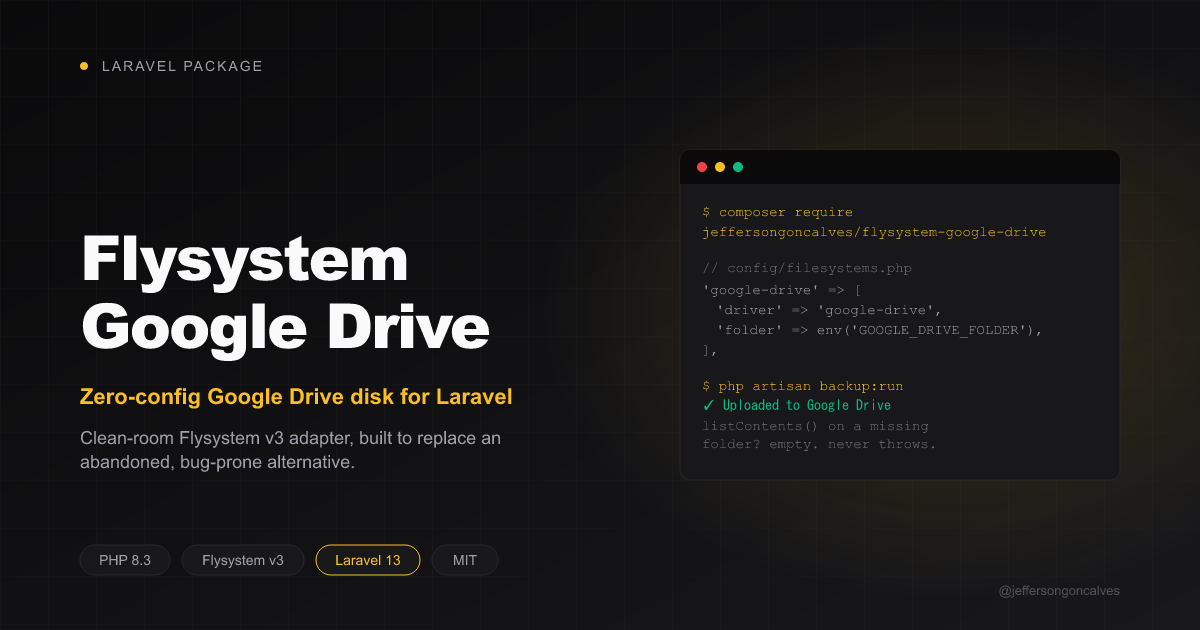
Flysystem Google Drive
A League Flysystem v3 adapter for Google Drive, with a zero-config Laravel driver.
Why this exists
masbug/flysystem-google-drive-ext is effectively unmaintained (open issues piling up, one large PR sitting unmerged for years) and has a bug that makes it unusable as a fresh spatie/laravel-backup destination: BackupDestination::isReachable() lists the backup folder as a health check before ever uploading anything, and masbug's adapter throws instead of returning an empty listing when that folder doesn't exist yet. The very first backup run fails, and the only fix is manually pre-creating the remote folder through the Drive UI.
This package is a clean-room adapter built to not have that bug (and a few other rough edges found while filing it): listContents() and directoryExists() on a path that has never been created return an empty result / false, never an exception. Deletes never silently swallow a real API error as success, moving a folder invalidates every cached descendant (not just the top-level entry), and filenames are escaped before going into a Drive search query.
Installation
composer require jeffersongoncalves/flysystem-google-drive
Getting Google OAuth credentials
- Create a project in the Google Cloud Console and enable the Google Drive API.
- Configure the OAuth consent screen, then create an OAuth Web application client (Credentials → Create Credentials → OAuth client ID). Add
https://developers.google.com/oauthplaygroundas an authorized redirect URI. - Go to the OAuth Playground, click the gear icon, tick "Use your own OAuth credentials", and paste your client ID/secret.
- Authorize the
https://www.googleapis.com/auth/drivescope, exchange the authorization code for tokens, and copy the refresh token. - Important: while your OAuth consent screen is in "Testing" publishing status, refresh tokens expire after 7 days. Move the app to "In production" (Google Cloud Console → OAuth consent screen → Publish App) so the refresh token doesn't silently stop working a week after you set it up. This exact gotcha is what broke a real production backup setup while building this package.
Laravel usage
Nothing to register manually — the service provider is auto-discovered and adds a google-drive Flysystem driver on boot. Just configure a disk:
// config/filesystems.php
'disks' => [
    'google-drive' => [
        'driver' => 'google-drive',
        'clientId' => env('GOOGLE_DRIVE_CLIENT_ID'),
        'clientSecret' => env('GOOGLE_DRIVE_CLIENT_SECRET'),
        'refreshToken' => env('GOOGLE_DRIVE_REFRESH_TOKEN'),
        'folder' => env('GOOGLE_DRIVE_FOLDER'), // optional: a Drive folder ID or name to scope everything under
    ],
],
Storage::disk('google-drive')->put('backups/db.sql.gz', $contents);
Plain PHP usage (no Laravel)
use Google\Client;
use Google\Service\Drive;
use JeffersonGoncalves\FlysystemGoogleDrive\GoogleDriveAdapter;
use League\Flysystem\Filesystem;

// Either build the adapter directly from credentials...
$adapter = GoogleDriveAdapter::fromCredentials(
    clientId: 'your-client-id',
    clientSecret: 'your-client-secret',
    refreshToken: 'your-refresh-token',
    folder: 'Backups', // optional
);

// ...or hand it an already-configured \Google\Service\Drive (e.g. to inject a mock in tests).
$client = new Client();
$client->setClientId('your-client-id');
$client->setClientSecret('your-client-secret');
GoogleDriveAdapter::useRefreshTokenLazily($client, 'your-refresh-token');
$adapter = new GoogleDriveAdapter(new Drive($client), folder: 'Backups');

$filesystem = new Filesystem($adapter);
$filesystem->write('backups/db.sql.gz', $contents);
What's deliberately simplified (v1)
- The path → Drive-ID cache is a flat in-memory array, request-scoped only. No persistent/cross-request cache.
copy()only supports files, matching Drive's ownfiles.copyendpoint (which doesn't support folders). Recursively copying a folder isn't implemented.setVisibility()/visibility()map Flysystem's public/private concept onto a single "anyone with the link can view" reader permission. Drive's real permission model is much richer than that; this is enough for the common case.- The configured root
foldercan be a Drive folder ID or a name directly under Drive's root - not an arbitrary nested path.
Testing
composer test        # Pest - fully mocked, no real Google API calls or credentials needed
composer analyse      # PHPStan
vendor/bin/pint       # code style
An optional integration suite under tests/Integration sanity-checks the adapter against a real Drive account. It skips cleanly when credentials aren't set, so it never affects the default suite or CI:
GOOGLE_DRIVE_CLIENT_ID=... GOOGLE_DRIVE_CLIENT_SECRET=... GOOGLE_DRIVE_REFRESH_TOKEN=... \
    vendor/bin/pest tests/Integration
Changelog
Please see CHANGELOG for more information on what has changed recently.
Contributing
Please see CONTRIBUTING for details.
Security Vulnerabilities
Please review our security policy on how to report security vulnerabilities.
Credits
License
The MIT License (MIT). Please see License File for more information.