
jeffersongoncalves / filament-socialite

Filament plugin for OAuth login via Laravel Socialite with a fluent provider API, login-page buttons and optional linked social accounts.
Package info
github.com/jeffersongoncalves/filament-socialite
pkg:composer/jeffersongoncalves/filament-socialite
Requires
- php: ^8.2
- filament/filament: ^5.0
- jeffersongoncalves/laravel-socialite: ^1.0
- spatie/laravel-package-tools: ^1.16
Requires (Dev)
- larastan/larastan: ^2.0|^3.0
- laravel/pint: ^1.0
- orchestra/testbench: ^10.0|^11.0
- pestphp/pest: ^3.0|^4.0
Suggests
None
Provides
None
Conflicts
None
Replaces
None
README
Filament Socialite
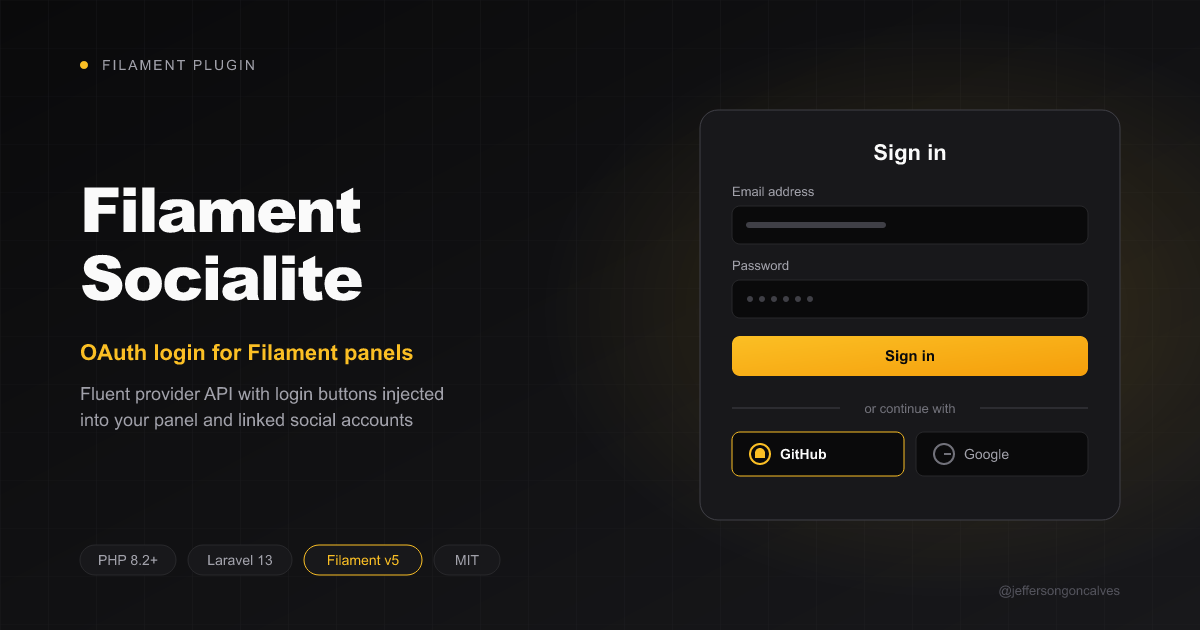
OAuth login for Filament panels powered by Laravel Socialite: a fluent provider API, buttons injected into the login page, and optional linked social accounts.
Compatibility
| Package Version | Filament Version |
|---|---|
| 1.x | 3.x |
| 2.x | 4.x |
| 3.x | 5.x |
Installation
You can install the package via composer:
composer require jeffersongoncalves/filament-socialite:"^3.0"
User resolution, the social_accounts table and the base Provider come from jeffersongoncalves/laravel-socialite, installed automatically.
Publish and run the migration (skip it if you only want to match users by email, see socialAccounts(false) below):
php artisan vendor:publish --tag="socialite-migrations"
php artisan migrate
Optionally publish the config and translations:
php artisan vendor:publish --tag="socialite-config"
php artisan vendor:publish --tag="filament-socialite-translations"
Configuring providers
Add each provider's credentials to config/services.php. The redirect key is required by Socialite but its value is ignored: the plugin always uses its own callback route.
'github' => [
    'client_id' => env('GITHUB_CLIENT_ID'),
    'client_secret' => env('GITHUB_CLIENT_SECRET'),
    'redirect' => null,
],
Register the callback URL in the provider's dashboard: https://your-app.test/{panel-path}/oauth/{provider}/callback, e.g. https://your-app.test/admin/oauth/github/callback.
Usage
use JeffersonGoncalves\Filament\Socialite\Provider;
use JeffersonGoncalves\Filament\Socialite\SocialitePlugin;

public function panel(Panel $panel): Panel
{
    return $panel
        ->login()
        ->plugin(
            SocialitePlugin::make()
                ->providers([
                    Provider::make('github')
                        ->label('GitHub')
                        ->icon('heroicon-o-code-bracket')
                        ->color('gray')
                        ->scopes(['read:user', 'user:email']),
                    Provider::make('google')
                        ->label('Google')
                        ->color('danger')
                        ->with(['prompt' => 'select_account']),
                ])
                ->registrationEnabled(),
        );
}
Provider options
| Method | Description |
|---|---|
label(string) |
Button label (defaults to the headline of the driver name). |
icon(string) |
Any Blade Icons name installed in your app (e.g. heroicon-o-user, fab-github with a Font Awesome icon set). |
color(string) |
Filament color (gray, primary, danger, ...). |
scopes(array) |
Extra OAuth scopes. |
with(array) |
Extra query parameters for the authorization request. |
stateless(bool) |
Disable session state verification (APIs/SPAs only). |
Any Socialite driver works, including Socialite Providers once registered.
Plugin options
| Method | Default | Description |
|---|---|---|
registrationEnabled(bool) |
false |
Create a user when no account matches. |
createUserUsing(Closure) |
null |
Custom user creation: fn (SocialiteUser $user, Provider $provider): ?Model. |
resolveUserUsing(Closure) |
null |
Replace the whole lookup: fn (SocialiteUser $user, Provider $provider): ?Model. |
socialAccounts(bool) |
true |
Store logins in the social_accounts table. With false, users are only matched by email. |
slug(string) |
oauth |
Route prefix: /{panel}/{slug}/{provider}/redirect|callback. |
renderHook(string) |
PanelsRenderHook::AUTH_LOGIN_FORM_AFTER |
Where the buttons are rendered. |
How users are resolved
resolveUserUsing(), if set, decides alone.- A linked row in
social_accounts(provider + provider id). - A user with the same email.
- If
registrationEnabled():createUserUsing()or a defaultname/email/randompassworduser.
After login the social account is linked (tokens are stored encrypted). Users implementing FilamentUser must pass canAccessPanel(). Failures send the user back to the login page with a notification.
Security: step 3 trusts the email returned by the provider. Only enable providers that verify emails, or use
resolveUserUsing()to add your own checks.
Outside Filament
Need the same login flow in a non-Filament app (Blade, Inertia, API)? Use jeffersongoncalves/laravel-socialite directly.
Testing
composer test
Changelog
Please see CHANGELOG for more information on what has changed recently.
Security Vulnerabilities
Please review our security policy on how to report security vulnerabilities.
Credits
License
The MIT License (MIT). Please see License File for more information.