
jeffersongoncalves / context7-cli

A Context7 API CLI built with Laravel Zero. Search libraries, fetch up-to-date documentation snippets, and manage Context7 resources from your terminal.
Package info
github.com/jeffersongoncalves/context7-cli
Type:project
pkg:composer/jeffersongoncalves/context7-cli
Requires
- php: ^8.3
Requires (Dev)
- ext-json: *
- guzzlehttp/guzzle: ^7.10
- jeffersongoncalves/laravel-zero-api-client: ^1.0
- jeffersongoncalves/laravel-zero-console: ^1.0
- jeffersongoncalves/laravel-zero-credentials: ^1.0
- jeffersongoncalves/laravel-zero-self-update: ^1.1
- laravel-zero/framework: ^12.0.2
- laravel/pint: ^1.25
- mockery/mockery: ^1.6
- pestphp/pest: ^3.8|^4.7
- phpstan/phpstan: ^2.1
Suggests
None
Provides
None
Conflicts
None
Replaces
None
README
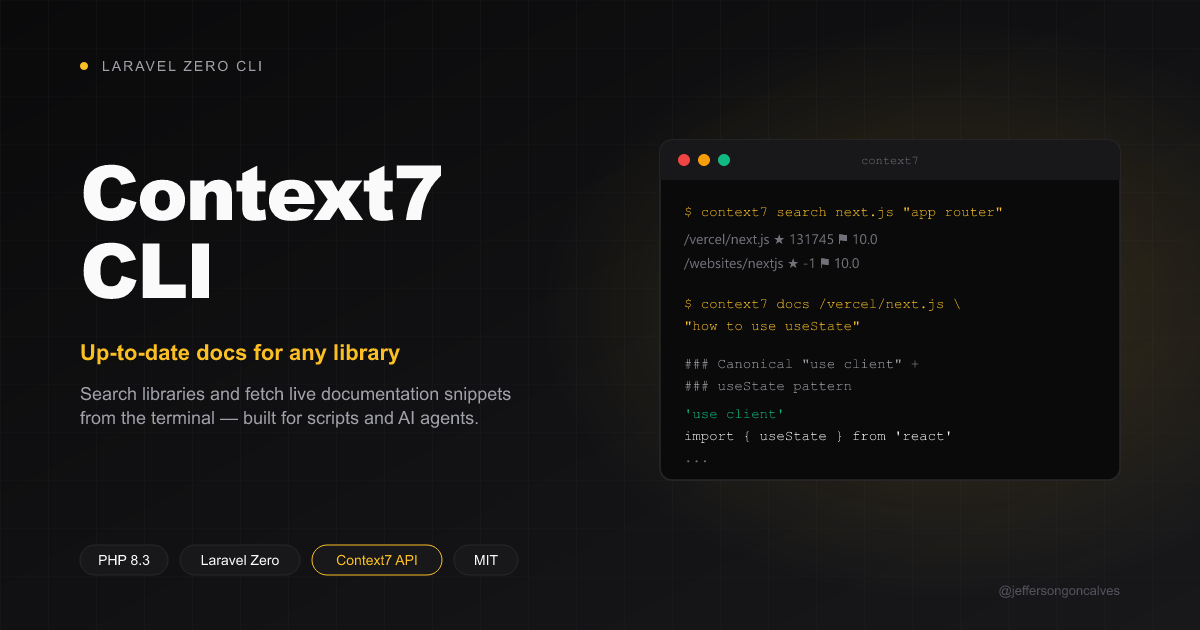
Context7 CLI
A Context7 API CLI built with Laravel Zero. Search libraries, fetch up-to-date documentation snippets, and manage Context7 resources from your terminal.

Installation
composer global require jeffersongoncalves/context7-cli
Or grab the standalone PHAR from the latest release.
Usage
Every command takes its input as arguments and flags, so a script or an AI
agent can drive it without a TTY — auth:save is the only exception, which
falls back to an interactive password prompt when run without an argument
or --from-env.
Authentication
An API key raises your rate limit and is required for refresh. Get one at
context7.com/dashboard.
context7 auth:save ctx7sk-your-api-key   # pass it directly
context7 auth:save                       # or get prompted for it interactively
CONTEXT7_API_KEY=ctx7sk-your-api-key context7 auth:save --from-env   # or read it from the environment
context7 auth:show
context7 auth:forget
Git Bash on Windows: a leading
/in a library ID (e.g./vercel/next.js) gets rewritten to a Windows path by MSYS's auto path-conversion. If a command fails withlibrary_not_found, prefix it withMSYS_NO_PATHCONV=1.
Search for a library
Both the library name and a query (used to rank results by relevance) are required:
context7 search next.js "how to use the app router"
Fetch documentation
context7 docs /vercel/next.js "how to use useState"
context7 docs /vercel/next.js "how to use useState" --type=json
Usage metrics
context7 metrics /vercel/next.js --days=7
Refresh a library's indexed docs (requires an API key)
context7 refresh /vercel/next.js
context7 refresh /vercel/next.js --branch=canary --git-token=ghp_xxx
Submit a new source for indexing (requires an API key)
context7 add:github https://github.com/vercel/next.js
context7 add:github vercel/next.js laravel/framework           # owner/repo works too; several at once
context7 add:github --from=repos.txt --delay=8                 # one repo per line, # comments allowed
context7 add:gitlab https://gitlab.com/org/repo
context7 add:bitbucket https://bitbucket.org/org/repo
context7 add:git https://git.example.com/org/repo --private --generate-docs
context7 add:openapi https://api.example.com/openapi.json
context7 add:llmstxt https://example.com/llms.txt
context7 add:website https://example.com/docs --base-url=https://example.com/docs
When several repositories are sent, add:github waits --delay seconds (default 8) between them, keeps going when one fails and ends with a summary — exit code 1 if any failed.
Teamspace policies (requires an API key)
context7 policies:show
context7 policies:update '{"sourceTypes":{"websites":{"enabled":false}}}'
context7 policies:update @path/to/policies.json
Update to the latest release (PHAR installs only — Composer installs update
via composer global update):
context7 self-update
context7 self-update --check
Releasing
Run the Release workflow from the Actions tab. It stamps version.txt,
regenerates CHANGELOG.md with git-cliff, builds the PHAR, commits it to
main, then creates the tag and release pinned to that exact commit — so a
published tag never moves.
gh workflow run release.yml --ref main
Testing
composer test
Changelog
Please see CHANGELOG for more information on what has changed recently.
Security
If you discover any security related issues, please see SECURITY.
License
The MIT License (MIT). Please see License File for more information.