
nunomaduro / laravel-sluggable

Automatic slug generation for Eloquent models via the #[Sluggable] attribute.
Fund package maintenance!
Requires
- php: ^8.5.0
- illuminate/console: ^13.5.0
- illuminate/database: ^13.5.0
- illuminate/filesystem: ^13.5.0
- illuminate/support: ^13.5.0
- illuminate/translation: ^13.5.0
- illuminate/validation: ^13.5.0
Requires (Dev)
- laravel/pint: ^1.29.0
- orchestra/testbench: ^11.1
- pestphp/pest: ^5.0
- pestphp/pest-plugin-laravel: ^5.0
- pestphp/pest-plugin-type-coverage: ^5.0
- phpstan/phpstan: ^2.1.50
- rector/rector: ^2.4.2
- symfony/var-dumper: ^8.0.8
Suggests
None
Provides
None
Conflicts
None
Replaces
None
README

Laravel Sluggable is my opinionated take on automatic slug generation for Eloquent models — the exact pattern I've reached for across projects like Laravel Cloud, now packaged up. A single #[Sluggable] attribute on the model is all you need. No trait, no base class, no extra wiring.
It handles all of the weirdest edge cases you can think about; slugs collisions, Unicode and CJK transliteration, domain-aware dot preservation, scoped uniqueness (per-tenant, per-locale), multi-column sources, soft-deleted record collisions, and more.
Requires PHP 8.5+ and Laravel 13.5+
Installation
composer require nunomaduro/laravel-sluggable
Getting Started
To make an existing model sluggable, run the make:sluggable Artisan command:
php artisan make:sluggable Post
This command adds the #[Sluggable] attribute to your model and generates a migration for the slug column. It introspects the model's table to guess the source column (name, title, headline, or subject):
+use NunoMaduro\LaravelSluggable\Attributes\Sluggable;

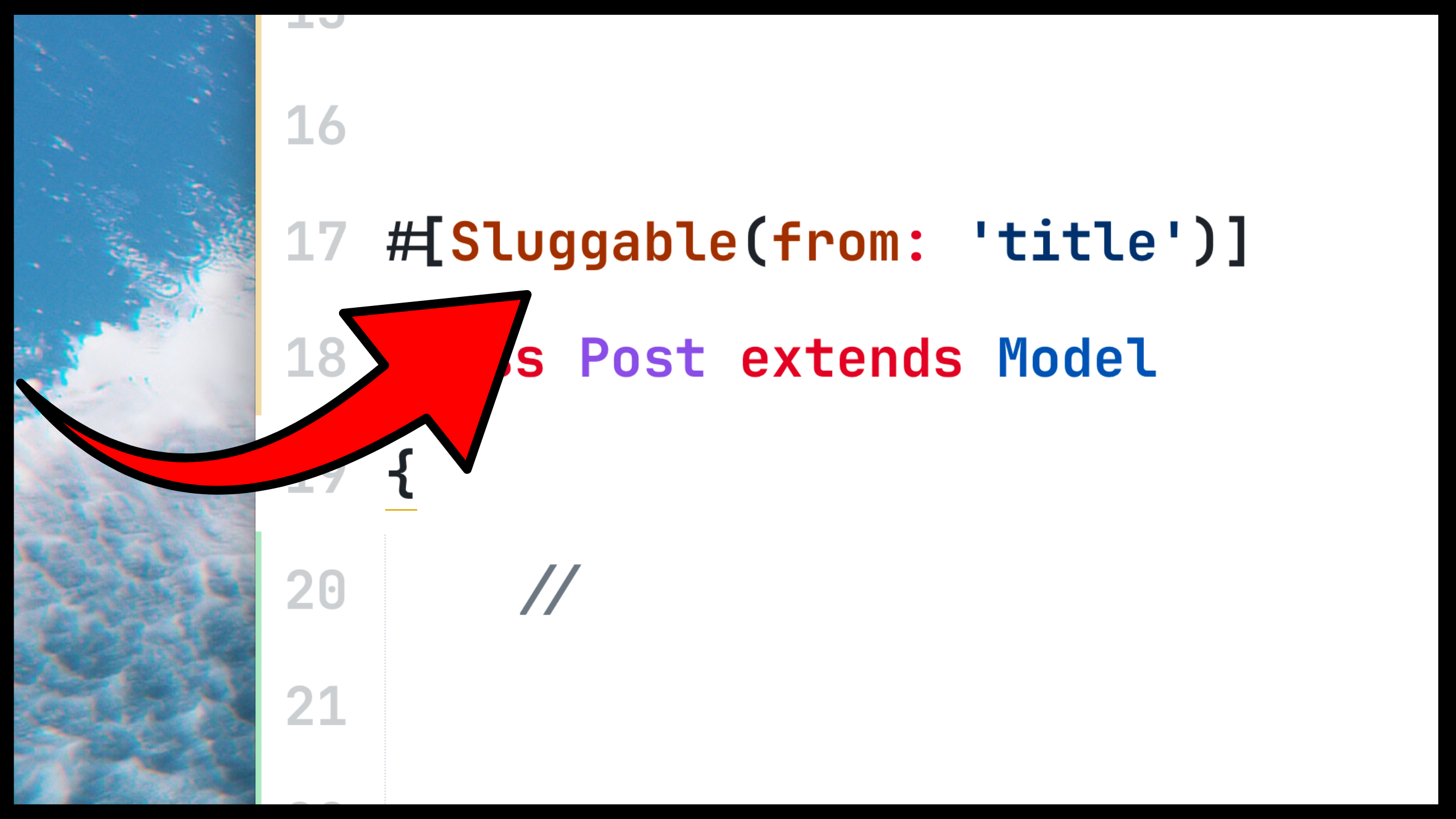
+#[Sluggable(from: 'title')]
class Post extends Model
{
}
It also generates a migration under database/migrations that adds the slug column:
Schema::table('posts', function (Blueprint $table) {
    $table
        ->string('slug')
    //  ->nullable()
        ->unique()
        ->after('id');
});
Review the migration before running it. The right shape depends on how you configured the attribute and the state of your existing data. For example, on a table with existing rows you typically want to use the ->nullable(), etc.
Once the migration is in shape, run:
php artisan migrate
When a Post is created, a slug will be automatically generated and stored in the slug column:
$post = Post::create(['title' => 'Hello World']);
$post->slug; // "hello-world"
The command also accepts --from and --to options:
php artisan make:sluggable Post --from=headline --to=url_slug
Configuration
Every aspect of slug generation can be customized directly on the attribute.
from
By default, the slug is generated from the name column. You may customize this with the from parameter:
#[Sluggable(from: 'title')]
Slugs may also be generated from multiple columns by passing an array:
#[Sluggable(from: ['first_name', 'last_name'])]
class Author extends Model
{
}

$author = Author::create(['first_name' => 'John', 'last_name' => 'Doe']);
$author->slug; // "john-doe"
to
By default, the slug is stored in the slug column. You may customize this with the to parameter:
#[Sluggable(from: 'title', to: 'url_slug')]
scope
When slugs should be unique within a scope (for example, per team or per locale), pass one or more scope columns:
#[Sluggable(scope: 'team_id')]
Multiple scope columns are also supported:
#[Sluggable(scope: ['team_id', 'locale'])]
onUpdating, separator, unique, maxAttempts, maxLength
The attribute accepts several other options to fine-tune slug generation. By default, slugs are generated on creation but not on update, use - as the separator, enforce uniqueness with up to 100 attempts, and have no maximum length:
#[Sluggable(
    onUpdating: false,
    separator: '-',
    unique: true,
    maxAttempts: 100,
    maxLength: 60,
)]
When onUpdating is enabled, the slug is regenerated whenever any source column changes. When a slug value is manually provided, it is always preserved — both on creation and on update.
errorKey
When slug generation fails, a CouldNotGenerateSlugException is thrown. In HTTP contexts, this exception renders automatically as a 422 validation error response — just like a failed validation rule. The error is attached to the first source column by default:
{
    "errors": {
        "name": ["The name cannot be converted into a valid slug."]
    }
}
You may customize the error key using the errorKey parameter:
#[Sluggable(errorKey: 'input_name')]
Error messages may be customized by defining validation.slug_required and validation.slug_unique keys in your application's language files. Both keys receive :attribute and :slug replacements:
// lang/en/validation.php
'slug_required' => 'The :attribute cannot be converted into a valid :slug.',
'slug_unique' => 'Too many :slug entries exist for the given :attribute. Please try a different value.',
Because it extends ValidationException, the exception is not reported to the application log — consistent with how Laravel handles ModelNotFoundException and other Eloquent exceptions.
Slug Generation Pipeline
The pipeline has first-class Unicode and CJK support — non-Latin scripts transliterate to readable Latin slugs (如何安装 Laravel → ru-he-an-zhuang-laravel).
It's also domain-aware: values like laravel.com, sub.domain.example.com, document.final.pdf, and über.straße keep their dots intact — most generators flatten them.
A few examples:
| Input | Slug |
|---|---|
Hello World |
hello-world |
Café Résumé |
cafe-resume |
Straße |
strasse |
如何安装 Laravel |
ru-he-an-zhuang-laravel |
こんにちは |
konnichiha |
안녕하세요 |
annyeonghaseyo |
Привет Мир |
privet-mir |
laravel.com |
laravel.com |
sub.domain.example.com |
sub.domain.example.com |
document.final.pdf |
document.final.pdf |
über.straße |
uber.strasse |
Example/Path |
example-path |
Hello — World |
hello-world |
🎉 Hello 🌟 World 🚀 |
hello-world |
[2024] Annual Report (Final) |
2024-annual-report-final |
Laravel Sluggable was created by Nuno Maduro under the MIT license.