
datlechin / flarum-keyboard-shortcuts

Navigate your forum without touching the mouse.
Package info
github.com/datlechin/flarum-keyboard-shortcuts
Language:TypeScript
Type:flarum-extension
pkg:composer/datlechin/flarum-keyboard-shortcuts
Requires
- flarum/core: ^2.0
Requires (Dev)
- flarum/testing: ^2.0
Suggests
None
Provides
None
Conflicts
None
Replaces
None
This package is auto-updated.
Last update: 2026-09-26 08:37:17 UTC
README
A Flarum extension. Navigate your forum without touching the mouse.
Press ? anywhere on the forum for the full list.
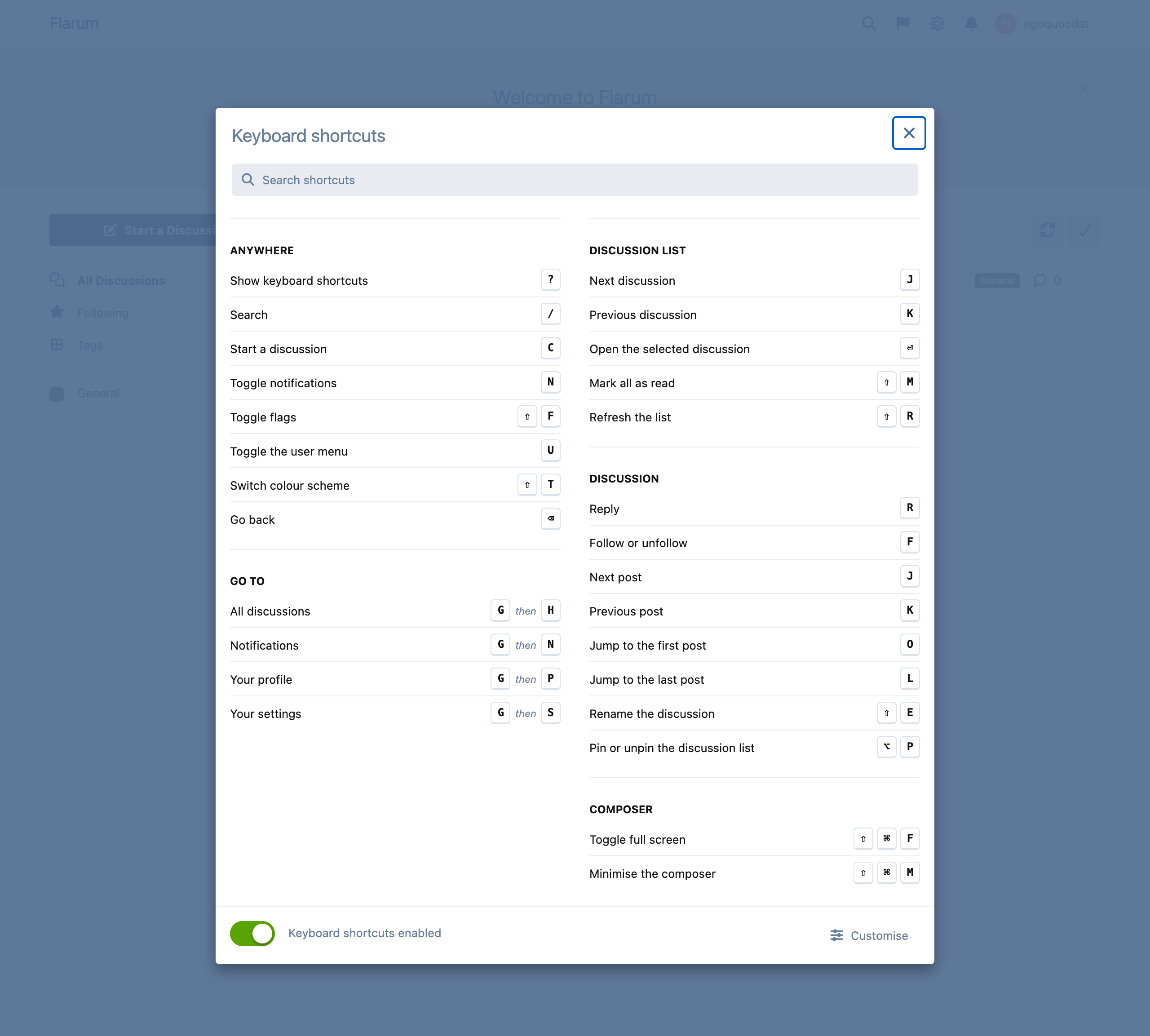
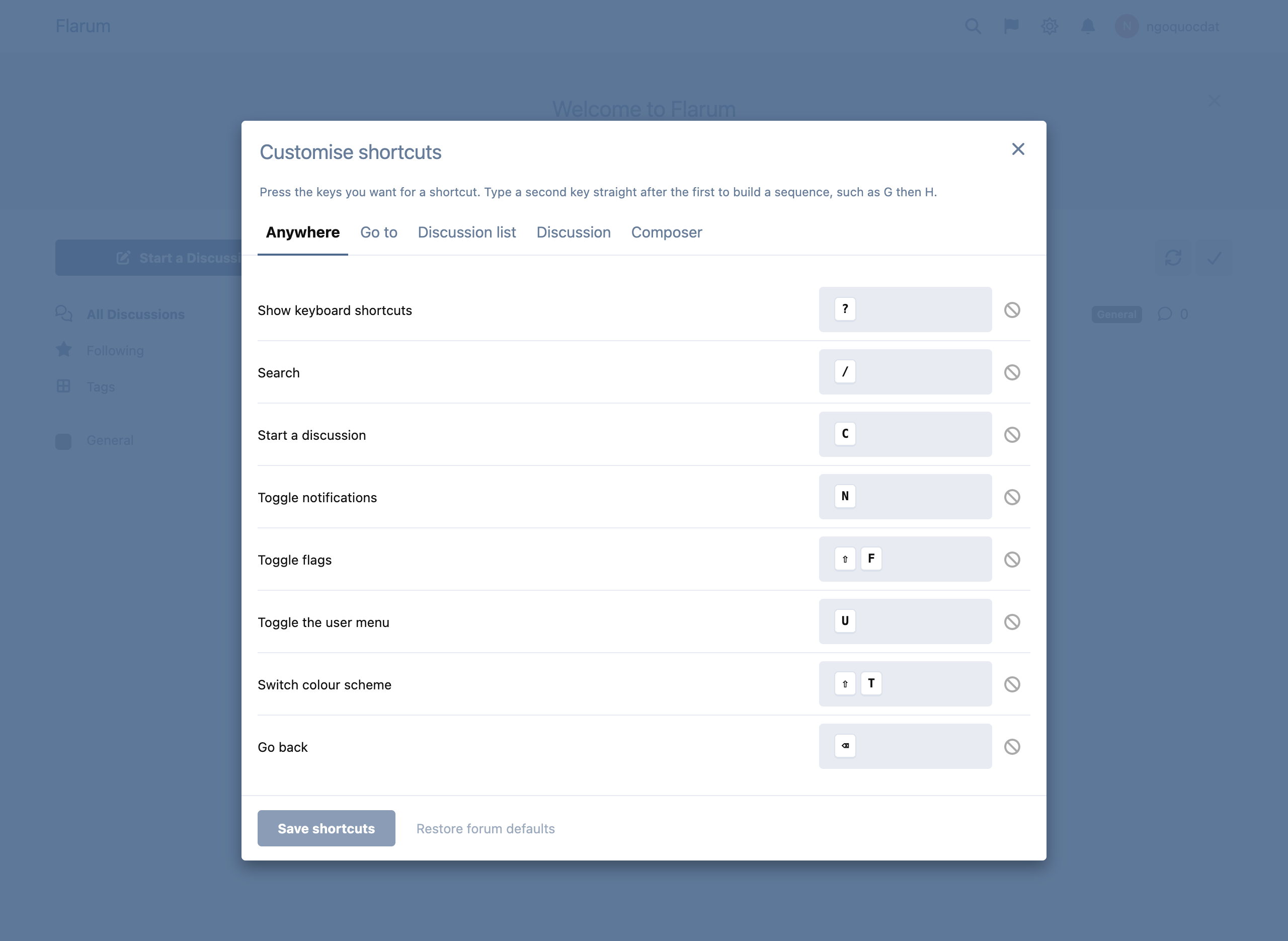
Members can rebind any shortcut for themselves, one group at a time.
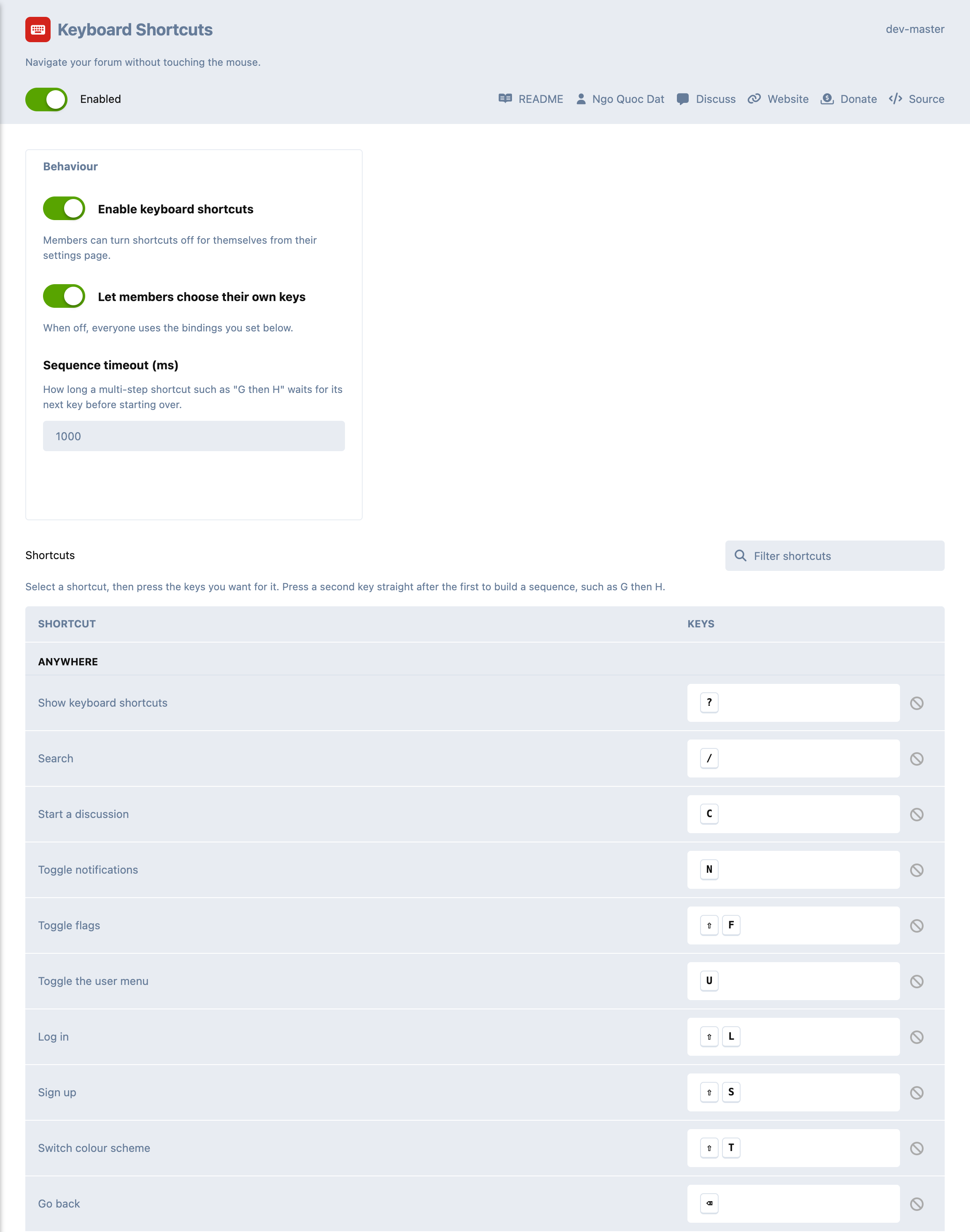
Administrators set the forum-wide bindings by pressing the keys they mean.
Installation
composer require datlechin/flarum-keyboard-shortcuts:"*"
Updating
composer update datlechin/flarum-keyboard-shortcuts:"*"
php flarum migrate
php flarum cache:clear
Shortcuts
Every binding below is a default: administrators can change them for the whole forum, and members can then rebind any of them for themselves.
Anywhere
| Shortcut | Action |
|---|---|
| ? | Show keyboard shortcuts |
| / | Search |
| C | Start a discussion |
| N | Toggle notifications |
| Shift F | Toggle flags |
| U | Toggle the user menu |
| Shift L | Log in |
| Shift S | Sign up |
| Shift T | Switch colour scheme |
| Backspace | Go back |
Go to
| Shortcut | Action |
|---|---|
| G then H | All discussions |
| G then N | Notifications |
| G then P | Your profile |
| G then S | Your settings |
Discussion list
| Shortcut | Action |
|---|---|
| J | Next discussion |
| K | Previous discussion |
| Enter | Open the selected discussion |
| Shift M | Mark all as read |
| Shift R | Refresh the list |
Discussion
| Shortcut | Action |
|---|---|
| R | Reply |
| F | Follow or unfollow |
| J | Next post |
| K | Previous post |
| O | Jump to the first post |
| L | Jump to the last post |
| Shift E | Rename the discussion |
| Alt P | Pin or unpin the discussion list |
Composer
| Shortcut | Action |
|---|---|
| Mod Shift F | Toggle full screen |
| Mod Shift M | Minimise the composer |
Mod is ⌘ on Apple devices and Ctrl everywhere else.
Configuration
Administrators configure the forum-wide bindings on the extension's page, by pressing the keys they want rather than typing them out. The page also carries three settings:
- whether shortcuts are on by default;
- whether members may choose their own keys;
- how long a multi-step shortcut waits for its next key.
Members can turn shortcuts off, and rebind any of them, from their settings page or from the cheat sheet. Only the bindings they actually change are stored, so everything else keeps following the forum — including later changes an administrator makes.
For extension developers
Shortcuts are registered through app.shortcuts, which is a
ShortcutManager. Adding one is enough to have it appear in the cheat sheet,
in the customisation form, and in the matcher:
import { extend } from 'flarum/common/extend';
import ShortcutManager from '@datlechin/flarum-keyboard-shortcuts/forum/ShortcutManager';

extend(ShortcutManager.prototype, 'shortcutItems', function (items) {
  items.add('acme.jumpToTag', {
    id: 'acme.jumpToTag',
    group: 'navigation',
    label: () => app.translator.trans('acme-tags.forum.shortcuts.jump_to_tag'),
    defaultBinding: 'g t',
    when: () => app.current.matches(IndexPage),
    action: () => m.route.set(app.route('tags')),
  });
});
A shortcut's action may return false to decline a key press, which leaves
the browser's own behaviour intact. when scopes it to a page, allowInInput
lets it fire while text is being typed, and visible keeps it out of the cheat
sheet when it does not apply.
Namespace your ids (acme-tags.jumpToTag), since they are the storage keys for
personal bindings.