Search by 
onmotion / yii2-gallery

blueimp gallery with fileupload in your Yii2 application
Package info
github.com/onmotion/yii2-gallery
Type:yii2-extension
pkg:composer/onmotion/yii2-gallery
1.2.2
2019-10-01 09:00 UTC
Requires
- bower-asset/blueimp-gallery: >=v2.17.0
- npm-asset/bootstrap-fileinput: ^5.0
- onmotion/yii2-helpers: *
- yiisoft/yii2: >=2.0.1
Requires (Dev)
None
Suggests
None
Provides
None
Conflicts
None
Replaces
None
README
blueimp gallery in your Yii2 application with fileupload
Installation
The preferred way to install this extension is through composer.
Either run
php composer.phar require --prefer-dist onmotion/yii2-gallery "*"
or add
"onmotion/yii2-gallery": "*"
to the require section of your composer.json file.
Usage
- You must add to your config:
'modules' => [
		//...
        'gallery' => [
            'class' => 'onmotion\gallery\Module',
        ],
        //...
    ]
- Apply migration, run:
php yii migrate --migrationPath=@vendor/onmotion/yii2-gallery/migrations
- Go to your application in your browser
http://your-host/gallery
If you want change the view, you can add to your config:
 'components' => [
        //...
        'view' => [
            'theme' => [
                'pathMap' => [
                    '@vendor/onmotion/yii2-gallery/views/default' => '@app/views/gallery', // example: @app/views/gallery/default/index.php
                ],
            ],
        ],
        //...
    ],
then you need to copy directory 'default' from @vendor/onmotion/yii2-gallery/views to @app/views/gallery and change it as you want.
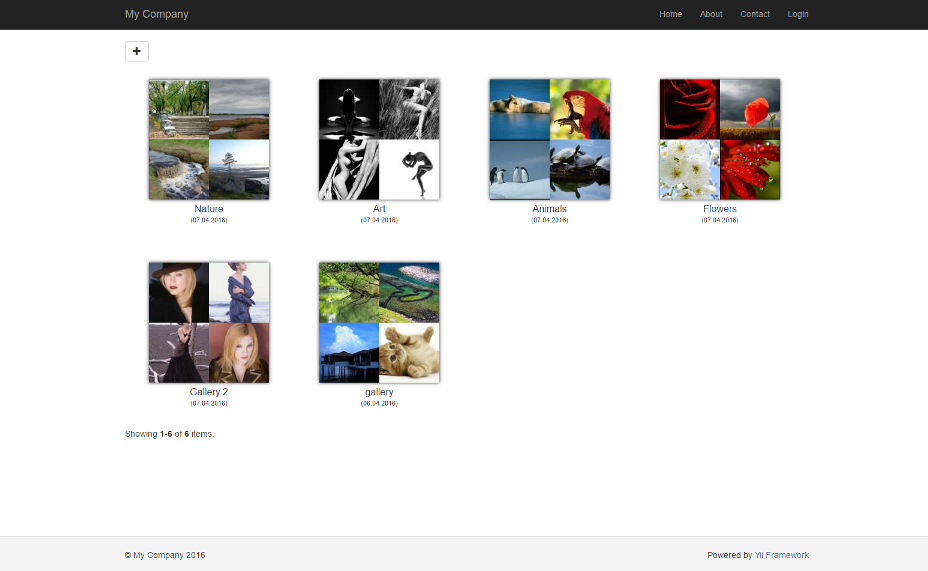
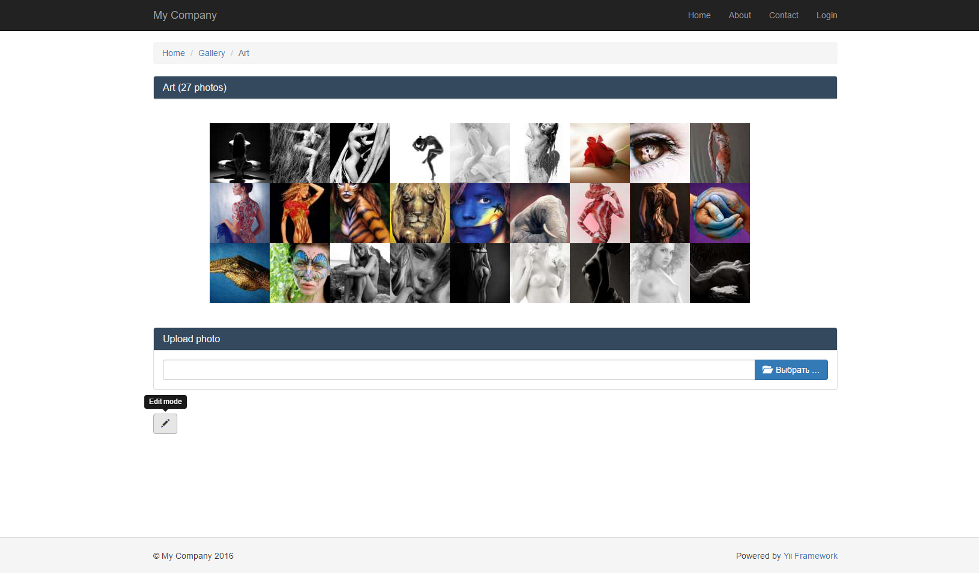
More samples how it works you can see at blueimp gallery page