
nodonhq / filament-bodega-lite

Bodega Lite: a warm, highly legible Filament theme for shops and small businesses, with a soft dark mode.
Requires
- php: ^8.3
- filament/filament: ^5.0
- illuminate/contracts: ^12.0|^13.0
Requires (Dev)
- larastan/larastan: ^3.0
- laravel/pint: ^1.20
- orchestra/testbench: ^10.0|^11.0
- phpunit/phpunit: ^11.5|^12.0
Suggests
None
Provides
None
Conflicts
None
Replaces
None
README
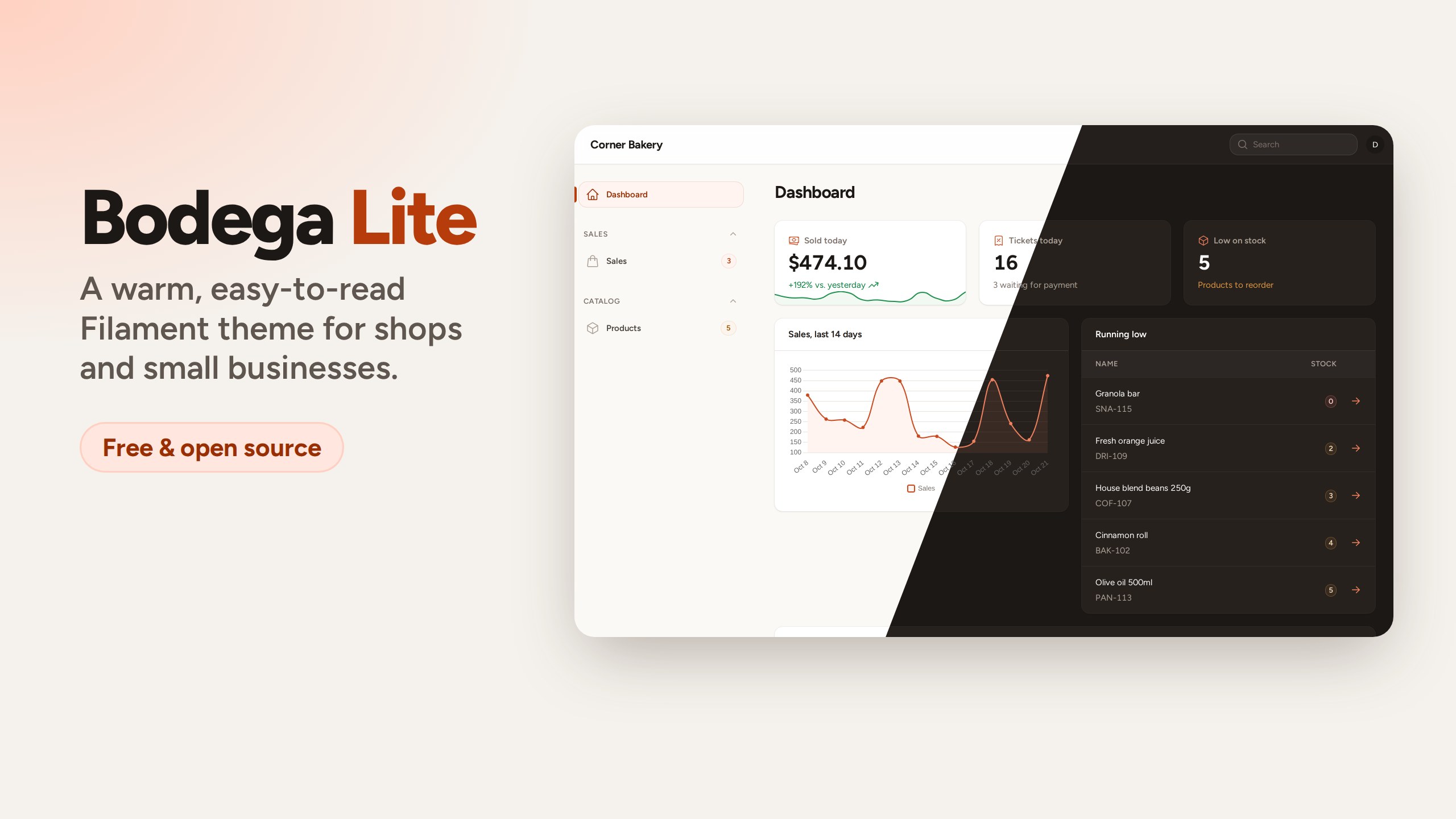
A warm, highly legible theme for Filament 5 panels used by people who are not "computer people": shop owners, cashiers, the person doing stock on a Friday night.
- Easier to read: 15px body text, bolder labels, roomier tables and forms.
- Easier to hit: taller inputs and buttons, big sidebar items with a clear active state — comfortable on a touch screen behind the counter.
- Warm light mode on paper-like grays instead of blue-white.
- Soft dark mode: deep warm browns instead of pure black, easy on the eyes for a whole shift.
- Terracotta accent and status colors (success, warning, danger, info) tuned to keep white button text at WCAG AA contrast.
- Works with every native Filament component; it only restyles, it never replaces views.
Live demo — the demo runs the full version, Bodega.
Requires PHP 8.3+ and Filament 5.
Installation
composer require nodonhq/filament-bodega-lite
php artisan filament:assets
Register the plugin in your panel provider:
use NodonHq\BodegaLite\BodegaLite;

public function panel(Panel $panel): Panel
{
    return $panel
        // ...
        ->plugin(BodegaLite::make());
}
That's it: the plugin ships a precompiled stylesheet, so you don't need Node or a custom theme.
Font
Bodega Lite uses Figtree from Bunny Fonts. Use another family, or keep the font configured on your panel:
BodegaLite::make()->font('Nunito Sans');
BodegaLite::make()->font(null);
Keeping your own colors
The plugin sets the panel colors when it is registered, so a ->colors() call after ->plugin() overrides any of them. To skip Bodega's palette entirely:
BodegaLite::make()->withoutColors();
Keep in mind that Filament's default palettes are lighter than Bodega's: with some of them, filled buttons fall back to dark text on a pale background.
Using it with a custom theme
If your panel already compiles its own theme with Vite (php artisan make:filament-theme), for example because your own views use Tailwind classes, import Bodega Lite right after Filament's theme in resources/css/filament/<panel>/theme.css:
@import '../../../../vendor/filament/filament/resources/css/theme.css';
@import '../../../../vendor/nodonhq/filament-bodega-lite/resources/css/index.css';

@source '../../../../app/Filament/**/*';
@source '../../../../resources/views/filament/**/*';
Keep ->viteTheme(...) on the panel: it takes precedence over the precompiled stylesheet, and the plugin still provides colors and font.
Updates
After composer update, run php artisan filament:assets (Filament's filament:upgrade script does it for you) to publish the new stylesheet.
Want more colors? Get Bodega
Bodega is the full version of this theme:
| Bodega Lite | Bodega | |
|---|---|---|
| Type scale, sizes, warm grays, soft dark mode | ✓ | ✓ |
| Terracotta accent | ✓ | ✓ |
| Basil, Ocean and Plum accents | ✓ | |
Any brand color rebuilt on Bodega's accessible scale (->accent('#0f766e')) |
✓ | |
A different accent for each user (->accent(fn () => ...)) |
✓ | |
| Price | Free (MIT) | USD 29 one-time, unlimited projects, lifetime updates |
Get Bodega — switching is a one-line change.
Changelog
See CHANGELOG.md.
License
MIT. See LICENSE.md.