
yiendos / my-sites-ide

local development environment
Requires
None
Requires (Dev)
None
Suggests
None
Provides
None
Conflicts
None
Replaces
None
README
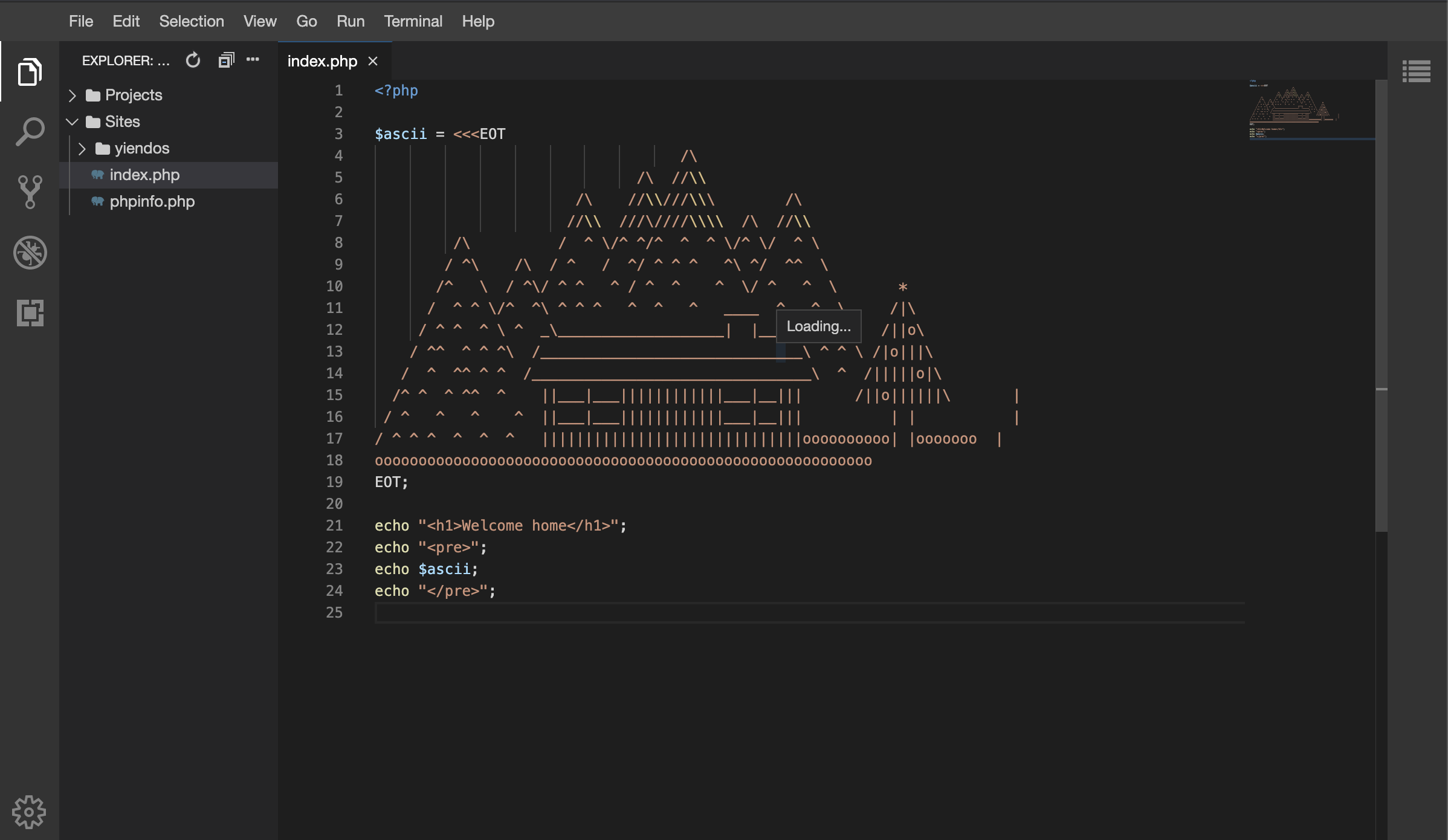
Welcome to my-sites-ide, contained within this project is over 8 years of experience working with Docker, condensed, distilled into one lean mean Dev-ops code base. There are many features:
- Modular - pick which services you require - Nginx, Apache or Caddy, MySQL or MariaDB, Redis - all as plugins
- Small image size, all images < 200mb - Yet still contain all the php goodies you require for most PHP websites including Laravel.
- Blazingly fast build, CI, deployment of containers - Because of the small image sizes, all waiting times are reduced
- Configurable, the main .env can override the settings of all the docker containers being run
my-sites-ide gives you full control over how your sites are run, failing that you are free to modify the original Dockerfiles for total configuration-city
You can run the same images for your local environment, CI/CD/ staging/ and production environments you can be assured of perfect results everytime.
installation
-
git clone git@github.com:yiendos/my-sites-ide.git -
cd my-sites-ide -
cp env-example .env -
cp composer.local-example.json composer.local.json- your plugins, including the web server (nginx by default) -
composer install -
php my-sites-ide ide:build
Now you can access your default homepage:
-
https://default.localhost/ [nginx, with the nginx plugin installed]
-
https://default.localhost:8443/ [apache, with the apache plugin installed]
See available commands
php my-sites-ide
Console Tool

Usage:
  command [options] [arguments]

Options:
  -h, --help            Display help for the given command. When no command is given display help for the list command
      --silent          Do not output any message
  -q, --quiet           Only errors are displayed. All other output is suppressed
  -V, --version         Display this application version
      --ansi|--no-ansi  Force (or disable --no-ansi) ANSI output
  -n, --no-interaction  Do not ask any interactive question
  -v|vv|vvv, --verbose  Increase the verbosity of messages: 1 for normal output, 2 for more verbose output and 3 for debug

Available commands:
  completion       Dump the shell completion script
  help             Display help for a command
  list             List commands
 ide
  ide:build        Build the containers you wish
  ide:create-site  Create a new Laravel site, with my-site-ide integration
  ide:douse        Finished, until next time? Bring the containers down
  ide:restart      Cloned a new site, or made configuration changes? Restart the IDE
  ide:spark        Spark your creativity to life, by bringing the IDE up
For help and guidance relating to any command
php my-sites-ide [command:subcommand] --help
Background to modular docker containers
In terms of running containers on the IDE you have the choice of:
- PHP-FPM and PHP-CLI (plugin: yiendos/my-sites-ide-preprocessors-php) - fpm serves your sites, cli runs artisan, queues and background jobs
- Nginx (plugin: yiendos/my-sites-ide-servers-nginx)
- Apache (plugin: yiendos/my-sites-ide-servers-apache)
- Caddy (plugin: yiendos/my-sites-ide-servers-caddy)
- MailHog (plugin: yiendos/my-sites-ide-mail-mailhog) - catches the mail your sites send, http://localhost:8025
- MySQL (plugin: yiendos/my-sites-ide-databases-mysql) - sites connect to
mysql:3306 - MariaDB (plugin: yiendos/my-sites-ide-databases-mariadb) - sites connect to
mariadb:3306 - Redis (plugin: yiendos/my-sites-ide-caching-redis) - sites connect to
redis:6379 - Theia (plugin: yiendos/my-sites-ide-editor-theia) - an IDE in the browser with PHP debugging, http://localhost:3001
A default list of Applications are defined in the ./env file:
APP="theia"
And these are the default containers that will run when you invoke:
php my-sites-ide ide:spark
Plugins marked autostart - PHP, the web servers (nginx, apache, caddy), MySQL, Redis, MailHog - start alongside them on their own, so they don't need listing in APP. A service in APP that no longer exists (e.g. cron, which the PHP plugin folded into cli) is skipped with a warning.
To change the default behaviour add or remove containers from the ./env file or provide further options via the spark command:
php my-sites-ide ide:spark --app="fpm nginx"
Next steps
Make things more interesting by installing a Laravel site:
php my-sites-ide ide:create-site example
Run through the normal install steps...
This will create a new Laravel instance under ./Repos/example/deploy
└── Repos
   └── example
      ├── _build
      │   └── config
      └── Projects
      └── deploy
Then access your brand new Laravel site:
-
https://example.localhost [nginx plugin]
-
https://example.localhost:8443 [apache plugin]
New site configuration
You can configure how your servers respond to requests by changing the default configuration files Repos/[example]/_build/.
If your sites, require a common code base, these can be installed and shared via the Packages folder
Site specific packages can be installed under the Repos/[example]/Projects folder
Hosting Repositories
my-sites-ide can handle as many github repositories or individual projects you can throw at them, however some default structure should be applied.
- First clone any projects to the IDE under the
./Reposfolder - Each project should contain the following folder structure
 PROJECT NAME                           //name of the project/ repository
   ├── _build
   │   ├── config
   │   │   ├── 1-default-apache.conf    //provide a vhost configuration for apache (if you are using the apache plugin)
   │   │   └── 1-default-nginx.conf     //provide a vhost configuration for nginx (if you are using the nginx plugin)
   └── deploy                           //where your PHP app should be hosted (IDE_APP_DIR)
Where your app lives
The IDE expects each site's application code in the same folder inside its repository, set by IDE_APP_DIR in .env:
IDE_APP_DIR |
App code in | |
|---|---|---|
deploy |
Repos/<site>/deploy/ |
the default |
Sites |
Repos/<site>/Sites/ |
the older layout |
. |
Repos/<site>/ |
an app at the root of the repository |
ide:create-site and ide:repo-clone --laravel create the app there, and plugins work there too - composer and npm installs, artisan, and the document root (<app>/public) in the vhosts web server plugins write for new sites. Existing vhosts in Repos/<site>/_build/config/ aren't rewritten, so if you change it, update their paths by hand. It's one setting for every site.
Remember after each time you clone a repository/ create a new site to ./Repos you should restart your IDE for these changes to take effect:
php my-sites-ide ide:restart
Multiple installations of my-sites-ide
You can use my-sites-ide as many times as you like locally, because the system creates images and containers based off the .env NAMESPACE variable.
Therefore for different organisations/ projects you just need to provide a unique NAMESPACE variable.
Then when you build your images php my-sites-ide ide:build this unique NAMESPACE variable will create corresponding images.
For example: If you named one project yiendos via the .env NAMESPACE variable, images would be named yiendos_fpm etc
For another project: if you named this project paul via the .env NAMESPACE variable, images would be named paul_fpm etc
This way your projects are sandboxed.
Plugins
Extra services (security scanners, alternative servers, deployment targets) install as Composer packages of type my-sites-ide-plugin, e.g. yiendos/my-sites-ide-security-zaproxy or yiendos/my-sites-ide-servers-nginx.
Available plugins
| Plugin | What it adds | Starts with ide:spark |
|---|---|---|
| yiendos/my-sites-ide-preprocessors-php | PHP - php-fpm serving your sites, and a cli container for artisan, queues and background jobs | yes |
| yiendos/my-sites-ide-servers-nginx | nginx web server, https://.localhost | yes |
| yiendos/my-sites-ide-mail-mailhog | MailHog, catches the mail your sites send - http://localhost:8025 | yes |
| yiendos/my-sites-ide-databases-mysql | MySQL 8.4, data kept in storage/plugins/mysql/ |
yes |
| yiendos/my-sites-ide-caching-redis | Redis, for cache, sessions and queues | yes |
| yiendos/my-sites-ide-databases-mariadb | MariaDB 11.8, data kept in storage/plugins/mariadb/ |
no - add mariadb to APP |
| yiendos/my-sites-ide-editor-theia | Theia IDE in the browser - PHP, Composer, Claude Code and Xdebug debugging, settings kept in storage/plugins/theia/ |
no - add theia to APP |
| yiendos/my-sites-ide-servers-apache | Apache web server, https://.localhost:8443 | yes |
| yiendos/my-sites-ide-servers-caddy | Caddy web server with trusted local HTTPS, https://.localhost:9443 | yes |
| yiendos/my-sites-ide-build-composer | Composer in a container - installs a site's PHP dependencies, including on ide:repo-clone --laravel |
no - run on demand |
| yiendos/my-sites-ide-build-node | Node and npm in a container - installs a site's npm dependencies and builds its assets, including on ide:repo-clone --laravel |
no - run on demand |
| yiendos/my-sites-ide-certificates-certbot-cloudflare | real Let's Encrypt certificates through Cloudflare DNS | no - run on demand |
| yiendos/my-sites-ide-security-zaproxy | OWASP ZAP security scanning | no - run on demand |
| yiendos/my-sites-ide-clusters-minikube | Minikube - a local Kubernetes cluster that mimics DigitalOcean, for test deployments (runs on your host: needs minikube, kubectl and helm) | no - clusters:minikube-start-configure <site> |
| yiendos/my-sites-ide-deploy-k8s | Deploy sites to Kubernetes - production images, a container registry and a helm chart, for DigitalOcean (DOKS) or minikube | no - deploy:k8s-build-push <site> <environment> |
| yiendos/my-sites-ide-monitoring-grafana | Grafana, http://localhost:3000 - data sources for whichever monitoring plugins are installed, and container dashboards | no - monitoring:grafana-start |
| yiendos/my-sites-ide-monitoring-prometheus | Prometheus metrics, scraping any IDE container labelled prometheus.io/scrape, and every container's CPU and memory from Alloy |
no - monitoring:prometheus-start |
| yiendos/my-sites-ide-monitoring-loki | Loki log storage | no - monitoring:loki-start |
| yiendos/my-sites-ide-monitoring-tempo | Tempo distributed tracing | no - monitoring:tempo-start |
| yiendos/my-sites-ide-monitoring-alloy | Grafana Alloy - ships the IDE's container logs to Loki and every container's CPU, memory and network to Prometheus, takes your apps' OpenTelemetry on alloy:4318 |
no - monitoring:alloy-start |
composer.local-example.json holds the default stack - PHP, nginx, MailHog, MySQL and Redis, the services ide:spark used to run before they became plugins. Add any of the others to your own composer.local.json.
Which plugins you use is your choice, so they're listed in your own composer.local.json (git ignored, merged into composer.json by wikimedia/composer-merge-plugin) rather than the tracked composer.json. composer.lock is git ignored for the same reason - every installation's set of plugins differs.
php my-sites-ide ide:plugin-search                              # find plugins on Packagist
cp composer.local-example.json composer.local.json              # first time only: the default stack, then add your plugins under "require"
composer update                                                 # install them
php my-sites-ide ide:plugin-env yiendos/my-sites-ide-security-zaproxy   # optional: copy its options into .env, commented out
php my-sites-ide ide:plugin-list                                # what's installed
Don't composer require a plugin - that writes to the tracked composer.json. A plugin that isn't on Packagist can be added through a repositories entry in composer.local.json, which is merged too.
Overriding a plugin's settings
Each plugin ships its own .env with safe defaults, and the IDE's root .env overrides any of them. For example, the php plugin disables exec, shell_exec, phpinfo and other risky functions in fpm by default. To lift every restriction while you test something that needs them, set the variable to nothing in the root .env:
PHP_DISABLE_FUNCTIONS=
Then recreate the container so it picks up the new value - a plain restart keeps the old environment:
docker compose up -d fpm
Take the line out again, and recreate the container, to go back to the plugin's default.
The root .env wins in both ways the IDE runs Docker Compose:
docker composeon its own -docker-compose.plugins.ymllists each plugin's env files in this order: the plugin's.env, the root.env, then_dev/cache/ide.env(justIDE_ROOT). Later files win, so a root value replaces the plugin's.php my-sites-idecommands - the CLI loads the root.envfirst, then each plugin's.envwithout overwriting anything already set. An empty value counts as set, soPHP_DISABLE_FUNCTIONS=stays empty.
Only settings a plugin's docker-compose.yml reads from a variable (${PHP_DISABLE_FUNCTIONS}) can be overridden. Values written straight into its compose file can't be. Each plugin's README lists its variables, and php my-sites-ide ide:plugin-env <plugin> copies them into the root .env, commented out, ready to change.
To check what a service will actually get, run docker compose config <service>.
Presets
A preset is a Composer metapackage that requires a set of plugins, so one line in composer.local.json installs them all - e.g. yiendos/my-sites-ide-preset-monitoring for the five monitoring plugins:
"yiendos/my-sites-ide-preset-monitoring": "@dev"
The plugins only have dev versions so far, and Composer ignores a preset's @dev flags - it only honours the root's. So the root composer.json sets "minimum-stability": "dev" with "prefer-stable": true: anything with a stable release still gets one.
composer install/update discovers installed plugins and generates docker-compose.plugins.yml (included by docker-compose.yml), so a plugin's console commands, docker services and .env defaults are picked up without editing any core file. A plugin's user data lives in storage/plugins/<service>/, never in vendor/ - with "storage": true the IDE creates that folder and mounts it at /storage in the plugin's containers.
Naming
| Thing | Pattern | Example |
|---|---|---|
| Package / repository | <vendor>/my-sites-ide-<category>-<service> |
yiendos/my-sites-ide-security-zaproxy |
| Composer type | my-sites-ide-plugin |
|
| Namespace | <Vendor>\MySitesIde\<Category>\<Service> |
Yiendos\MySitesIde\Security\Zaproxy |
| Compose service | <service> |
zaproxy |
| Env prefix | <SHORT>_ |
ZAP_ |
| Commands | <category>:<short>-<action> |
security:zap-scan |
| User data | storage/plugins/<service>/ |
storage/plugins/zaproxy/ |
Categories follow the _dev/environment/ folders: preprocessors, servers, databases, build, caching, editor, certificates - plus security, mail, deploy, clusters.
Writing a plugin
Describe it in the plugin's own composer.json:
"type": "my-sites-ide-plugin",
"extra": {
    "my-sites-ide": {
        "commands":    "src/Console",
        "compose":     "docker-compose.yml",
        "env":         ".env",
        "env-example": "env-example",
        "services":    ["zaproxy"],
        "autostart":   false,
        "storage":     true,
        "hooks":       { "site-created": ["servers:apache-vhost"] }
    }
}
commands- a directory (every SymfonyCommandin it is registered, class names via the package's PSR-4 autoload) or a list of directories/class names.compose- included into the stack. Reach the project root with${IDE_ROOT}, never../../..- the package lives invendor/.env- the plugin's defaults, loaded after the root.env, so the user's values win (for both commands and compose interpolation).services/autostart- withautostart: true,ide:sparkstarts these alongsideAPP.storage- withtrue, the IDE createsstorage/plugins/<service>/(<service>from the package name) and mounts it at/storagein every one ofservices- git ignored, outsidevendor/, so it survivescomposer update. Commands reach it on the host throughIDE_ROOT. Discover writes the mount as an override in_dev/cache/storage/, merged into the plugin's own compose file.hooks- commands the IDE runs on its events.site-createdruns onceide:create-site/ide:repo-clonehas the site'sRepos/<site>/_build/configin place, with the site as thesiteargument - how a server plugin adds its own vhost.site-dependenciesruns duringide:repo-clone --laravel, once the Laravel folders exist, also withsite- how the composer plugin installs the site's dependencies.site-assetsruns straight after it, withsite- how the node plugin builds the site's assets.
Commands find the project root through the IDE_ROOT environment variable, and a site's application code in Repos/<site>/<IDE_APP_DIR> - the CLI sets both, and IDE_APP_DIR is always a valid folder (deploy unless .env says otherwise, . for the repository root). Fall back to deploy if it's missing, for older versions of the IDE. List IDE_APP_DIR in your plugin's env-example if it uses it.
To develop a plugin locally, clone it into Packages/<vendor>/my-sites-ide-<category>-<service> - the root composer.json has a path repository for Packages/*/my-sites-ide-*, so adding "<vendor>/<package>": "@dev" to composer.local.json and running composer update symlinks your working copy into vendor/. Nothing is committed to my-sites-ide - which plugins you've cloned is up to you. Discover reads each plugin's own composer.json, so manifest edits in your clone apply after php my-sites-ide ide:plugin-discover, committed or not.
Certificates
Sites use the IDE's self-signed certificate (_dev/environment/servers/ssl/) unless a certificate plugin issues a real one. Those plugins share one store, storage/certificates/, in the Let's Encrypt layout (live/<domain>/fullchain.pem linking into archive/). The nginx plugin always mounts it, at /etc/nginx/ssl/live and /etc/nginx/ssl/archive. Without a certificate plugin it's just empty (ide:spark creates it), so nginx starts either way. With yiendos/my-sites-ide-certificates-certbot-cloudflare installed, certificates:certbot-create <domain> fills it, replacing the old ide:ssl.