
webbycrown / laraknow-ai

LaraKnow AI is an AI-powered Laravel assistant package for building intelligent chatbots with database integration, tool calling, and structured AI responses.
Requires
- php: ^8.3
- ext-mbstring: *
- illuminate/support: ^12.0|^13.0
- laravel/ai: ^0.6.8
Requires (Dev)
- orchestra/testbench: ^10.0
- phpunit/phpunit: ^11.0
Suggests
- phpmyadmin/sql-parser: Enables parser-backed SQL validation when laraknow.sql_validation.mode is set to auto or parser.
Provides
None
Conflicts
None
Replaces
None
README
A reusable Laravel AI assistant package with safe read-only database tools, conversation history, and a polished chat UI.
LaraKnow AI adds a configurable assistant to any Laravel application. It can answer customer-support or staff-support questions, use safe database tools for allowed tables, preserve conversation context, and render a widget or full-page chat UI.
Version: dev-main
The package stays generic. Host applications decide the business meaning, allowed tables, sensitive columns, routes, branding, and AI provider.
See the Changelog section below for release notes and version history.
📺 Demo Video
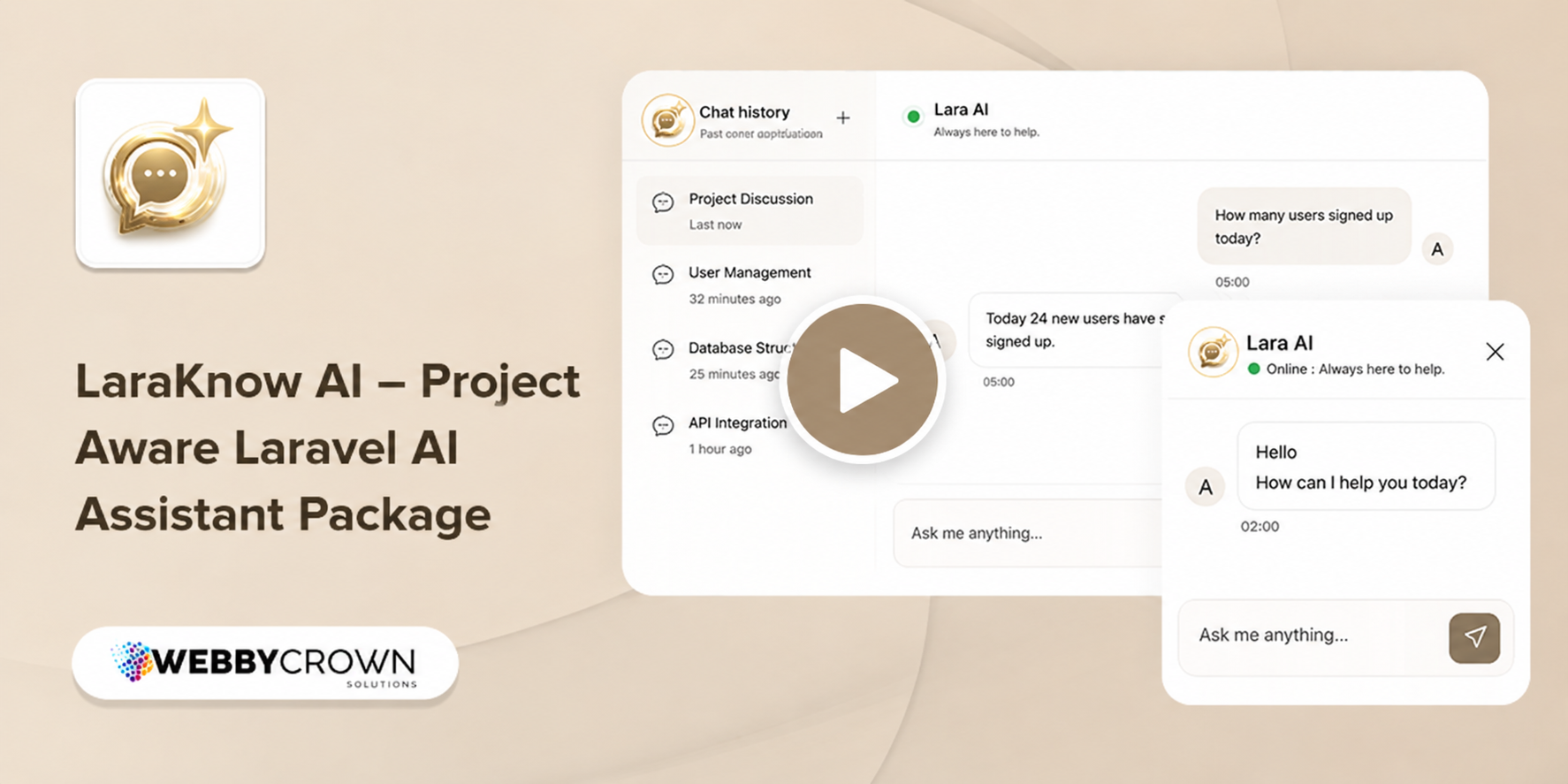
▶️ Watch Full Video on YouTube
Highlights
- Reusable Laravel package for CRM, admin panel, booking, eCommerce, SaaS, and other host apps.
- Laravel AI provider integration through the host project's
config/ai.php. - Read-only database tools with table allowlists and blocked columns.
- Grounded responses from verified tool results.
- Cleaner record formatting for readable chat replies.
- Short aggregate answers for count/total questions.
- Conversation history for authenticated users.
- Widget and full-page Blade chat component.
- Safe defaults for prompt security, grounding, rate limiting, schema cache, and response limits.
- Minimal published config so end developers configure only what matters.
Requirements
| Requirement | Version / Notes |
|---|---|
| PHP | ^8.3 |
| Laravel | ^12.0 or ^13.0 |
| Laravel AI | Configured through the host project's config/ai.php and installed as a Composer dependency |
| Database | Required for Laravel AI conversation tables |
| AI Provider | Any provider configured in config/ai.php |
| Frontend | jQuery on the page, or the package fallback CDN loader |
Installation
1. Add The Repository
If the package is not registered on Packagist, add it as a VCS repository in the host project's composer.json.
{
  "repositories": [
    {
      "type": "vcs",
      "url": "git@github.com-laraknow_ai:webbycrown/laraknow-ai.git"
    }
  ],
  "minimum-stability": "dev",
  "prefer-stable": true
}
2. Install The Package
composer require webbycrown/laraknow-ai:dev-main -W
Laravel package discovery registers the service provider automatically.
3. Publish Laravel AI Configuration
php artisan vendor:publish --provider="Laravel\Ai\AiServiceProvider"
4. Publish LaraKnow Files
php artisan vendor:publish --tag=laraknow-config
php artisan vendor:publish --tag=laraknow-assets
5. Run Migrations
php artisan migrate
6. Clear Cached Configuration
php artisan config:clear
php artisan route:clear
AI Provider Setup
LaraKnow uses the host application's Laravel AI configuration. Configure your provider in config/ai.php and set the needed keys in .env.
AI_PROVIDER=gemini
GEMINI_API_KEY=your-gemini-key
OPENAI_API_KEY=your-openai-key
MISTRAL_API_KEY=your-mistral-key
Only set keys for providers you actually use. Provider rate limits are controlled by the provider, not by LaraKnow. If one provider stops after a few messages while another continues, check the provider's quota, model limit, and Laravel logs.
Basic Usage
Widget Mode
@include('laraknow::laraknow-ai.components.laraknow', [
    'mode' => 'widget',
])
Full-Page Mode
@include('laraknow::laraknow-ai.components.laraknow', [
    'mode' => 'fullpage',
])
Published assets are expected at:
public/vendor/laraknow
If jQuery is already loaded, LaraKnow reuses it. Otherwise, the component loads the package's default jQuery CDN fallback.
Routes
The default route prefix is:
/laraknow-ai
The default route name prefix is laraknow-ai, so route helpers inside the package use names such as laraknow-ai.chat and laraknow-ai.welcome.
Main routes:
GET       /laraknow-ai
POST      /laraknow-ai/chat
GET       /laraknow-ai/conversations
POST      /laraknow-ai/conversations
GET       /laraknow-ai/conversations/{conversation}/messages
DELETE    /laraknow-ai/conversations/{conversation}
Check routes:
php artisan route:list --path=laraknow-ai
Protect routes in config/laraknow.php when needed:
'route_middleware' => ['web', 'auth'],
If you need a different named route prefix, update this value as well:
'route_name_prefix' => 'my-laraknow',
To disable the built-in rate limiter entirely, set:
'rate_limiter_name' => '',
Configuration
After publishing, edit:
config/laraknow.php
The config is intentionally small. Most technical defaults live inside the package so host developers do not accidentally break response grounding, query limits, prompt safety, schema cache, or rate limiting.
Recommended Shape
return [
    'instructions' => <<<'PROMPT'
        You are the AI assistant for this application.

        Application Overview:
        Describe what this application does.

        Assistant Responsibilities:
        Describe what users may ask the assistant to help with.

        Database Meaning:
        - Explain important table meanings and relationships.
        - Explain business statuses using real stored values.
        - Explain workflow rules, such as when to ask follow-up questions.

        Small Talk:
        - For greetings, thanks, and casual questions, reply naturally and briefly.

        Strict Rules:
        - Use only configured tools and allowed tables.
        - Do not invent records, counts, statuses, or database values.
        - For count/total questions, return only the verified aggregate unless details are requested.
    PROMPT,

    'auto_analyze_project' => false,

    'allowed_tables' => [
        'products',
        'orders',
        'customers',
    ],

    'blocked_columns' => [
        'password',
        'remember_token',
        'token',
        'api_token',
    ],

    'blocked_table_columns' => [
        'customers' => ['email', 'phone'],
    ],

    'route_prefix' => 'laraknow-ai',
    'route_name_prefix' => 'laraknow-ai',
    'rate_limiter_name' => 'laraknow-ai',
    'rate_limiter_max_attempts' => 30,
    'rate_limiter_decay_minutes' => 1,
    'route_middleware' => ['web', 'auth'],

    'ui' => [
        'theme' => 'auto',
        'brand' => [
            'name' => 'LaraKnow',
            'subtitle' => 'Always here to help',
        ],
    ],
];
Assistant Instructions
Use business language, not package internals. Good instructions tell the assistant:
- what the application is
- what questions are supported
- which tables represent business concepts
- which statuses or codes have meaning
- when to ask follow-up questions
- how detailed answers should be
Example:
Orders are stored in sales_orders.
Paid orders have payments.status = paid.
If a user asks for order totals, return only the aggregate unless they ask for records.
Allowed Tables
Only allowed tables can be inspected or queried.
'allowed_tables' => [
    'products',
    'brands',
    'orders',
],
For production, prefer an explicit list. Leaving it empty allows all non-blocked tables and is best reserved for trusted internal testing.
Blocked Columns
Blocked columns are never selected or shown.
'blocked_columns' => [
    'password',
    'remember_token',
    'api_token',
    'access_token',
    'refresh_token',
],
Use table-specific blocking when only one table needs extra privacy:
'blocked_table_columns' => [
    'users' => ['email', 'phone'],
    'orders' => ['internal_note'],
],
Advanced Query Behavior
LaraKnow uses internal package defaults for safe query limits, prompt security, response grounding, schema filtering, and audit logging. Host applications do not configure these behaviors directly through config/laraknow.php.
UI Settings
The ui section controls only the chat appearance and labels. It does not change database access or AI safety.
Common edits:
'ui' => [
    'theme' => 'light',
    'brand' => [
        'name' => 'Support Assistant',
        'subtitle' => 'Online',
    ],
    'colors' => [
        'primary' => '#2563eb',
        'user_bubble_bg' => '#2563eb',
    ],
],
Response Behavior
LaraKnow tries to keep answers grounded and readable:
- Count/total prompts return concise aggregate answers.
- Detail/list prompts return a limited, readable list.
- Record replies are formatted as compact Markdown blocks, not raw pipe-separated rows.
- Long description-like columns are hidden by default unless the user asks for details.
- If no verified records are found, the assistant returns a clear no-data response.
- The assistant should not claim database values that were not returned by tools.
Example record reply:
1. **10C**
   - Room Type: Deluxe
   - Price: 450000
   - Status: Vacant
Example metric reply:
Total Customers: 11.
API Response Format
Successful chat responses use a predictable payload:
{
  "reply": "Human-friendly answer",
  "data": [],
  "suggestion": null,
  "conversation_id": "uuid-or-null"
}
Errors include a stable error object and an HTTP status code:
{
  "message": "Some issues occurred. Please contact Admin. We will resolve it quickly.",
  "reply": "Some issues occurred. Please contact Admin. We will resolve it quickly.",
  "data": [],
  "suggestion": null,
  "conversation_id": "uuid-or-null",
  "error": {
    "code": "AI_ASSISTANT_RATE_LIMITED",
    "id": "logged-error-id",
    "status": 429
  }
}
How It Works
- The user sends a message from the chat UI.
- The frontend posts to the chat route.
- The controller validates the request and safety boundaries.
- The AI agent combines locked package rules with host config instructions.
- Database tools inspect only allowed tables and non-blocked fields.
- SQL execution is read-only and validated before returning data.
- The reply is grounded, normalized, and returned with
data,suggestion, andconversation_id.
Security Model
LaraKnow is built around least privilege.
Protected by default:
- environment values and API keys
- prompts, package internals, and configuration details
- source code, stack traces, and raw SQL
- destructive SQL operations
- sensitive columns such as passwords and tokens
- records from tables that are not allowed
- conversation history belonging to other users
Database tools are read-only and validate table names, selected columns, blocked keywords, limits, and result columns before returning data.
Troubleshooting
Package Routes Are Missing
php artisan route:list --path=laraknow-ai
php artisan route:clear
php artisan config:clear
Confirm the route prefix:
'route_prefix' => 'laraknow-ai',
Chat Says Conversation Tables Are Missing
php artisan vendor:publish --provider="Laravel\Ai\AiServiceProvider"
php artisan migrate
Assets Are Missing
php artisan vendor:publish --tag=laraknow-assets --force
Then clear browser cache.
jQuery Is Not Available
Load jQuery in the host layout, or allow the package's default CDN fallback. For strict CSP environments, load jQuery from a local asset before rendering the LaraKnow component.
The Assistant Gives Wrong Business Answers
Check config/laraknow.php:
- Are the correct tables listed in
allowed_tables? - Are relationships and business statuses described in
instructions? - Are status aliases or numeric scaling rules needed?
- Are important columns accidentally blocked?
- Did you run
php artisan config:clearafter editing config?
AI Provider Fails Or Rate Limits
Check:
.envprovider keyconfig/ai.phpdefault provider- provider model availability
- provider account quota and rate limits
- Laravel logs for the returned
error.id
Development Checklist
After package changes, run:
php -l src/config/laraknow.php
vendor/bin/pint --dirty --format agent
php artisan test --compact
For route verification:
php artisan route:list --path=laraknow-ai
License
LaraKnow AI is distributed as a reusable Laravel package. Configure and deploy it according to the security requirements of each host application.
📊 Changelog
v1.0.0
- ✨ Initial release of LaraKnow AI, a reusable Laravel assistant package.
- 🔒 Added safe read-only database tools with allowed table allowlists and blocked column protections.
- 💬 Added conversation history, chat UI support, publishable assets, and configurable route prefix/middleware.
- ⚙️ Integrated with Laravel AI through host
config/ai.phpfor provider configuration. - 🎨 Added UI customization, numeric scaling, categorical aliases, and response grounding features.
- 🛡️ Added security model with prompt safety, SQL validation, blocked sensitive data, and rate limiting.
- 📚 Documented package installation, configuration, usage, troubleshooting, and developer checklist.