
rmdmostakim / bdpayment
A Laravel payment integration package supporting bKash, Nagad, Rocket, and other Bangladeshi gateways with unified APIs.
Maintainers

Requires
- php: ^8.2
- illuminate/support: ^9.0|^10.0|^11.0|^12.0
- laravel/framework: ^9.0|^10.0|^11.0|^12.0
README
A modern Laravel package for integrating Bangladesh payment gateways — Bkash, Nagad, and SSLCommerz — with unified API endpoints, robust logging, and seamless frontend callback support. Developed and maintained by Rmdmostakim.
✨ Features
- 🔗 Bkash, Nagad, and SSLCommerz payment gateway integration
- 🛠️ Unified API for payment creation, execution, verification, and callback
- ⚙️ Configurable via
.envandconfig/bdpayment.php - 🔄 Frontend callback URL support
- 📝 Extensive logging and error handling
🚀 Installation
composer require rmdmostakim/bdpayment
⚙️ Configuration
Publish the config file:
php artisan vendor:publish --provider="RmdMostakim\BdPayment\PaymentServiceProvider"
Run migration:
php artisan migrate
Set the following variables in your .env:
APP_URL=http://localhost
FRONTEND_PAYMENT_SUCCESS_URL=http://localhost:3000/payment

BKASH_GATEWAY_MODE=sandbox
BKASH_BASE_URL="https://tokenized.sandbox.bka.sh/v1.2.0-beta"
BKASH_USERNAME="sandboxTokenizedUser02"
BKASH_PASSWORD="sandboxTokenizedUser02@12345"
BKASH_APP_KEY="your_app_key"
BKASH_APP_SECRET="your_app_secret"
BKASH_CALLBACK_URL="${APP_URL}/api/gateway/bkash/callback"

NAGAD_PAYMENT_MODE=sandbox
NAGAD_BASE_URL="http://sandbox.mynagad.com:10080"
NAGAD_MERCHANT_ID="your_merchant_id"
NAGAD_PUBLIC_KEY="keys/nagad_public_key.pem"
NAGAD_PRIVATE_KEY="keys/nagad_private_key.pem"
NAGAD_CALLBACK_URL="${APP_URL}/api/gateway/nagad/callback"

SSLCOMMERZ_MODE=sandbox
SSLCOMMERZ_BASE_URL="https://sandbox.sslcommerz.com"
SSLCOMMERZ_STORE_ID="your_store_id"
SSLCOMMERZ_STORE_PASSWORD="your_store_password"
SSLCOMMERZ_CALLBACK_URL="${APP_URL}/api/gateway/sslcommerz/callback"
Edit config/bdpayment.php as needed. Default callback URLs use your APP_URL.
🧑💻 Usage
🔌 API Endpoints
🏦 Bkash
-
Create Payment:
POST /api/gateway/bkash/create -
Execute Payment:
POST /api/gateway/bkash/execute -
Callback:
GET /api/gateway/bkash/callback?paymentID=... -
Payload Example
{
  "amount": 100,
  "invoice": "INV123", // optional
  "user_id": 1,        // optional
  "product_id": 5      // optional
}
📱 Nagad
-
Create Payment:
POST /api/gateway/nagad/create -
Callback:
GET /api/gateway/nagad/callback?payment_ref_id=...&order_id=... -
Payload Example
{
  "amount": 100,
  "invoice": "INV123", // optional
  "user_id": 1,        // optional
  "product_id": 5      // optional
}
🏦 SSLCommerz
-
Create Payment:
POST /api/gateway/sslcommerz/create -
Callback:
GET /api/gateway/sslcommerz/callback?val_id=...&tran_id=... -
Payload Example
{
  "amount": 100,
  "invoice": "INV123", // optional
  "user_id": 1,        // optional
  "product_id": 5,     // optional
  "customer_name": "John Doe", // custom fields supported
  "order_note": "Special instructions" // custom fields supported
}
Or send as cart_json:
{
  "cart_json": "{\"amount\":100,\"invoice\":\"INV123\",\"user_id\":1,\"product_id\":5}"
}
📄 Get All Invoices
-
Get All Payments:
GET /api/gateway/payments -
Query Parameters (optional):
status,mode,user_id,min_amount,max_amount,from,to,sortBy,sortDir,perPage -
Example Request & Response
Request:
GET /api/gateway/payments?user_id=1&status=completed&perPage=20
Response:
{
  "success": true,
  "data": [
    {
      "id": 1,
      "invoice": "INV123",
      "amount": 100,
      "status": "completed"
      // ...other fields
    }
  ],
  "meta": {
    "current_page": 1,
    "last_page": 1,
    "per_page": 20,
    "total": 2
  }
}
🔎 Find By Invoice
-
Find Payment by Invoice:
GET /api/gateway/payments/{invoice} -
Example Response
Success:
{
  "success": true,
  "data": {
    "id": 1,
    "invoice": "INV123",
    "amount": 100,
    "status": "completed"
    // ...other fields
  }
}
Not found:
{
  "success": false,
  "message": "Payment not found",
  "data": null
}
📝 Logging
All requests, responses, and errors are logged using Laravel's logging system for easy debugging and traceability.
🔄 Frontend Callback
After payment, users are redirected to the configured frontend callback URL with query parameters:
invoice(invoice)status(successorfailed)message(status message)
🏷️ Using Facades
You can use the PaymentManager facade for direct access to gateway methods in your code:
use RmdMostakim\BdPayment\Facades\PaymentManager;

// Create a Bkash payment
$response = PaymentManager::bkash()->createPayment([
    'amount' => 100,
    'invoice' => 'INV123',
    'user_id' => 1,
    'product_id' => 5
]);

// Execute a Bkash payment
$executeResponse = PaymentManager::bkash()->executePayment('bkash_payment_id');

// Verify a Bkash payment
$verifyResponse = PaymentManager::bkash()->verifyPayment('bkash_payment_id');

// Create a Nagad payment
$init = PaymentManager::nagad()->initializePayment('INV123');
$payload = [
    'user_id' => 1,
    'invoice' => 'INV123',
    'amount' => 100,
    'product_id' => 5,
    'transaction_id' => $init['paymentReferenceId'],
    'challenge' => $init['challenge']
];
$nagadResponse = PaymentManager::nagad()->executePayment($payload);

// Verify a Nagad payment
$verifyNagad = PaymentManager::nagad()->verifyPayment($init['paymentReferenceId']);

// Create an SSLCommerz payment
$sslcommerzResponse = PaymentManager::sslcommerz()->createPayment([
    'amount' => 100,
    'invoice' => 'INV123',
    'user_id' => 1,
    'product_id' => 5,
    'customer_name' => 'John Doe', // custom field
    'order_note' => 'Special instructions' // custom field
]);

// Verify an SSLCommerz payment
$verifySslcommerz = PaymentManager::sslcommerz()->verifyPayment('tran_id');

// Get all payments (invoices)
$allPayments = PaymentManager::all([
    'user_id' => 1,
    'status' => 'completed',
    'perPage' => 20
]);

// Find a payment by invoice
$payment = PaymentManager::findByInvoice('INV123');
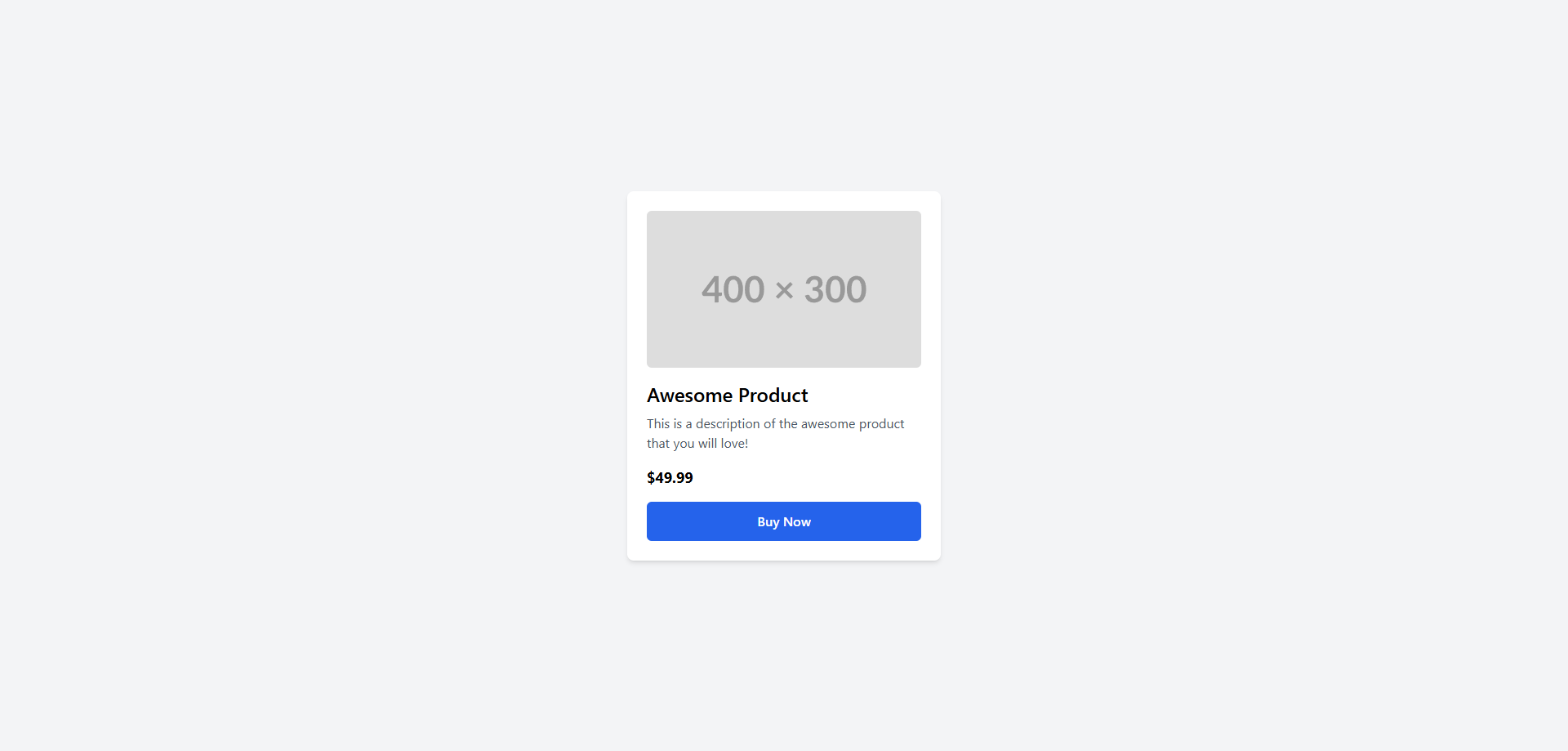
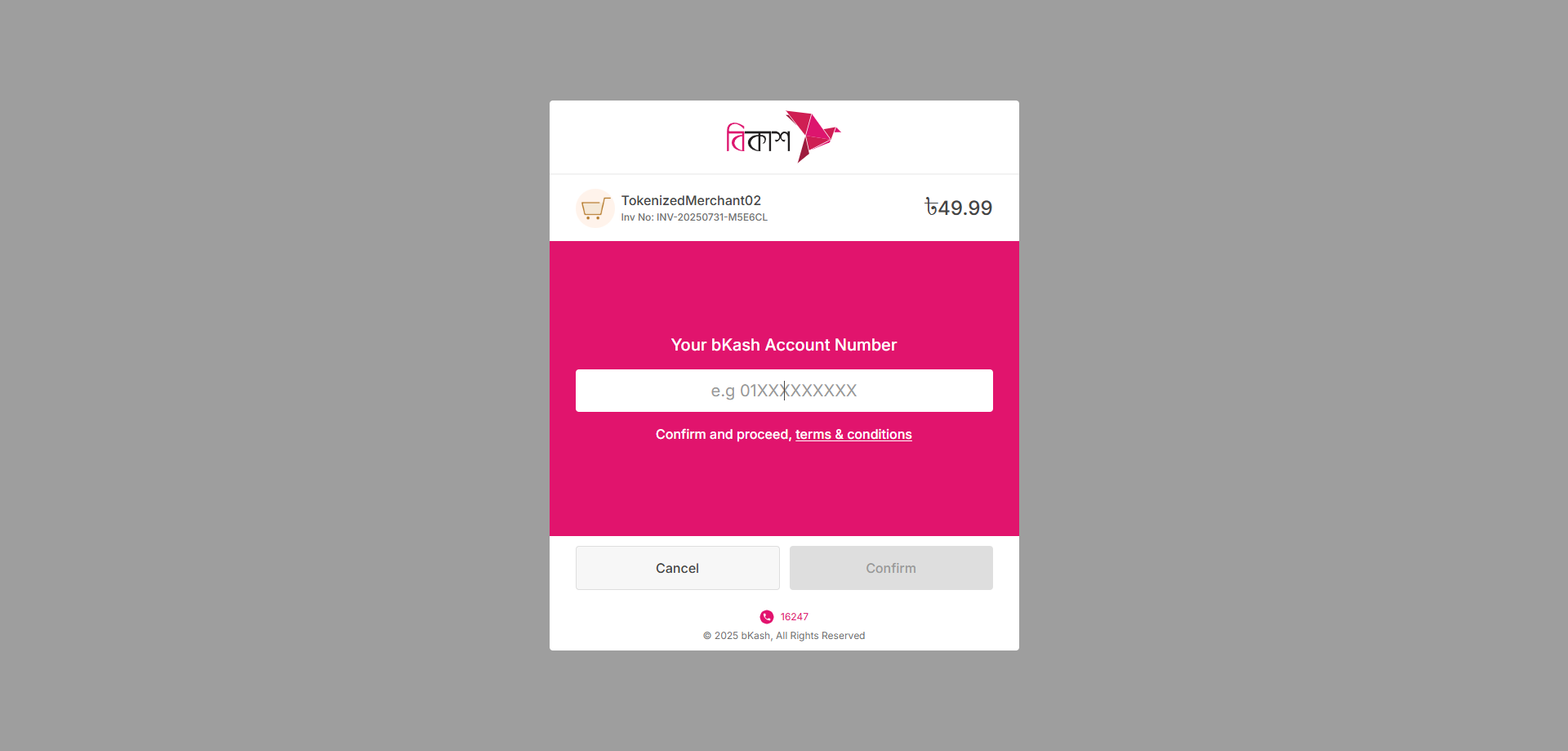
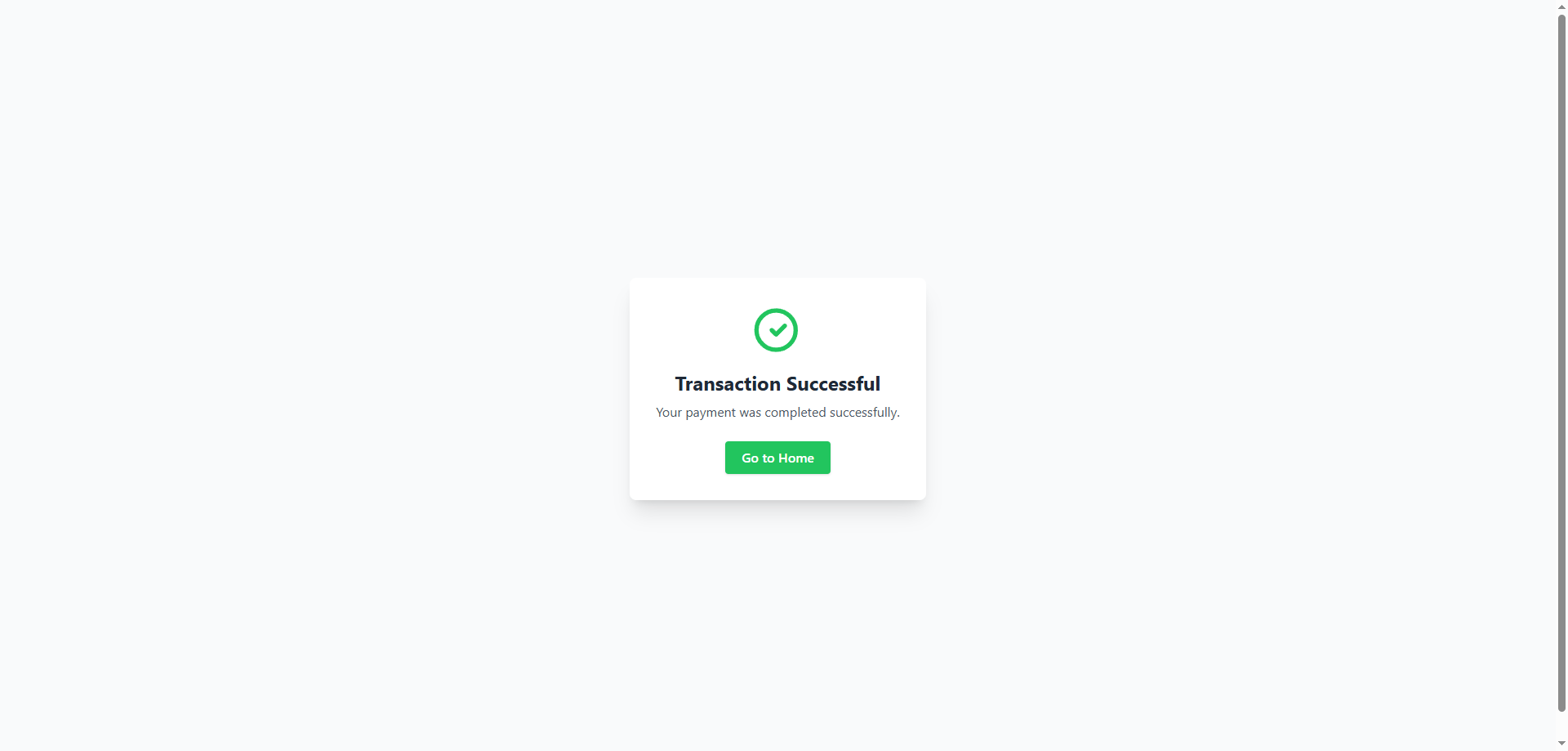
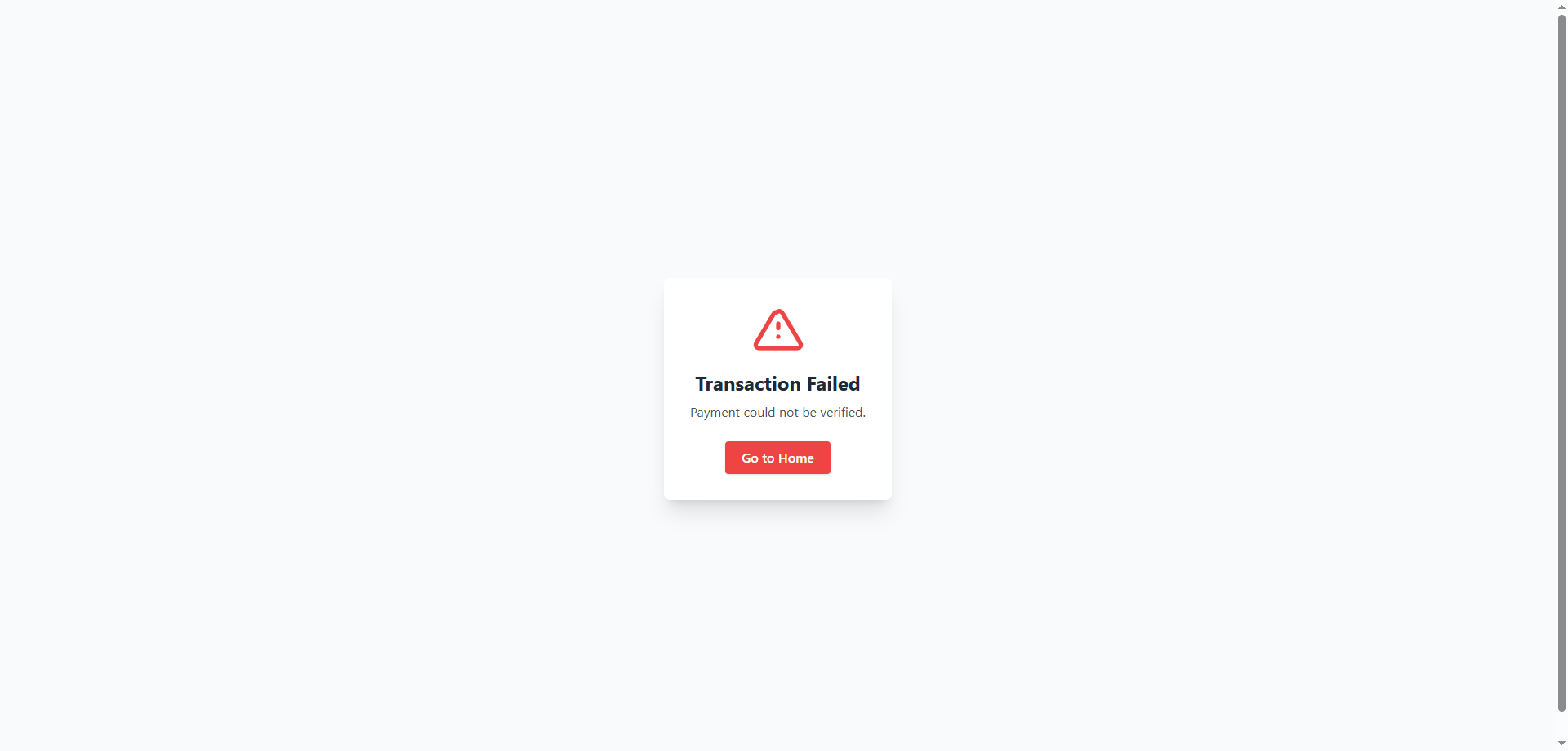
🧩 Bkash: Laravel Web Example
<div class="max-w-sm bg-white rounded-lg shadow-md p-6">
    <img
        class="rounded-md w-full h-48 object-cover mb-4"
        src="https://placehold.co/400x300"
        alt="Product Image"
    />
    <h2 class="text-2xl font-semibold mb-2">Awesome Product</h2>
    <p class="text-gray-600 mb-4">
        This is a description of the awesome product that you will love!
    </p>
    <p class="text-lg font-bold mb-4">$49.99</p>

    <!-- Buy Form -->
    <form id="buy-form" method="POST" action="{{ route("gateway.bkash.index") }}">
        @csrf
        <input type="hidden" name="amount" value="49.99" />

        <button
            type="submit"
            class="w-full bg-blue-600 hover:bg-blue-700 text-white font-semibold py-3 rounded-md transition-colors"
        >
            Buy Now
        </button>
    </form>
</div>
🧪 Bkash: API with Sanctum/Passport
Ensure Bearer token is sent in the
Authorizationheader.
<!DOCTYPE html> <html lang="{{ str_replace('_', '-', app()->getLocale()) }}"> <head> <meta charset="utf-8" /> <meta name="viewport" content="width=device-width, initial-scale=1" /> <title>Product Card</title> <!-- Tailwind CSS CDN --> <script src="https://cdn.tailwindcss.com"></script> <!-- jQuery --> <script src="https://code.jquery.com/jquery-3.6.0.min.js"></script> <!-- bKash sandbox script --> <script src="https://scripts.sandbox.bka.sh/versions/1.2.0-beta/checkout/bKash-checkout-sandbox.js"></script> <!--bKash production script--> <!--<script src="https://scripts.pay.bka.sh/versions/1.2.0-beta/checkout/bKash-checkout.js"></script> --> </head> <body> <div class="max-w-sm bg-white rounded-lg shadow-md p-6 text-center"> <img class="rounded-md w-full h-48 object-cover mb-4" src="https://placehold.co/400x300" alt="Product Image" /> <h2 class="text-2xl font-semibold mb-2">Awesome Product</h2> <p class="text-gray-600 mb-4">This is a description of the awesome product that you will love!</p> <p class="text-lg font-bold mb-4">৳ <span id="amount">49.9</span></p> <button id="payBtn" class="w-full bg-blue-600 hover:bg-blue-700 text-white font-semibold py-3 rounded-md transition-colors"> Buy Now </button> <button id="bKash_button" class="hidden"></button> <!-- Message Container --> <div id="message-container" class="hidden mt-6 px-4 py-3 rounded-md shadow-lg text-white text-base font-medium flex items-center justify-between transition duration-300"> <span id="message-text"></span> <button type="button" id="close-message" class="ml-4 text-xl font-bold leading-none focus:outline-none hover:text-gray-300">×</button> </div> </div> <!-- Axios CDN --> <script src="https://cdn.jsdelivr.net/npm/axios/dist/axios.min.js"></script> <script> $(document).ready(function () { const bkashMode = 'sandbox'; // or 'production' based on your config const baseUrl = "http://payment-gateway.test"; // Replace with your gateway base URL const token = "1|REIxipB582kMpqcQSy8J5iJaMeBoCF0g79NJcH1U6474785d"; // Replace with real token const payAmount = document.getElementById('amount').innerText; let paymentID = null; let tranId = ""; // Axios global headers axios.defaults.headers.common['Authorization'] = `Bearer ${token}`; axios.defaults.headers.common['Content-Type'] = 'application/json'; const messageContainer = $('#message-container'); const messageText = $('#message-text'); let messageTimeout = null; function showMessage(message, type = 'error') { const typeClasses = { error: 'bg-red-500', success: 'bg-green-500', info: 'bg-blue-500', }; const bgClass = typeClasses[type] || 'bg-gray-600'; if (messageTimeout) clearTimeout(messageTimeout); messageContainer .removeClass('hidden bg-red-500 bg-green-500 bg-blue-500 bg-gray-600') .addClass(bgClass) .fadeIn(); messageText.html(message); messageTimeout = setTimeout(() => redirectToHome(), 5000); } function clearMessage() { if (messageTimeout) clearTimeout(messageTimeout); messageTimeout = null; messageContainer.fadeOut(200, () => { messageText.text(''); messageContainer .removeClass('bg-red-500 bg-green-500 bg-blue-500 bg-gray-600') .addClass('hidden'); }); } function redirectToHome() { window.location.href = "/"; } $('#close-message').on('click', function () { clearMessage(); redirectToHome(); }); function handleAxiosError(error, context = "Request") { const status = error.response?.status; const response = error.response?.data; let msg = ""; if (status === 403) { msg = `${context} failed: Unauthorized. <a href="/" class="underline text-white font-bold ml-2">Home</a>`; } else if (status === 422) { msg = response?.errors ? response.errors[Object.keys(response.errors)[0]][0] : response?.message || "Unprocessable request."; } else if (status === 500) { msg = `${context} failed: Internal Server Error.`; } else { msg = `${context} failed: Unexpected error (status ${status}).`; } showMessage(msg, 'error'); console.error(`${context} error [${status}]:`, error); } bKash.init({ paymentMode: 'checkout', paymentRequest: { amount: payAmount, intent: 'sale', currency: 'BDT' }, createRequest: function (request) { clearMessage(); axios.post(`${baseUrl}/api/gateway/bkash/create`, { amount: payAmount }) .then(response => { const data = response.data; if (data.paymentID) { paymentID = data.paymentID; tranId = data.tran_id; const bkashURL = data.bkashURL || data.paymentURL; if (bkashMode === 'sandbox') { window.location.href = bkashURL; } else { bKash.create().onSuccess(data); } } else { showMessage('Failed to initiate payment.', 'error'); bKash.create().onError(); } }) .catch(error => { handleAxiosError(error, "Create Payment"); bKash.create().onError(); }); }, executeRequestOnAuthorization: function () { clearMessage(); axios.post(`${baseUrl}/api/gateway/bkash/execute`, { transaction_id: tranId }) .then(response => { const data = response.data; if (data.paymentID && data.transactionStatus === 'Completed') { showMessage("✅ Payment successful!", "success"); } else { showMessage("Payment failed or not completed.", "error"); } }) .catch(error => { handleAxiosError(error, "Execute Payment"); }); }, onClose: function () { redirectToHome(); } }); $('#payBtn').on('click', function () { $('#bKash_button').trigger('click'); }); }); </script> </body> </html>
⚛️ Bkash: ReactJS Frontend Integration
- Use the
/api/gateway/bkash/createendpoint to getbkashURL. - Redirect to that URL using
window.location.href.
import React, { useEffect } from 'react';
import axios from 'axios';

const BkashCheckout = ({
  amount = 499,
  baseUrl = 'http://payment-gateway.test',
  token = '',
  mode = 'sandbox',
}) => {
  useEffect(() => {
    const script = document.createElement('script');
    script.src =
      mode === 'sandbox'
        ? 'https://scripts.sandbox.bka.sh/versions/1.2.0-beta/checkout/bKash-checkout-sandbox.js'
        : 'https://scripts.pay.bka.sh/versions/1.2.0-beta/checkout/bKash-checkout.js';
    script.async = true;
    script.onload = () => initializeBkash();
    document.body.appendChild(script);
  }, []);

  const initializeBkash = () => {
    let paymentID = null;
    let tranId = '';

    axios.defaults.headers.common['Authorization'] = `Bearer ${token}`;
    axios.defaults.headers.common['Content-Type'] = 'application/json';

    window.bKash.init({
      paymentMode: 'checkout',
      paymentRequest: {
        amount: amount.toString(),
        intent: 'sale',
        currency: 'BDT',
      },
      createRequest: (request) => {
        axios
          .post(`${baseUrl}/api/gateway/bkash/create`, { amount })
          .then((res) => {
            const data = res.data;
            if (data.paymentID) {
              paymentID = data.paymentID;
              tranId = data.tran_id;
              const bkashURL = data.bkashURL || data.paymentURL;
              if (mode === 'sandbox') {
                window.location.href = bkashURL;
              } else {
                window.bKash.create().onSuccess(data);
              }
            } else {
              alert('Failed to initiate payment.');
              window.bKash.create().onError();
            }
          })
          .catch((err) => {
            console.error('Create Payment Error:', err);
            window.bKash.create().onError();
          });
      },
      executeRequestOnAuthorization: () => {
        axios
          .post(`${baseUrl}/api/gateway/bkash/execute`, { transaction_id: tranId })
          .then((res) => {
            const data = res.data;
            if (data.paymentID && data.transactionStatus === 'Completed') {
              alert('✅ Payment successful!');
            } else {
              alert('❌ Payment failed or not completed.');
            }
          })
          .catch((err) => {
            console.error('Execute Payment Error:', err);
          });
      },
      onClose: () => {
        // cancel is build in method you can skip this
         axios
          .post(`${baseUrl}/api/gateway/bkash/cancel`, { transaction_id: tranId })
          .then((res) => {
            const data = res.data;
            if (data.paymentID && data.transactionStatus === 'Completed') {
              alert('✅ Payment successful!');
            } else {
              alert('❌ Payment failed or not completed.');
            }
          })
          .catch((err) => {
            console.error('Execute Payment Error:', err);
          });
      },
        window.location.href = '/';
      },
    });
  };

  const handleClick = () => {
    const bkashBtn = document.getElementById('bKash_button');
    if (bkashBtn) bkashBtn.click();
  };

  return (
    <div className="bg-white max-w-sm mx-auto p-6 rounded shadow text-center">
      <img
        src="https://placehold.co/400x300"
        alt="Product"
        className="w-full h-48 object-cover rounded mb-4"
      />
      <h2 className="text-xl font-semibold mb-2">Awesome Product</h2>
      <p className="text-gray-600 mb-2">Buy the best product with confidence.</p>
      <p className="text-lg font-bold mb-4">৳ {amount}</p>
      <button
        className="bg-blue-600 hover:bg-blue-700 text-white py-2 px-4 rounded w-full"
        onClick={handleClick}
      >
        Buy Now
      </button>
      <button id="bKash_button" className="hidden"></button>
    </div>
  );
};

export default BkashCheckout;
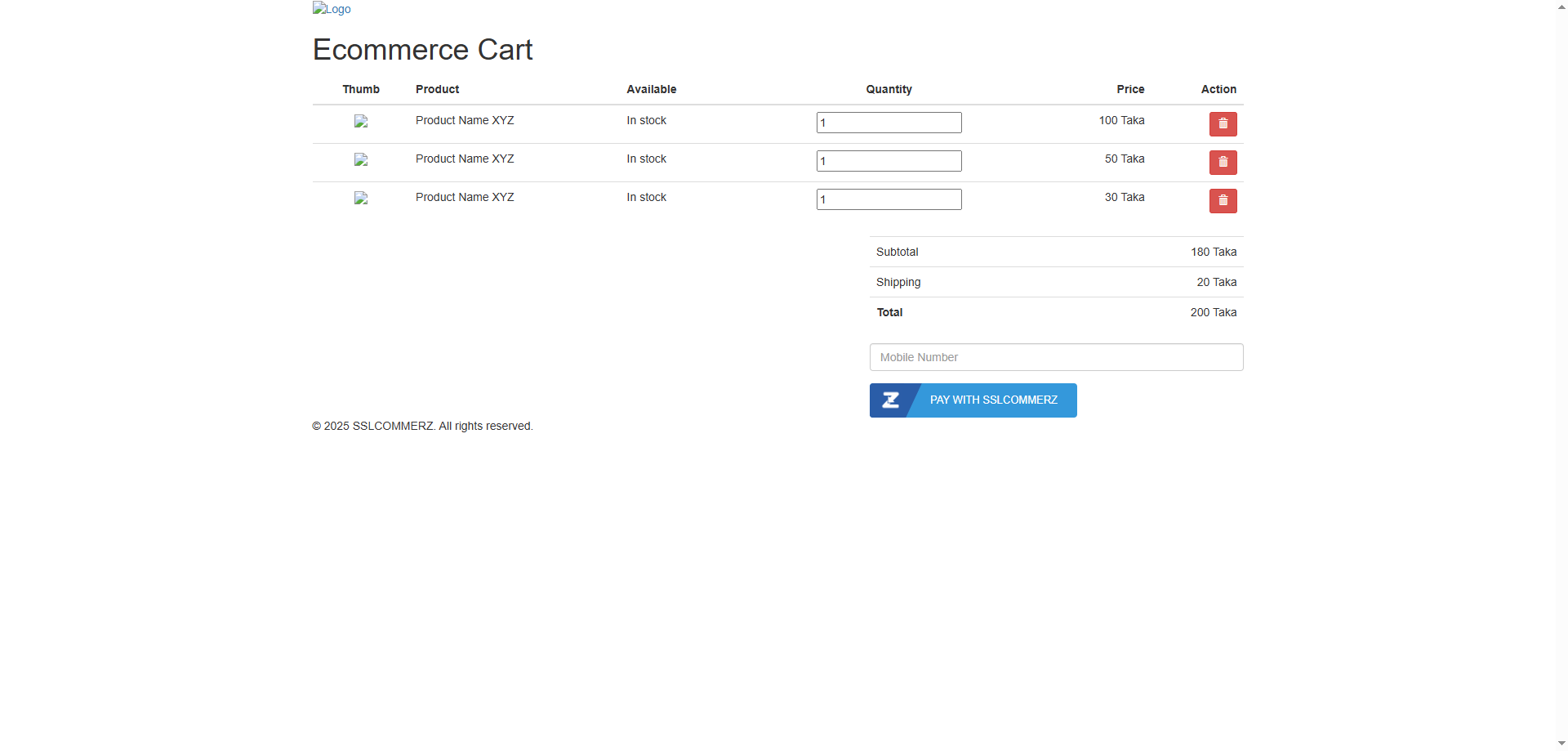
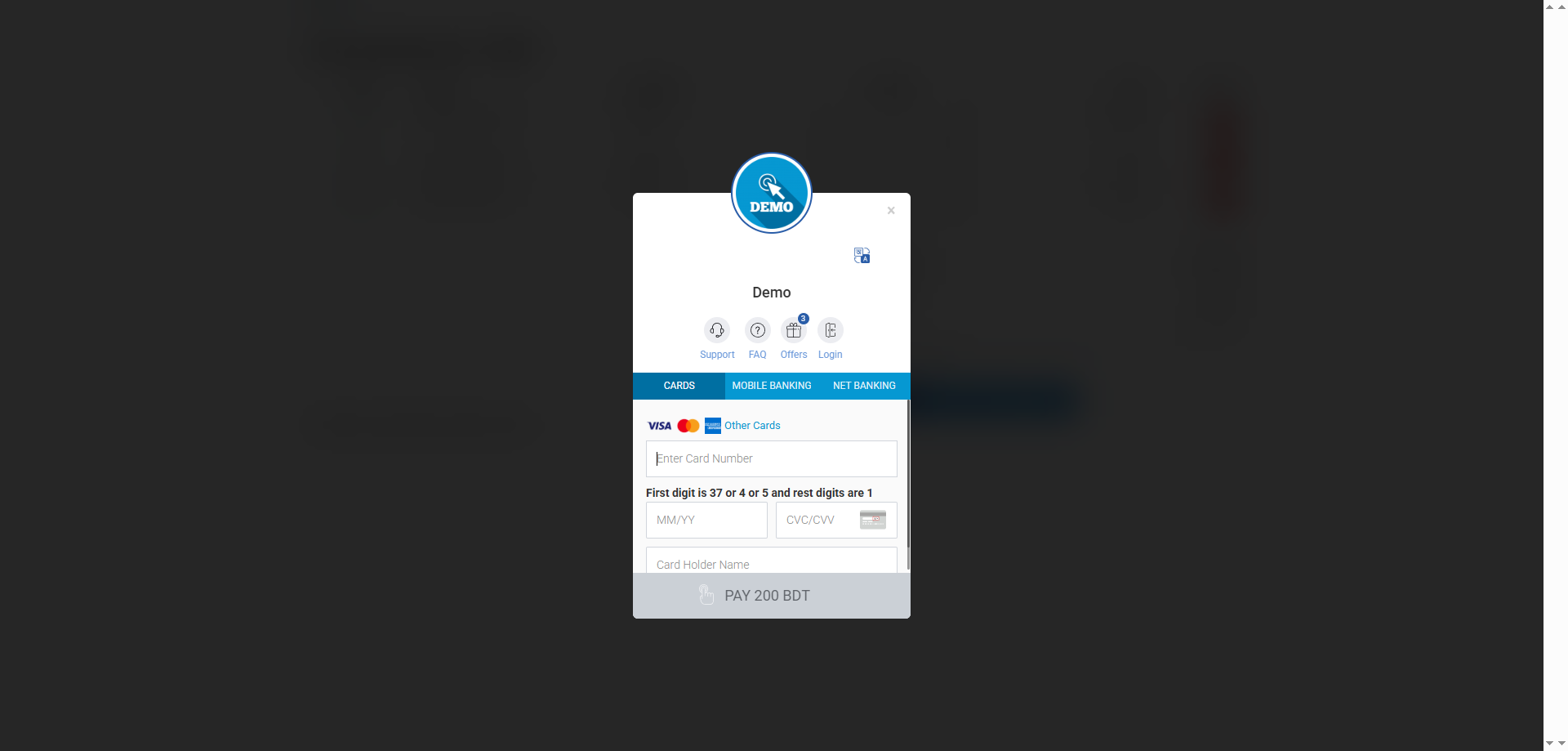
🧩 SSLCommerz: Laravel Web Example
<!-- resources/views/cart.blade.php -->
<button type="button"
        id="sslczPayBtn"
        order="68baecc3951fd"
        postdata=""
        endpoint="{{ url('/api/gateway/sslcommerz/create') }}"
        actionurl="{{ url('/api/gateway/sslcommerz/create') }}"
        class="btn btn-primary">
    Pay With SSLCOMMERZ
</button>

<input type="text" class="form-control cus_phone" placeholder="Mobile Number">

<script src="https://sandbox.sslcommerz.com/embed.min.js"></script>
<script>
    function updatePaymentData() {
        let obj = {
            cus_phone: document.querySelector('.cus_phone').value,
            amount: document.querySelector('.total_amount')?.value || 200
        };
        document.getElementById('sslczPayBtn').setAttribute('postdata', JSON.stringify(obj));
    }
    document.querySelector('.cus_phone').addEventListener('change', updatePaymentData);
    updatePaymentData();
</script>
⚛️ SSLCommerz: ReactJS Example
import { useEffect, useState } from "react";

export default function SslCommerzCheckout() {
  const [phone, setPhone] = useState("");
  const [amount, setAmount] = useState(200); // example static total

  useEffect(() => {
    // Load SSLCOMMERZ embed script
    const script = document.createElement("script");
    script.src = "https://sandbox.sslcommerz.com/embed.min.js?" + Math.random().toString(36).substring(7);
    script.async = true;
    document.body.appendChild(script);
  }, []);

  const handleClick = () => {
    const obj = { cus_phone: phone, amount };
    const btn = document.getElementById("sslczPayBtn");
    btn.setAttribute("postdata", JSON.stringify(obj));
  };

  return (
    <div>
      <input
        type="text"
        placeholder="Mobile Number"
        value={phone}
        onChange={(e) => setPhone(e.target.value)}
        className="border p-2 mb-2"
      />

      <button
        id="sslczPayBtn"
        order="68baecc3951fd"
        endpoint="/api/gateway/sslcommerz/create"
        actionurl="/api/gateway/sslcommerz/create"
        className="bg-blue-600 text-white px-4 py-2 rounded"
        onClick={handleClick}
      >
        Pay With SSLCOMMERZ
      </button>
    </div>
  );
}
🧩 Extending
You can add more gateways by extending the drivers in
packages/rmdmostakim/bdpayment/src/Drivers and updating the config.
🪪 License
MIT