
isahaq / barcode

A universal barcode generator package supporting 32+ barcode types and multiple output formats (PNG, SVG, HTML, JPG, PDF), with batch generation, validation, CLI, and full Laravel integration.
Requires
- php: ^8.0
- ext-mbstring: *
- illuminate/support: ^8.0 || ^9.0 || ^10.0 || ^11.0 || ^12.0
Requires (Dev)
- friendsofphp/php-cs-fixer: ^3.0
- phpunit/phpunit: ^9.6
Suggests
None
Provides
None
Conflicts
None
Replaces
None
README
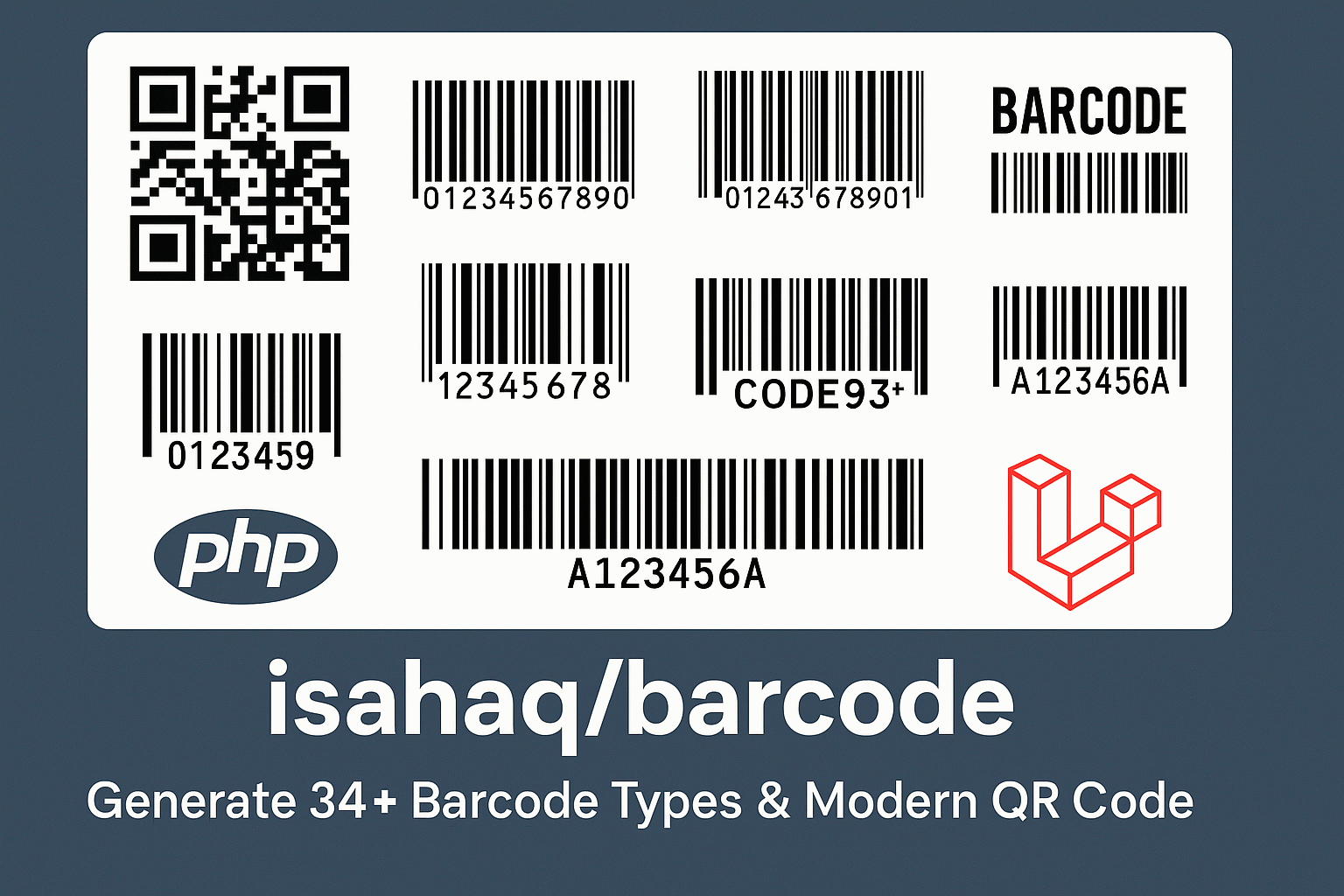
isahaq/barcode
A dependency-free PHP barcode generator: 44 barcode types, multiple output formats, a CLI, and first-class Laravel integration.
Table of Contents
- Features
- Requirements
- Installation
- Quick Start
- Usage
- Laravel
- Command Line
- Supported Barcode Types
- Output Formats
- Rendering Options
- Known Limitations
- Testing
- Contributing
- Security
- Changelog
- License
Features
- 44 barcode types — linear, EAN/UPC, postal, 2D matrix, and stacked symbologies
- Multiple output formats — PNG, SVG, and HTML built in; JPG and PDF via dedicated renderers
- QR codes — including centered logos, labels, and selectable error-correction levels
- Laravel integration — auto-discovered service provider and
Barcodefacade - Batch generation — encode many payloads through one type/renderer pair
- Validation — check a payload against a symbology before you render it
- No runtime Composer dependencies — pure PHP plus standard extensions
Requirements
| Requirement | Notes |
|---|---|
| PHP >= 8.0 | |
ext-mbstring |
Required. |
ext-gd |
Required for PNG and JPG output. SVG and HTML work without it. |
illuminate/support 8–12 |
Only needed for the Laravel facade and service provider. |
setasign/fpdf (or any FPDF class) |
Optional, only for PDF output. |
Installation
composer require isahaq/barcode
On Laravel 5.5+ the service provider and facade are registered automatically via package
discovery. For older versions, register them by hand in config/app.php:
'providers' => [
    Isahaq\Barcode\Providers\BarcodeServiceProvider::class,
],

'aliases' => [
    'Barcode' => Isahaq\Barcode\Facades\Barcode::class,
],
Quick Start
use Isahaq\Barcode\Services\BarcodeService;

$barcode = new BarcodeService();

// PNG bytes for a Code 128 barcode
file_put_contents('barcode.png', $barcode->png('1234567890'));

// An SVG EAN-13
file_put_contents('barcode.svg', $barcode->svg('590123412345', 'ean13'));

// Inline in a web page
$png = $barcode->png('ABC123', 'code39');
echo '<img src="data:image/png;base64,' . base64_encode($png) . '" alt="Barcode">';
Every method returns the encoded image as a string of bytes — write it to disk, stream it in a
response, or base64-encode it into an <img> tag.
Usage
Plain PHP
Compose a type and a renderer directly when you want full control:
use Isahaq\Barcode\Types\Code128;
use Isahaq\Barcode\Renderers\PNGRenderer;

$type     = new Code128();
$renderer = new PNGRenderer();

$barcode = $type->encode('1234567890');
$png     = $renderer->render($barcode, ['height' => 80, 'width' => 3]);

file_put_contents('barcode.png', $png);
Colours are set on the renderer, not through the options array:
$renderer = new PNGRenderer();
$renderer->setForegroundColor([220, 38, 38]);   // RGB
$renderer->setBackgroundColor([255, 255, 255]);

$png = $renderer->render($barcode);
The service class
BarcodeService resolves types and renderers from strings, which is usually more convenient:
use Isahaq\Barcode\Services\BarcodeService;

$service = new BarcodeService();

$service->png('1234567890', 'code128');
$service->svg('590123412345', 'ean13');
$service->html('ABC-123', 'code39');

// The general form: make(type, format, data, options)
$service->make('code128', 'png', '1234567890', [
    'height' => 60,
    'width'  => 2,
    'margin' => 10,
]);
Unknown type names fall back to Code 128, and unknown formats fall back to PNG — validate input yourself if that matters to you.
QR codes
QR codes are generated through ModernQRCode, which supports logos, labels, and error correction:
use Isahaq\Barcode\Utils\ModernQRCode;

$qr = new ModernQRCode();
$qr->setData('https://example.com')
   ->setSize(300)
   ->setMargin(10)
   ->setErrorCorrection('H')          // L, M, Q, or H
   ->setForegroundColor([0, 0, 0])
   ->setBackgroundColor([255, 255, 255])
   ->setLabel('Scan me')
   ->setLogo('path/to/logo.png', 60); // 60 = logo size in pixels

file_put_contents('qr.png', $qr->writeString());
// or write straight to disk
$qr->writeFile('qr.png');
Use error-correction level H whenever you overlay a logo, so the code stays scannable.
Batch generation
BatchGenerator::generate() is static and takes an instantiated type and renderer. It returns an
array of encoded images keyed in the same order as the input:
use Isahaq\Barcode\Utils\BatchGenerator;
use Isahaq\Barcode\Types\Code128;
use Isahaq\Barcode\Renderers\PNGRenderer;

$images = BatchGenerator::generate(
    new Code128(),
    new PNGRenderer(),
    ['ABC123', 'DEF456', 'GHI789'],
    ['height' => 60]
);

foreach ($images as $i => $png) {
    file_put_contents("barcode-{$i}.png", $png);
}
Validation
Validator::validate() is static and accepts an optional by-reference error message:
use Isahaq\Barcode\Utils\Validator;
use Isahaq\Barcode\Types\EAN13;

$error = null;

if (Validator::validate(new EAN13(), '5901234123457', $error)) {
    // safe to render
} else {
    echo $error; // "Invalid data for barcode type."
}
Laravel
The facade proxies to BarcodeService, so every service method is available statically:
use Isahaq\Barcode\Facades\Barcode;

Barcode::png('1234567890', 'code128');
Barcode::svg('590123412345', 'ean13');
Barcode::make('code39', 'png', 'ABC-123', ['height' => 60]);
Return a barcode straight from a controller or route:
Route::get('/barcode/{data}', function (string $data) {
    return response(Barcode::png($data, 'code128'))
        ->header('Content-Type', 'image/png');
});
The facade also exposes a modernQr() helper that takes a single options array:
$qr = Barcode::modernQr([
    'data'              => 'https://example.com',
    'size'              => 300,
    'margin'            => 10,
    'error_correction'  => 'H',
    'foreground_color'  => [0, 0, 0],
    'background_color'  => [255, 255, 255],
    'label'             => 'Scan me',
    'logoPath'          => public_path('images/logo.png'),
    'logoSize'          => 60,
]);

return response($qr)->header('Content-Type', 'image/png');
In Blade templates:
<img src="data:image/png;base64,{{ base64_encode(Barcode::png('1234567890')) }}" alt="Barcode">

<img src="data:image/png;base64,{{ base64_encode(Barcode::modernQr(['data' => 'https://example.com'])) }}" alt="QR code">
Resolve the service from the container if you prefer injection over the facade:
public function show(Request $request, \Isahaq\Barcode\Services\BarcodeService $barcode)
{
    return response($barcode->png($request->input('data'), 'code128'))
        ->header('Content-Type', 'image/png');
}
Command Line
The package ships a small generator script:
php vendor/isahaq/barcode/src/CLI/generate.php --data="1234567890" --output=barcode.png
Omit --output to write the raw image to STDOUT. Note that this script currently always emits a
Code 128 PNG — see Known Limitations.
Supported Barcode Types
Pass any of these names as the $type argument. Names are case-insensitive.
Code 128 family
code128 · code128a · code128b · code128c · code128auto
Code 39 family
code39 · code39checksum · code39e · code39echecksum · code39auto
Other linear
code93 · code25 · code25auto · code32 (Italian Pharmacode) · standard25 ·
standard25checksum · interleaved25 · interleaved25checksum · interleaved25auto ·
msi · msichecksum · msiauto
EAN / UPC
ean2 · ean5 · ean8 · ean13 · itf14 · upca · upce
Postal
postnet · planet · rms4cc · kix · imb
Specialized
codabar · code11 · pharmacode · pharmacodetwotracks
2D matrix
datamatrix · aztec · pdf417 · maxicode
Stacked linear
code16k · code49
Choosing a type
| Type | Example payload | Best for |
|---|---|---|
code128 |
ABC123 |
General purpose, high density |
code39 |
ABC-123 |
Alphanumeric, inventory, legacy scanners |
ean13 |
5901234123457 |
Retail products (13 digits) |
ean8 |
96385074 |
Small retail products (8 digits) |
upca |
036000291452 |
North American retail |
itf14 |
12345678901231 |
Shipping cartons |
codabar |
A12345A |
Libraries, blood banks (needs A–D start/stop) |
datamatrix |
Any data | Tiny marking areas, pharmaceutical |
pdf417 |
Large data | ID cards, documents, boarding passes |
| Modern QR | Any data | URLs, contact details, payments |
Output Formats
| Format | How to get it | Notes |
|---|---|---|
| PNG | png() / make(..., 'png', ...) |
Requires ext-gd. |
| SVG | svg() / make(..., 'svg', ...) |
Scalable, no extensions needed. |
| HTML | html() / make(..., 'html', ...) |
<div> markup, no extensions needed. |
| JPG | new JPGRenderer() directly |
Requires ext-gd. Not resolvable by format string. |
new PDFRenderer() directly |
Requires an FPDF class to be installed. |
JPG and PDF are not wired into the service's format resolver, so request them through their renderers:
use Isahaq\Barcode\Types\Code128;
use Isahaq\Barcode\Renderers\JPGRenderer;

$jpg = (new JPGRenderer())->render((new Code128())->encode('1234567890'));
file_put_contents('barcode.jpg', $jpg);
Rendering Options
Options are passed as the last argument to render(), make(), png(), svg(), and html().
PNG renderer
| Option | Default | Description |
|---|---|---|
width |
3 |
Width multiplier per module, not the total pixel width. |
height |
50 |
Barcode height in pixels. |
margin |
20 |
Space around the symbol. |
text |
the encoded data | Human-readable line; pass ' ' to hide it. |
font_size |
5 |
Built-in GD font size, 1–5. |
narrow / wide |
2 / 5 |
Narrow and wide bar widths for two-width symbologies. |
quiet_zone |
10 |
Quiet zone width for symbologies that require one. |
module_size |
8 |
Module size for 2D matrix types. |
SVG renderer
| Option | Default | Description |
|---|---|---|
widthFactor |
2 |
Width multiplier per module. |
height |
50 |
Barcode height. |
Foreground and background colours are set with setForegroundColor() and setBackgroundColor()
on the renderer instance, and are ignored if passed in the options array.
Known Limitations
Being upfront about the rough edges in the current release:
qrcodeandmicroqrare not usable as type names.BarcodeService::make('qrcode', ...)andQrCodeBuilderboth reference classes that are not shipped and will throwError: Class not found. UseModernQRCodeorBarcode::modernQr()instead.- The CLI ignores
--typeand--format. It always produces a Code 128 PNG. It also resolves the autoloader relative to the package directory, so it is most reliable when run from a clone. jpgandpdfare not valid format strings. Requesting them frommake()silently returns PNG. InstantiateJPGRendererorPDFRendererdirectly.ext-gdis not declared incomposer.jsoneven though PNG and JPG output need it.
Contributions that close any of these gaps are very welcome.
Testing
composer test
Or run PHPUnit directly:
vendor/bin/phpunit
Other useful scripts:
composer format   # apply PHP-CS-Fixer
composer lint     # syntax-check src/ and tests/
Contributing
Pull requests are welcome. Please read CONTRIBUTING.md first; in short:
- Fork the repository and create a branch off
main. - Follow PSR-12 and keep the existing code style.
- Add tests for anything you change.
- Make sure
composer testpasses, then open a pull request.
By participating you agree to the Code of Conduct.
Security
If you discover a security issue, please review SECURITY.md and report it privately to hmisahaq01@gmail.com rather than opening a public issue.
Changelog
See CHANGELOG.md for release history.
License
Released under the MIT License.
Credits
Built and maintained by Isahaq. Thanks to everyone who has reported issues and contributed improvements.
Found this useful? Consider starring the repository.