
adscout-io / magento-connector
The connector module provides the ability to integrate with Adscout.io platform
Maintainers

Package info
github.com/adscout-io/magento-connector
Type:magento2-module
pkg:composer/adscout-io/magento-connector
Requires
- php: ^7||^8
- magento/framework: ^103
This package is auto-updated.
Last update: 2026-08-21 18:37:06 UTC
README
Table of contents
Summary
This module enable integration between AdScout platform and your Magneto/Adobe Commerce store.
Installation
composer require adscout-io/magento-connector
bin/magento module:enable AdScout_Connector
bin/magento setup:upgrade
Setup
Login in admin panel of your store and go to:
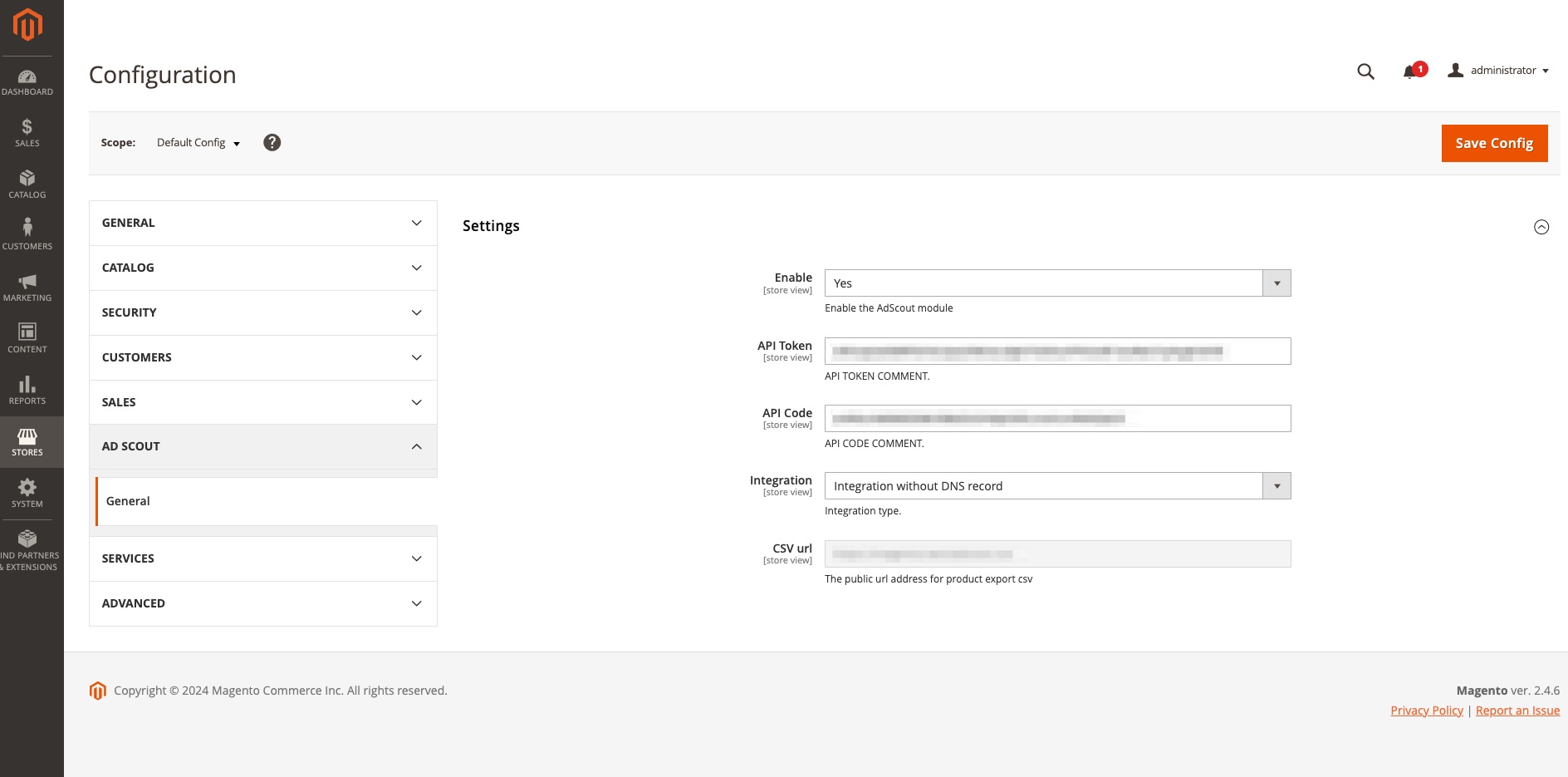
Stores -> Configuration -> AdScout -> General
Set Enable to Yes
bin/magento cache:flush
Congratulations! You have successfully enabled our Magento/Adobe Commerce plugin for your store.
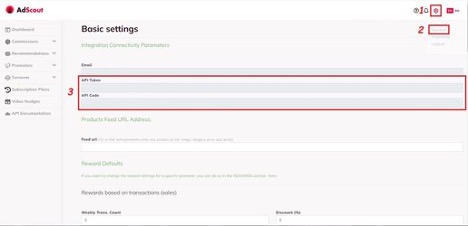
Now login to your AdScout profile. After successful login press the gear icon in the upper right corner (1), from the drop-down menu choose General (2) and find API Token and API Code (3).
Copy and paste them in the fields API Token and API Code in Magento/Adobe Commerce module.
Select integration type.
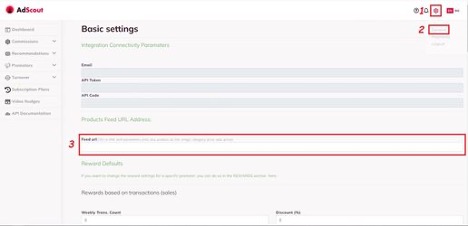
Copy CSV url address and paste it in the field Feed URL (3) in the settings of your AdScout profile. In order to open the settings, press the gear (1) icon in the upper right corner and from the drop-down choose General (2). After you have completed the step scroll down to the bottom of the page and press the button Update to save the changes.
Go back to admin panel of your Magento/Adobe Commerce store and click Save Config button in top right corner and flush the cache. You can do it through admin panel or with command: